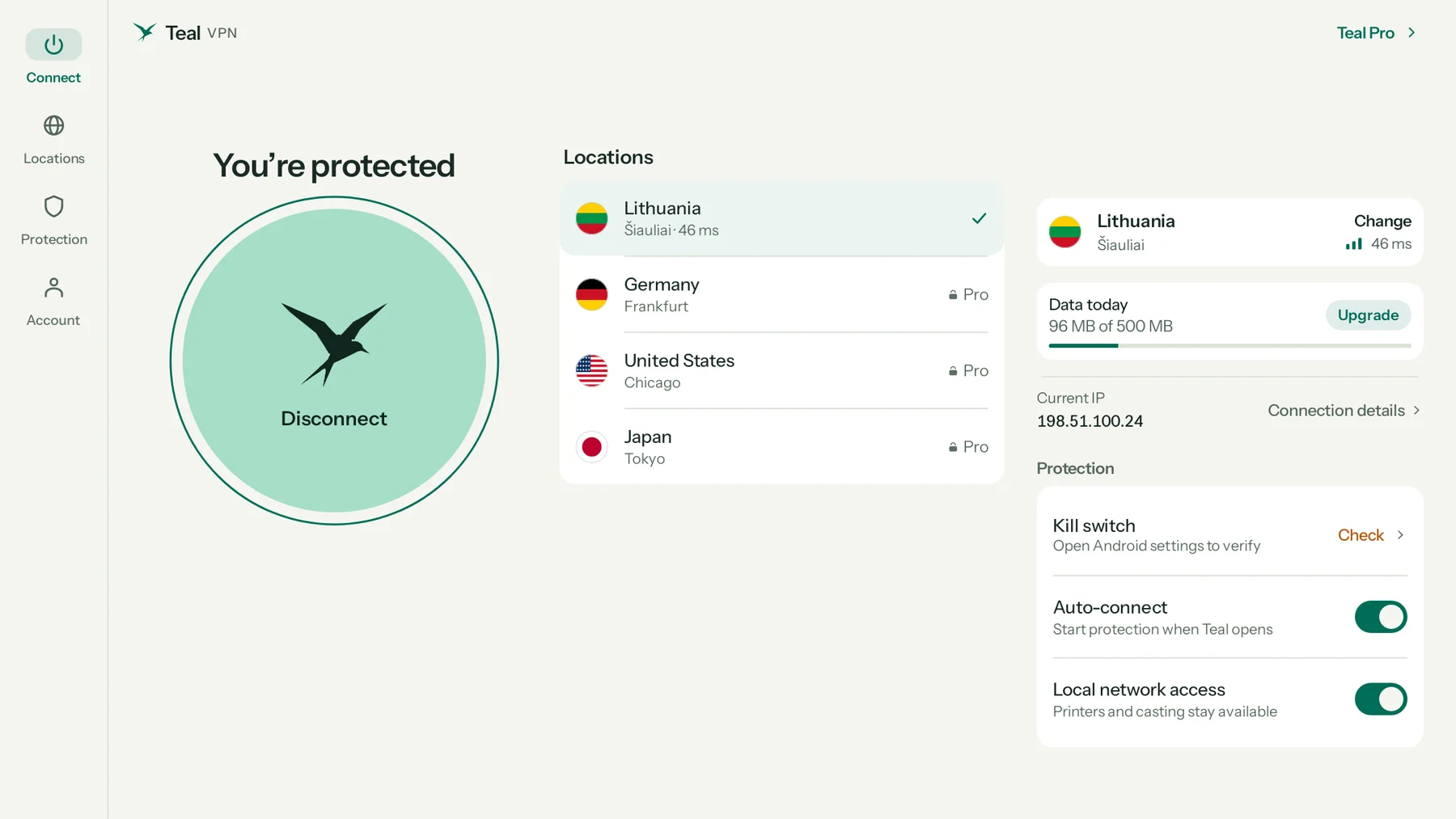
Made for the laptop screen
Everything on one page.
Connect on the left, every location in the middle, your connection and protection on the right. Resize the window and Teal adapts; make it small and it becomes the compact phone layout.
Teal VPN for Chromebook On Google Play
Install Teal from Google Play and your whole Chromebook goes private: the Chrome browser, Android apps and web apps. A layout made for the laptop screen, one click to connect, and 500 MB free every day with no card.
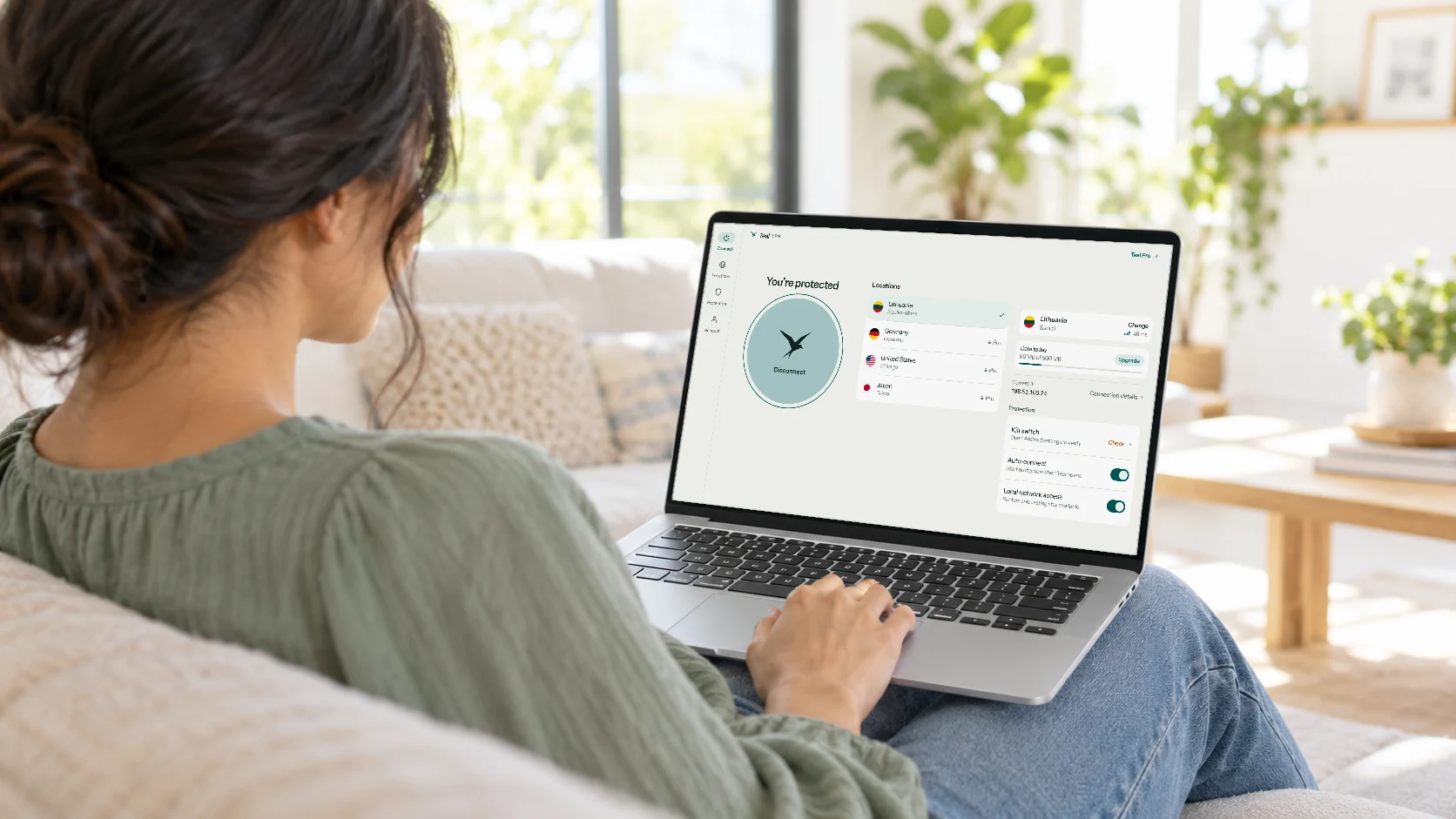
Made for the laptop screen
Connect on the left, every location in the middle, your connection and protection on the right. Resize the window and Teal adapts; make it small and it becomes the compact phone layout.
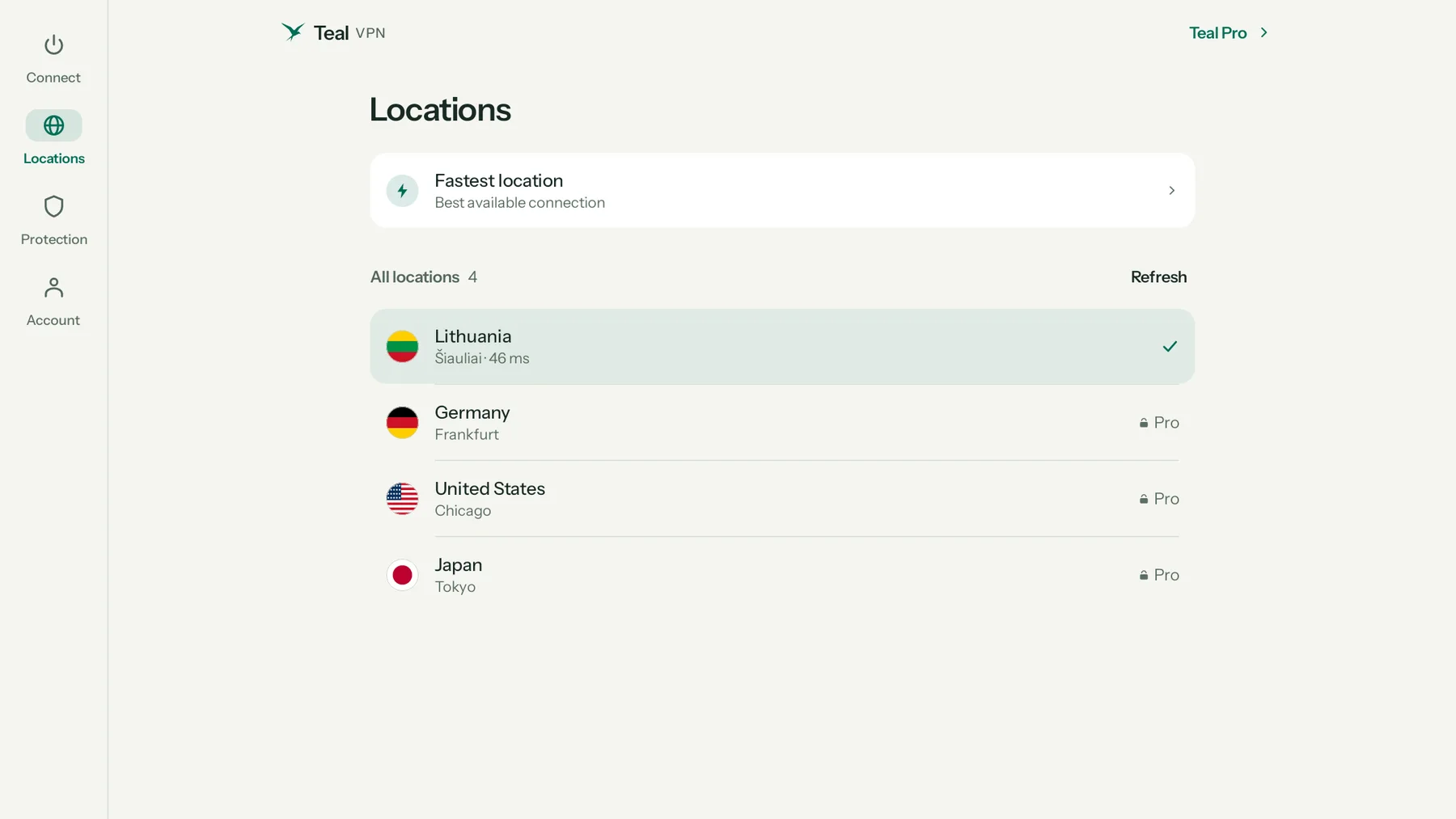
Your whole Chromebook
Teal works as the Chromebook’s VPN, so the Chrome browser, Android apps and web apps all go through it. Pick a country with one click; Lithuania is free, Teal Pro opens them all.
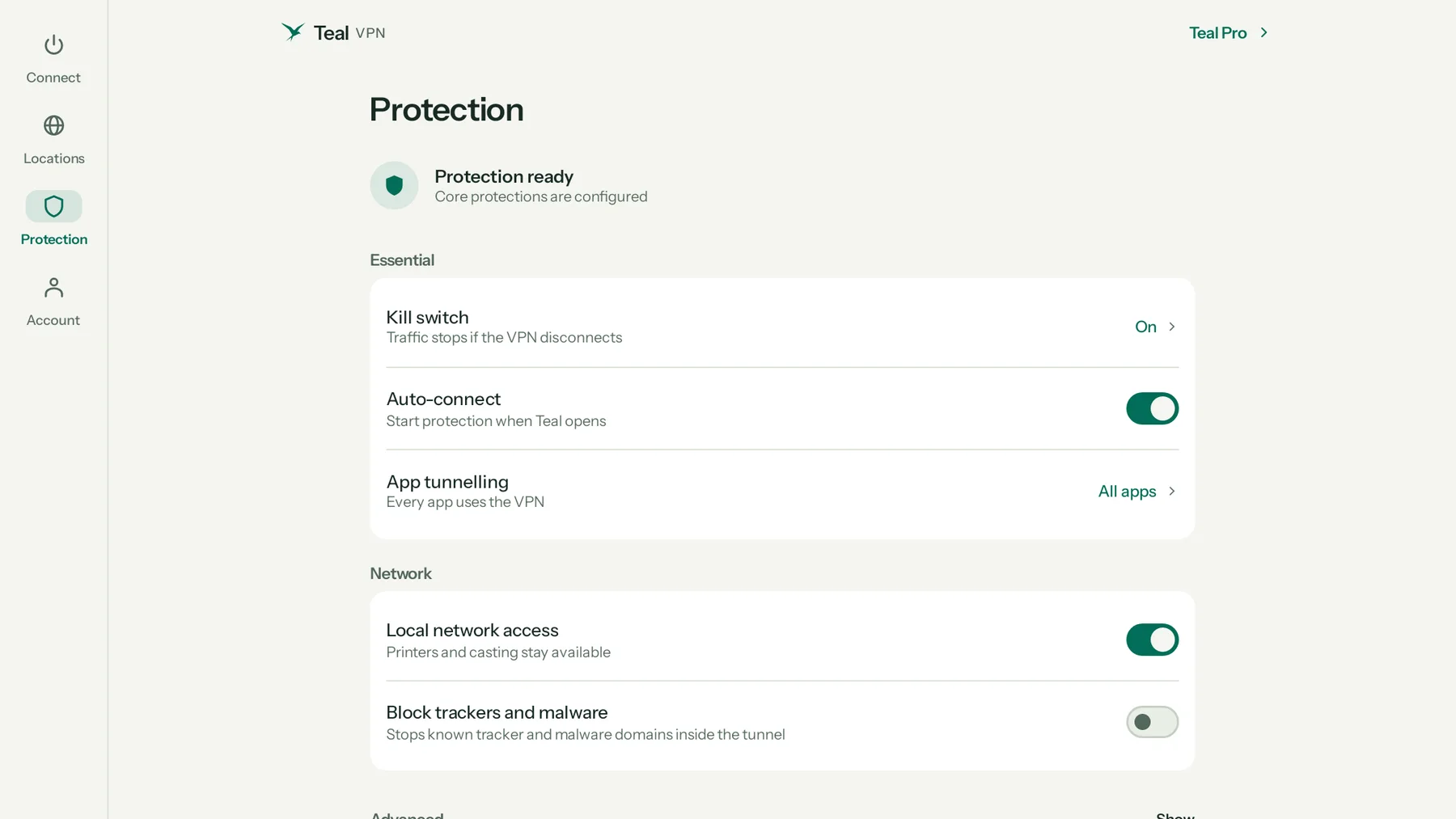
Protection
Check the kill switch, turn on auto-connect, keep printers and casting reachable, and block tracker and malware domains. Mouse, touchpad and keyboard all work: Esc closes a page, Enter sends.
We count the data you use, never what you do with it. Your connection IP address is not stored.
Your private key is created on your device and never sent to Teal.
Teal is paid for by Pro subscribers, not by selling your attention.
Plans
One account works on every Teal device.
Teal Free
Teal Pro
Getting started
Open the Play Store on your Chromebook and search “Teal VPN”, or use the button on this page.
Continue with Google or with your email. Free accounts take a minute and need no card.
The first time, ChromeOS asks once if Teal may set up a VPN. Choose OK.
If you use Linux on your Chromebook, Linux apps don’t go through Teal. Chrome, Android apps and web apps do.
A Chromebook managed by a school or company may block VPN apps or Google Play. Ask your administrator.
To stop anything leaving without Teal, turn on Always-on VPN for Teal in the Chromebook’s network settings. Teal’s Check button opens the right place.
Your plan belongs to your account, so the same sign-in works on your phone, TV and Chromebook.
Questions
Yes. Teal Free works on Chromebooks with 500 MB of data every day, the Lithuania location and up to 2 devices, with no payment details.
Yes. Teal installs from Google Play and runs as the Chromebook’s VPN, so Chrome, Android apps and web apps all go through it. Linux apps are the exception.
No. A browser extension only covers Chrome. The Teal app from Google Play protects the whole Chromebook.
Only if your school allows Google Play and VPN apps. Managed Chromebooks often block them; ask your administrator.
Yes. Your plan belongs to your account, and the Chromebook counts as one of its devices.
Start free with 500 MB every day. No card needed.
Apple, iPhone, iPad, Mac, MacBook Air, MacBook Pro, macOS, and App Store are trademarks of Apple Inc., registered in the U.S. and other countries. Android, Android TV, Google TV and Google Play are trademarks of Google LLC. Windows is a trademark of the Microsoft group of companies. Teal VPN is not affiliated with or endorsed by these companies.