Teal VPN for Windows Planned

Teal for Windows is on its way.

A private VPN for your Windows 10 or Windows 11 PC and laptop, with the same Free plan of 500 MB every day, no ads, and no browsing logs. Join the list and we email you once, when it is ready.

  • 500 MB free every day
  • No card needed
  • Windows 10 and 11 planned
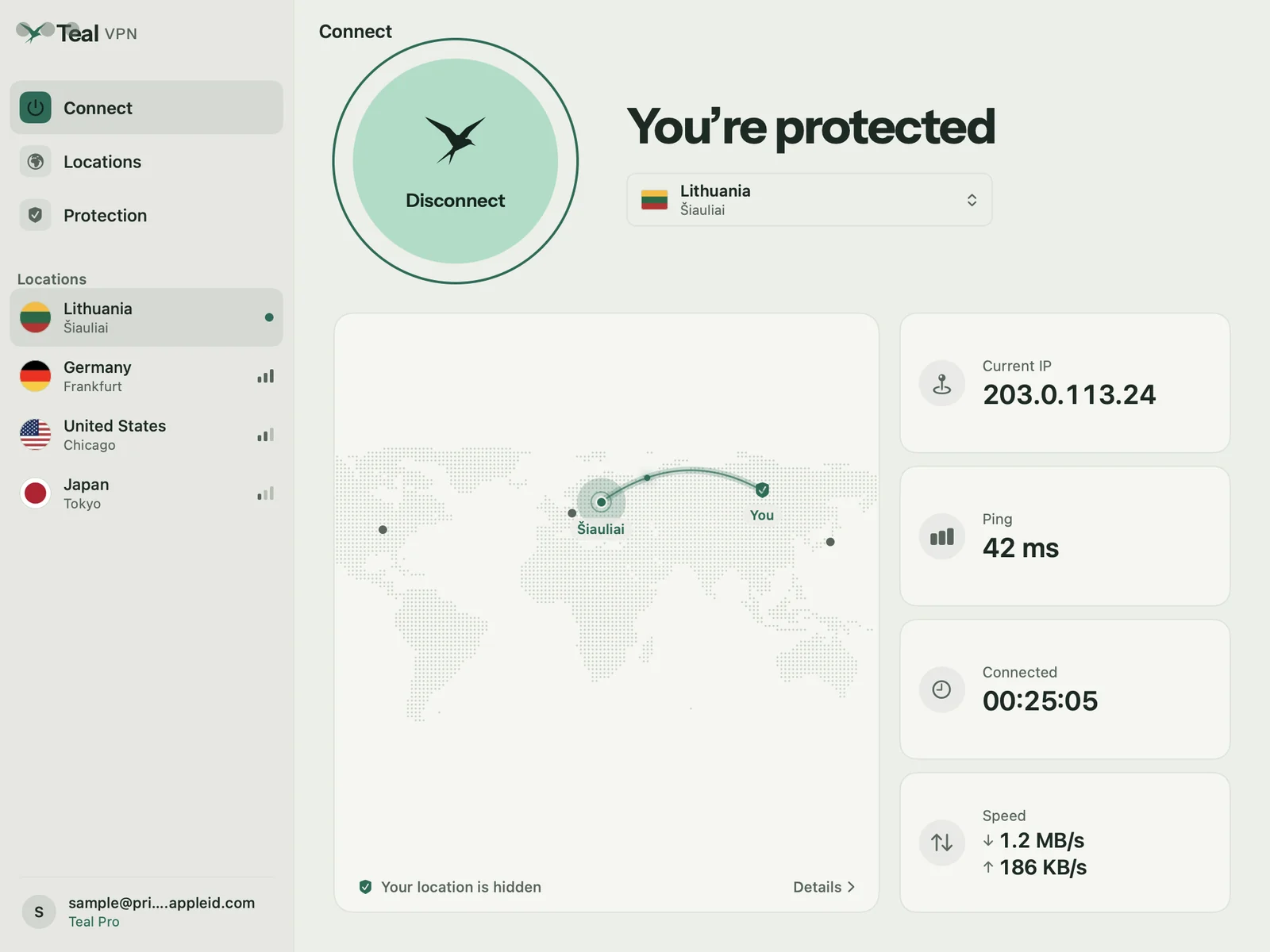
Teal VPN for Mac, the desktop design Teal for Windows starts from
Shown: Teal for Mac. The Windows app is planned.
Teal VPN for Mac dashboard (shown as a preview of desktop Teal)

The desktop design

Built for big screens.

Teal for Mac shows where desktop Teal is going: one button to connect, a map of your connection, and your IP address, ping, and speed at a glance. The Windows app is planned with the same plan and the same privacy promises.
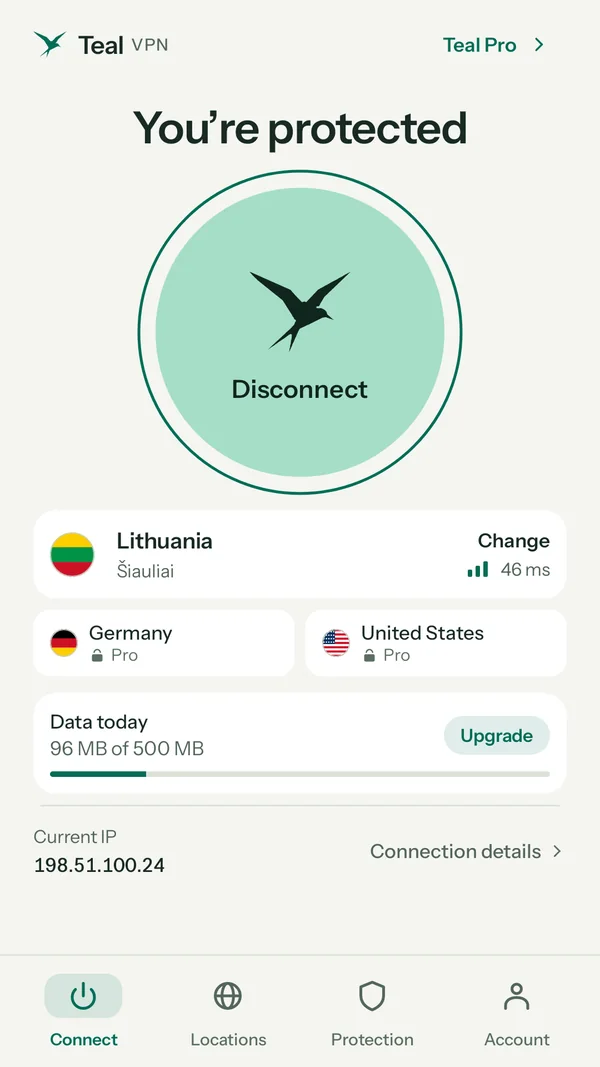
Teal VPN on Android, connected

Start today

Use Teal on your phone now.

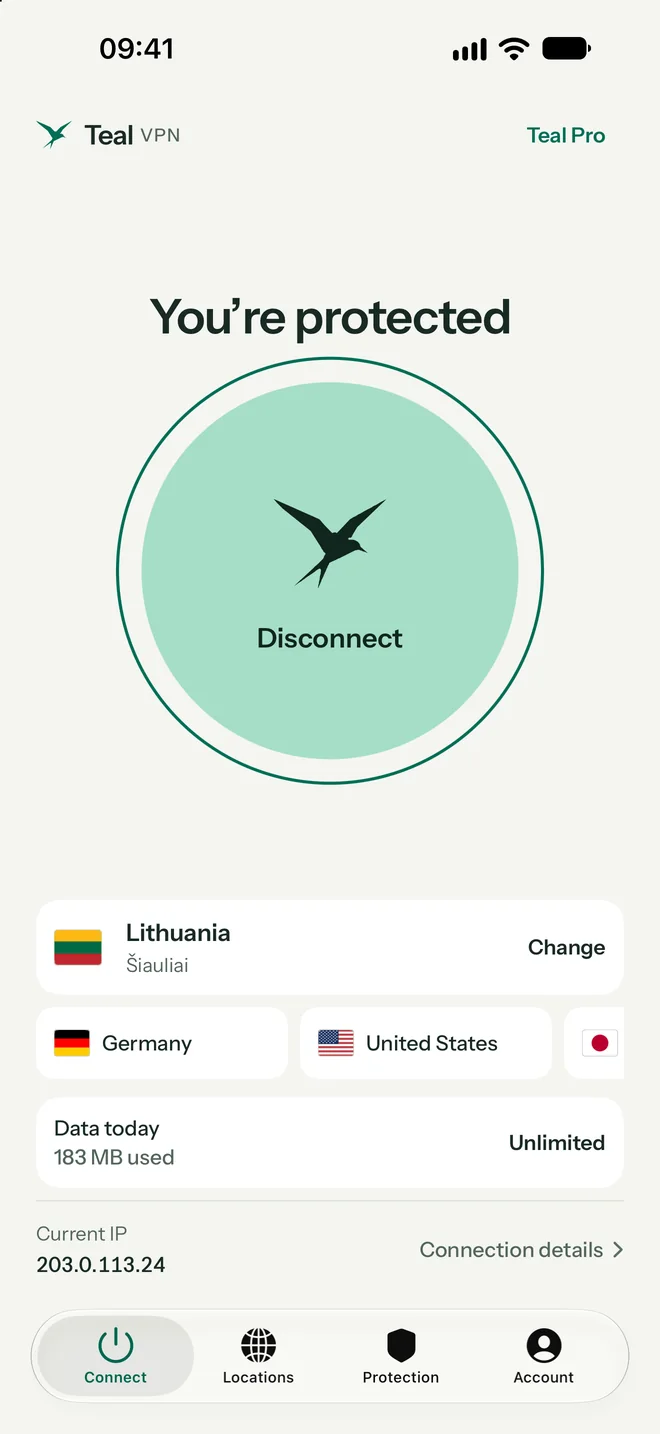
Your plan belongs to your account. Start on Android or iPhone today, and add your Windows PC as one of your devices when the app arrives.

Teal for Android
Teal VPN on iPhone, connected

One account

Free on every platform.

Teal Free comes with every account: 500 MB every day, the Lithuania location, and up to 2 devices, with no payment details. Pro opens every location for up to 3 devices.

Teal for iPhone & iPad

No browsing logs

We count the data you use, never what you do with it. Your connection IP address is not stored.

Your key stays with you

Your private key is created on your device and never sent to Teal.

No ads, no trackers

Teal is paid for by Pro subscribers, not by selling your attention.

Plans

Start free. Go further with Pro.

One account works on every Teal device.

Teal Free

500 MB every day
  • Lithuania location
  • Up to 2 devices
  • No ads, no browsing logs
  • No payment details

Teal Pro

Unlimited data
  • Every Teal location
  • Up to 3 devices
  • No ads, no browsing logs
  • One plan for every device

See every Teal location

Getting started

Three steps. Then you are on your way.

  1. 01

    Join the list

    Choose Windows in the form. One email when Teal for Windows is ready to try. Nothing else.

  2. 02

    Start on another device

    Use Teal on Android, iPhone, iPad, or Mac in the meantime with the same account.

  3. 03

    Add your PC later

    When the Windows app arrives, sign in and your plan is already there.

Help

How to check any VPN on your PC

What is VPN obfuscation?
  1. Compare your IP address

    Search “what is my IP” with the VPN off, then on. The address and its country should change to the VPN location.

  2. Look for DNS leaks

    A DNS leak test should show the VPN’s servers, not your internet provider’s.

  3. Test a restricted network

    Office, school, and hotel Wi-Fi often block VPNs. If a VPN only works at home, it may lack obfuscation.

  4. Know the built-in VPN setting

    Settings › Network & internet › VPN in Windows 11 connects to a server you already have. It is not a VPN service with its own locations.

Questions

Good to know

Is Teal VPN available for Windows?

Not yet. Teal for Windows is planned for Windows 10 and Windows 11. Join the list and we will email you when it is ready to try.

Will there be a free VPN for Windows PC?

Yes. Teal Free comes with every account on every platform: 500 MB of data every day, the Lithuania location, and up to 2 devices, with no payment details.

Can I use my Teal account on Windows later?

Yes. Your plan belongs to your account. When Teal for Windows arrives, sign in with the same account you use on Android, iPhone, iPad, or Mac.

Do I need a VPN app if Windows has a VPN setting?

The VPN setting in Windows connects to a VPN server you already have; it is not a VPN service by itself. A VPN app like Teal provides the servers and sets up the connection for you.

Your internet, under your wing.

One email when it is ready. Nothing else.

Join the Windows list

Apple, iPhone, iPad, Mac, MacBook Air, MacBook Pro, macOS, and App Store are trademarks of Apple Inc., registered in the U.S. and other countries. Android and Google Play are trademarks of Google LLC. Windows is a trademark of the Microsoft group of companies. Teal VPN is not affiliated with or endorsed by these companies.