An IP lookup names your ISP in a few seconds
The fastest answer to 'who is my ISP' is an IP lookup: open tealvpn.com/ip-lookup with any VPN switched off, and the organisation shown next to your public IP address is the provider you are connected through right now.
The lookup works because every public IP address is registered to an owner, and for a home or mobile connection that owner is the ISP. As a second opinion, whatismyip.com runs the same kind of check. Both read a public registry, so if a range of addresses changed hands recently the name can lag behind for a while; the Microsoft Q&A thread on this question makes the same point.
Two offline checks settle any doubt. The company that bills you each month is your ISP, and most home routers print the provider name on their admin page.
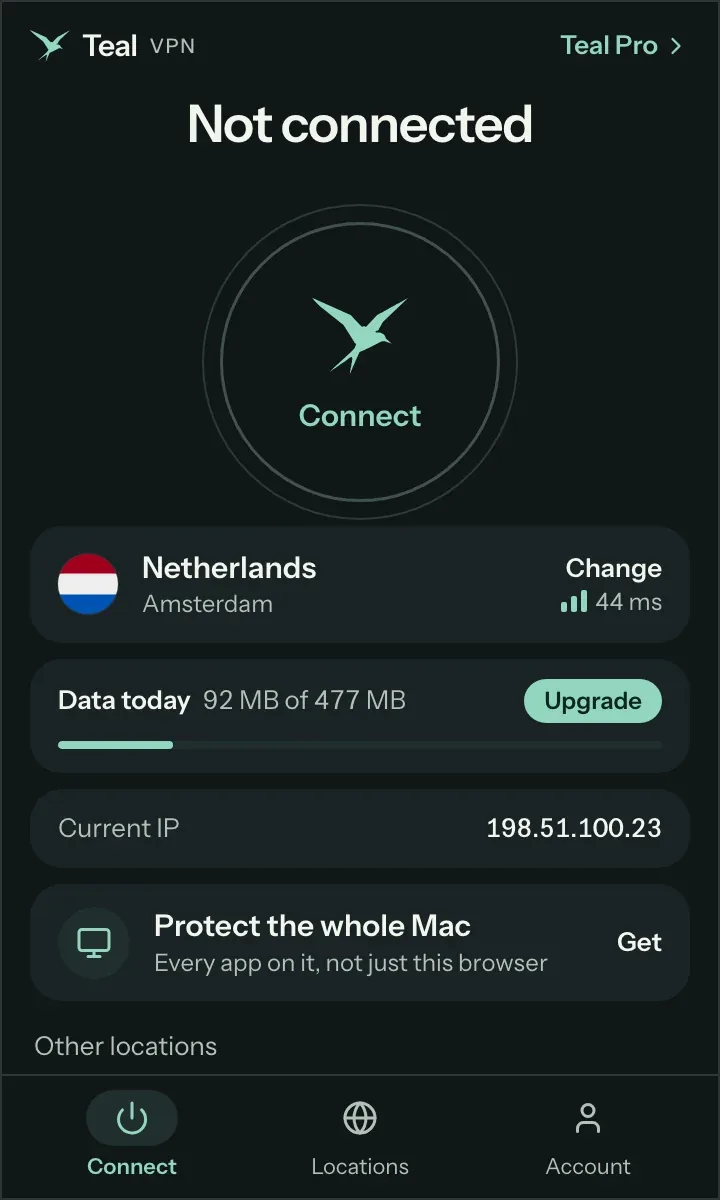
Turn off any VPN or proxy
A VPN replaces your public IP with the VPN server's address, so the lookup would name the server's host instead of your ISP.
Open tealvpn.com/ip-lookup
No sign-in. Read the organisation or ISP line under your public IP address. On a phone, switch Wi-Fi off first if you want to see your mobile carrier instead of the Wi-Fi owner's provider.
Cross-check with whatismyip.com
If both tools show the same name, that is your ISP. If they differ, one registry has stale data and your bill decides.
Open your router page
Type 192.168.0.1 (or the address printed on the router label) into a browser. Many routers show the provider name or the connection type on their status screen.
No tool can tell you the ISP at a street address you are not connected from
A lookup needs a live connection, so 'who is my ISP by address' has no instant answer: an IP lookup identifies the provider you are using now, not the one wired to a house you have not moved into yet.
For a new address the honest route is slower. Ask the previous occupant or the landlord whose name was on the bill, look at the box on the outside wall (a coaxial cable usually means cable, a thin glass line means fiber, a phone jack means DSL), and run the address through each provider's coverage page.
The same goes for 'who is the best ISP in my area'. The best one is whichever has the fastest line physically connected to your building, and in most streets that is a short list of one or two.
Your ISP is a company; your IP address is the number it lends you
Your ISP is the company that carries your traffic to the internet, and your IP address is the public number that ISP assigns to your connection, which is why a lookup can go from one to the other.
The address can change (many home connections get a new one after a router restart) while the ISP stays the same. If your connection has an IPv6 address, some lookups show that one first; the registered owner is still the same provider.
| ISP | IP address | |
|---|---|---|
| What it is | The company that connects you to the internet | The public number your connection uses |
| Who chooses it | You, when you sign a contract | Your ISP, automatically |
| Does it change | Only when you switch providers | Often; a router restart is enough on many lines |
| Can a website see it | Yes, through the public owner registry | Yes, on every request |
| With Teal VPN connected | Still your ISP, but it sees only encrypted traffic to one server | Replaced by the Teal server's address in the country you picked |
Every site and app you use can see which ISP you are on
Anyone your device talks to can see your ISP: each website, app and mail server receives your public IP address, and the owner of that address is a public record.
That record also tells them roughly where you are, because ISPs assign addresses by region. It does not tell them your name or street; that stays between you and your provider.
On someone else's network the picture flips. Connect to a cafe's or a hotel's Wi-Fi and every lookup names the cafe's provider, not yours, because you are borrowing their connection.
When on your network - it's your ISP. When on someone else's network - you'll only know if you ask the network owner.
Microsoft Q&A answer, 9 June 2019
Your ISP sees which sites you visit and when, not what is on the page
Your ISP sees the domains you connect to, when, from which device and how much data moves, but on HTTPS sites (nearly all of them today) it cannot read the page contents, your passwords or your messages.
BroadbandNow's guide, updated 1 October 2026, lists why providers keep that data: measuring usage against caps, managing congestion, meeting legal requirements, and in some cases advertising. The same data feeds throttling, the deliberate slowing of a connection at peak times, after a cap is reached, or for certain kinds of traffic such as video and peer-to-peer.
A VPN changes who holds that picture. With Teal VPN connected your ISP sees one encrypted stream to a Teal server and nothing about the sites behind it, and Teal VPN keeps no browsing logs, so the record is not simply moved to us. The domain list is still visible to whoever runs your DNS, which is why tealvpn.com/ip-leak-test shows which DNS servers are answering your lookups.
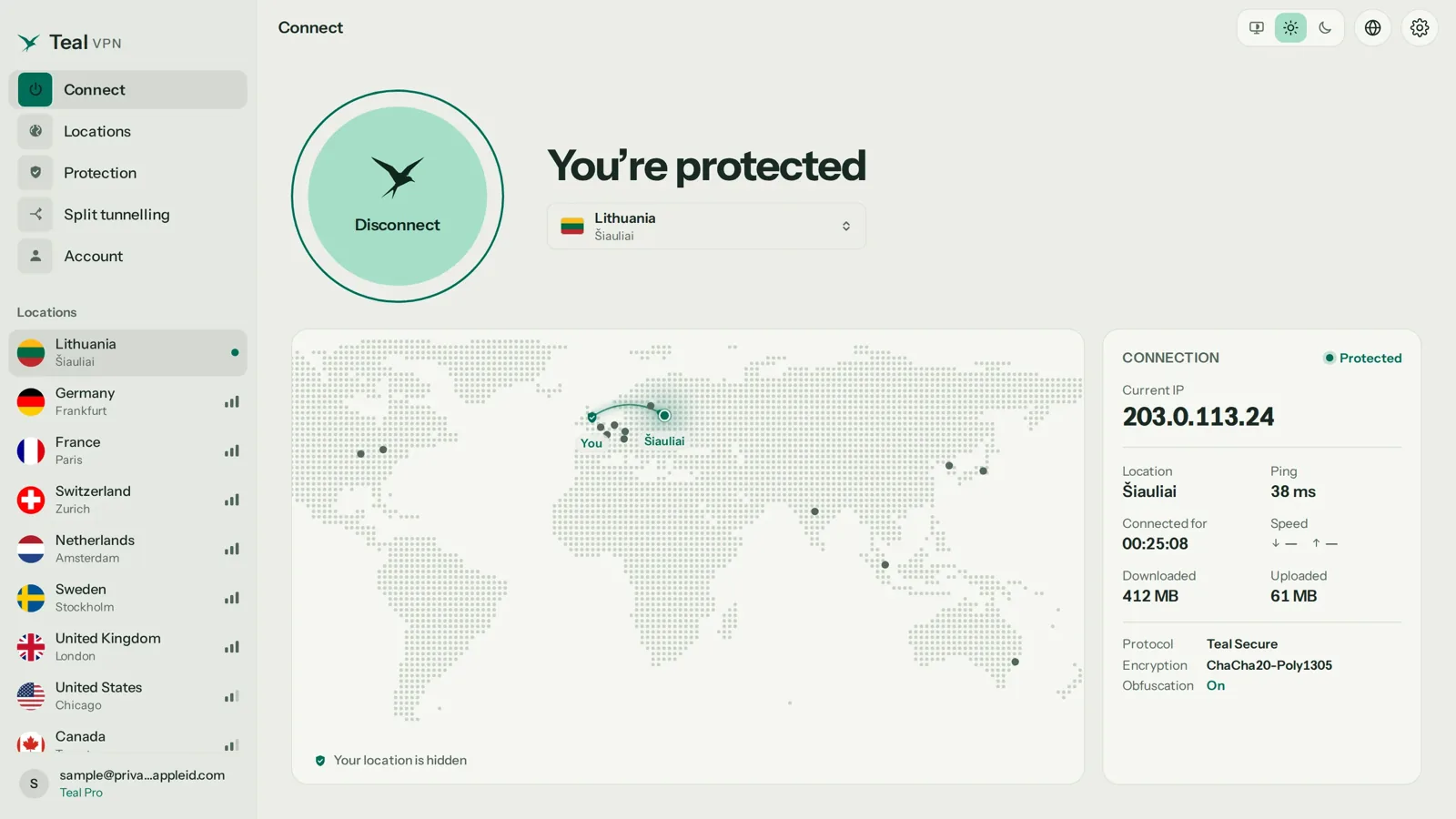
Without a VPN, your ISP sees
- Every domain you open, with timestamps
- Which devices on your line are active
- Total data up and down, per account
- Your billing name, address and payment details
With Teal VPN connected, your ISP sees
- One encrypted connection to a Teal server
- The total data volume, nothing per site
- Your billing details, as before
- Traffic disguised by Teal Secure so it does not look like a VPN
Cable, fiber, DSL, satellite or mobile: the box on your wall tells you which
Most US homes are on one of five connection types, and the hardware the provider installed tells you which one you have before you even run a lookup.
Your ISP's name usually hints at the type, but not always, since large providers sell several. The modem or router label is the surer sign, and the router status page often states it outright.
| Type | How it reaches you | What you will notice |
|---|---|---|
| Cable | The same coaxial line as cable TV | Speed dips in the evening because the line is shared with neighbours |
| Fiber | A thin glass line into a small optical box | Upload as fast as download; the quickest option where it exists |
| DSL | Your phone line | Works even while the phone rings; slower the farther you are from the exchange |
| Satellite | A dish on the roof | Reaches places nothing else does; a long pause on each request and slow uploads |
| Mobile (4G/5G) | Your phone carrier's mast | Your ISP is the carrier; the lookup shows a different name than on home Wi-Fi |
| Dial-up | A modem dialling a phone number | Rare now, still used in some remote areas; very slow |
Knowing your ISP tells you who holds your records and who to call
Knowing your ISP matters for three practical reasons: it is the company that holds your connection records, the one that sets your data cap and your default DNS, and the one you call when the line goes down.
It also tells you what a VPN would change. Teal VPN, made by Fxolio LLC in the United States, has a Free plan (500 MB a day, 2 devices, only an email needed) and a Pro plan, with apps for Android, Android TV, Windows, Mac, Linux and Chromebook, plus Chrome, Edge and Firefox extensions. Every connection on every plan uses Teal Secure, which disguises VPN traffic as ordinary traffic and switches routes by itself when a network closes one; no VPN is guaranteed to connect on every network. Pro is paid by card, Apple Pay, Google Pay, PayPal or crypto.
Our opinion, after answering this question in a lot of support tickets: most people over-worry about strangers seeing their ISP's name and under-think what the ISP itself keeps. The name is public and harmless; the browsing record is the part worth caring about.
- $3.00
- a month on the yearly plan$36 a year, or $7.99 month to month, as of 29 October 2026
- 30 days
- money-back on Pro
- 14
- server countriesincluding the United States and Canada
- 10
- devices on the yearly plan5 on the monthly and 6-month plans
Keep reading
References
- What ISP am I connected to please? - Microsoft Q&A
- ISP Tracking: What Your Internet Provider Can See - BroadbandNow
- What Is an Internet Service Provider (ISP)? - WhatIsMyIP
Need help with Teal? Contact support.
Questions
How do I know who my ISP is?
Look at your monthly internet bill, or open tealvpn.com/ip-lookup with any VPN off and read the organisation next to your public IP address. Both should give the same name.
Who is my ISP right now?
Whoever owns the network you are on at this moment. At home it is your provider, on a cafe's Wi-Fi it is the cafe's provider, on mobile data it is your carrier. A lookup reflects the connection you are using when you run it.
Can I find out who my ISP is by address?
Not with a lookup tool, which only identifies a live connection. For a street address, ask the previous occupant or landlord, check the provider's box on the wall, or run the address through each provider's coverage page.
Who is my ISP when I use mobile data?
Your mobile carrier. Switch Wi-Fi off, run the lookup again, and you will see the carrier's name instead of your home provider.
Is there a who-is-my-ISP app?
You do not need one. The lookup at tealvpn.com/ip-lookup runs in any browser on any device, with nothing to install and no sign-in.
Why does the lookup show a company I have never heard of?
Either your provider resells another company's network, or the range of addresses was recently sold and the registry has not caught up. Your bill is the final word; the Microsoft Q&A answer on this question says the same.
Can my ISP see what I do if I use a VPN?
It sees that data is flowing to one server and how much, nothing about the sites behind it. With Teal VPN that stream is also disguised by Teal Secure, and we keep no browsing logs.