Buy a VPN in five steps, on the provider's own site
The safest way to buy a VPN is to pay on the provider's website, install the apps on every device you own, and test the connection within the money-back window. The whole thing takes a few minutes; the testing is the part most people skip and later regret.
We sell Teal Pro at account.tealvpn.com, and the steps below are the ones we would follow if we were buying from anyone, including a rival.
Pick the provider on three facts, not the homepage
Money-back window, how many devices one account covers, and whether it keeps working on strict networks. For Teal Pro those are 30 days, up to 10 devices on the yearly plan, and Teal Secure obfuscation on every connection.
Pick the plan length you will actually use
Monthly if you need it for one trip; yearly if it stays on your phone. Teal Pro is $7.99 a month, $24 for six months or $36 a year, which works out to $3 a month.
Pay on the provider's checkout, not a reseller
Card, Apple Pay, Google Pay, PayPal or crypto all work at Teal's checkout. A resold 'VPN account' from a marketplace is usually a shared login that gets cut off.
Install on every device the same day
Teal has apps for Android, Android TV, Windows, Mac, Linux and Chromebook, plus Chrome, Edge and Firefox extensions. One account, one login everywhere.
Test it before the money-back window closes
Connect, then open tealvpn.com/ip-leak-test. It should show the VPN server's IP and the VPN's DNS servers, not your home provider's. For a second opinion, ipleak.net shows the same things.
What to check before you pay for a VPN for the first time
First-time buyers get burned by four things: an intro price that doubles at renewal, a device limit lower than the number of gadgets in the house, a money-back offer that only applies to one plan, and a VPN that stops the moment a network gets strict.
The usual pattern: a low price for the first year, a renewal price that is often double, a device limit of five or fewer, and a money-back promise that covers the annual plan only. Read the renewal line on the checkout page before you enter a card.
The renewal price matters more than the launch price. Teal Pro renews at the same $36 a year it starts at, and the 30-day money-back applies to every paid plan.
- The renewal price, not just the first-year price
- How many devices one account covers (Teal Pro: 10 on yearly, 5 on monthly and 6-month)
- Which plans the money-back guarantee covers
- Whether the VPN uses obfuscation so it works where other VPNs stop
- A written no-logs line: Teal keeps no browsing logs and shows no ads
- Which countries the servers are in (Teal: 14, from Australia to the United States)
Yearly plans cost a fraction of monthly ones, so buy yearly if it stays installed
If the VPN will live on your phone past the next trip, the yearly plan is the cheap one; the monthly plan is for people who need it for a month and then cancel. On Teal Pro the yearly plan costs $36, the same as four and a half months of the $7.99 monthly plan.
We think most people buy monthly out of caution and then forget to cancel, which is the most expensive way to own a VPN. A 30-day money-back window gives you the same safety as a monthly plan at a third of the price.
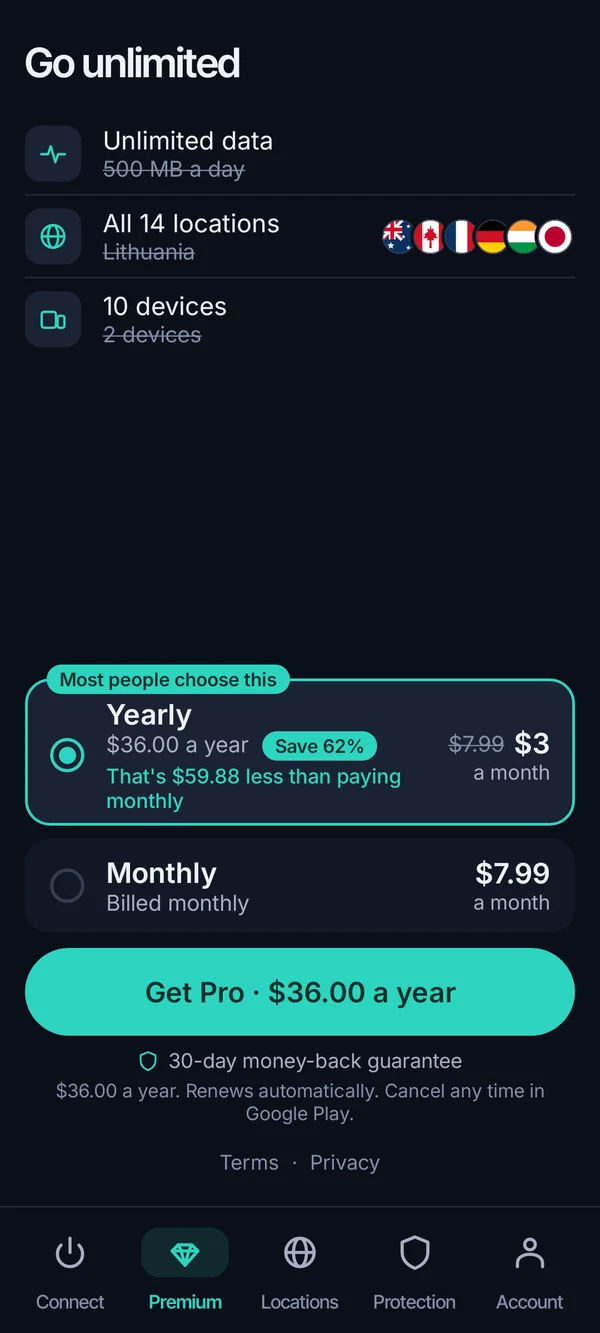
| Plan (as of October 2026) | Teal Pro |
|---|---|
| Monthly | $7.99 |
| Six months | $24.00 |
| Yearly | $36.00 ($3.00 a month) |
| Devices per account | 10 on yearly, 5 on monthly and 6-month |
| Money-back | 30 days, every paid plan |
| Works on strict networks | Teal Secure obfuscation on every connection |
Card, PayPal, Apple Pay, Google Pay or crypto all work; resold accounts do not
Teal's checkout takes card, Apple Pay, Google Pay, PayPal or crypto, and the plan is the same price whichever you pick. Crypto is the one to choose if you do not want the VPN purchase on a card statement; PayPal is the one to choose if you want the easiest dispute path.
We do not take gift cards. If a seller offers a 'VPN account' for a few dollars, paid by gift card or through a marketplace, that is almost always a login shared between many buyers. It works until the provider notices, then everyone loses it with no refund.
Buying with a credit card is fine and is what most people do. The card company sees the merchant name and the amount, nothing about what you later do with the connection.
Buy and install before you travel to a country with strict networks
Buy the VPN, install it and sign in before you leave, because on strict networks the provider's website and the app stores are often the first things to stop loading. A VPN you cannot download is no use at the airport.
Pick a provider that obfuscates the connection, which means the traffic does not look like VPN traffic to the network. Teal Secure does this on every connection and every plan, and the Teal app tries other routes by itself when a network closes one. No VPN works everywhere, and we will not claim ours does; check the local rules before you travel.
Install on two devices if you can. If the phone app has trouble on one network, the laptop or the browser extension gives you a second path.
Buying on the website beats buying in the app store for refunds and payment choice
You can buy most VPNs two ways: on the provider's website, or inside the app through the Apple App Store or Google Play. Trend Micro's own help page, for example, routes every purchase on Windows, Mac, Android and iOS through the store, so the store handles billing and refunds.
Buy on the website when you can. The provider can refund you directly under its own money-back terms, you can pay with PayPal or crypto, and one purchase covers every platform. A store purchase is tied to that store's refund rules and to one account on that store.
On Teal, buying at account.tealvpn.com gives you one login that works in the Windows, Mac, Linux, Android, Android TV and Chromebook apps and the browser extensions. We do not have an iPhone app as of October 2026, which is a real gap; the browser-based tools still work in Safari.
| Provider website | App store (Apple or Google) | |
|---|---|---|
| Who refunds | The provider, under its money-back terms | The store, under the store's rules |
| Payment options | Card, PayPal, crypto and wallets (Teal: all five) | Only what the store accepts |
| Covers other platforms | Yes, one account for all apps | Usually, but managed from that store |
| Price | The provider's list price | Sometimes higher to cover the store's cut |
A VPN rarely makes flights or shopping cheaper, and we would not buy one for that
A VPN can change which country a shop thinks you are in, and some shops and airlines do show different prices by region. In our experience the savings are small and inconsistent, and the shop usually corrects the price at checkout once it sees your card's billing country or your delivery address.
Flights are the classic example. Searching from a server in another country may show a different fare in a different currency, but the airline prices by point of sale and billing details, and many will not accept a card from outside that region. Subscriptions sometimes work, until the service checks the payment country.
Our honest opinion: buy a VPN for privacy on public Wi-Fi and for travel, and treat any cheaper-price trick as a bonus you test once, not a reason to pay $36.
Sometimes works
- Digital subscriptions priced by region
- Game and software stores that check only your IP
- Comparing fares to see if a route is priced differently
Usually fails
- Flights, once billing country is checked
- Physical goods with a delivery address
- Anything that verifies the card's country at checkout
Dedicated IPs and your own server: most buyers can skip both
A dedicated IP is an address only you use, sold by some providers as an add-on. You want one if a service you log into (a bank, a company portal) keeps flagging shared VPN addresses; you do not want one if privacy is the goal, because a single-user address is easy to tie back to you. Teal Pro does not come with a dedicated IP, so buy from a provider that sells one if you need it.
Renting a server and running your own VPN is the other 'buy vpn server' route. It gives you an address nobody else uses, but you still trust the hosting company, you do all the maintenance, and it does nothing on strict networks because plain VPN traffic is easy to spot. For almost everyone, a paid plan from a provider with obfuscation is cheaper and works in more places.
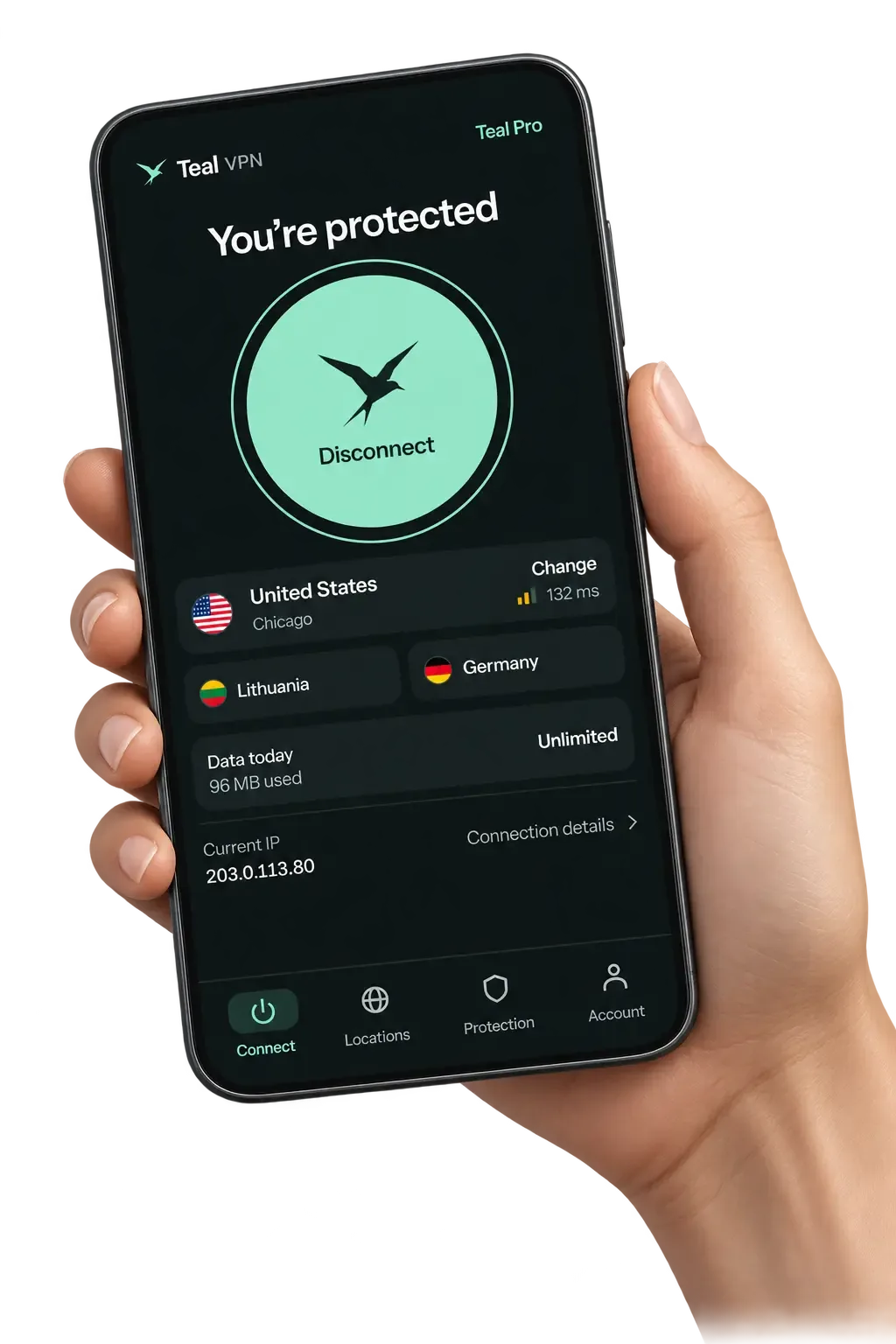
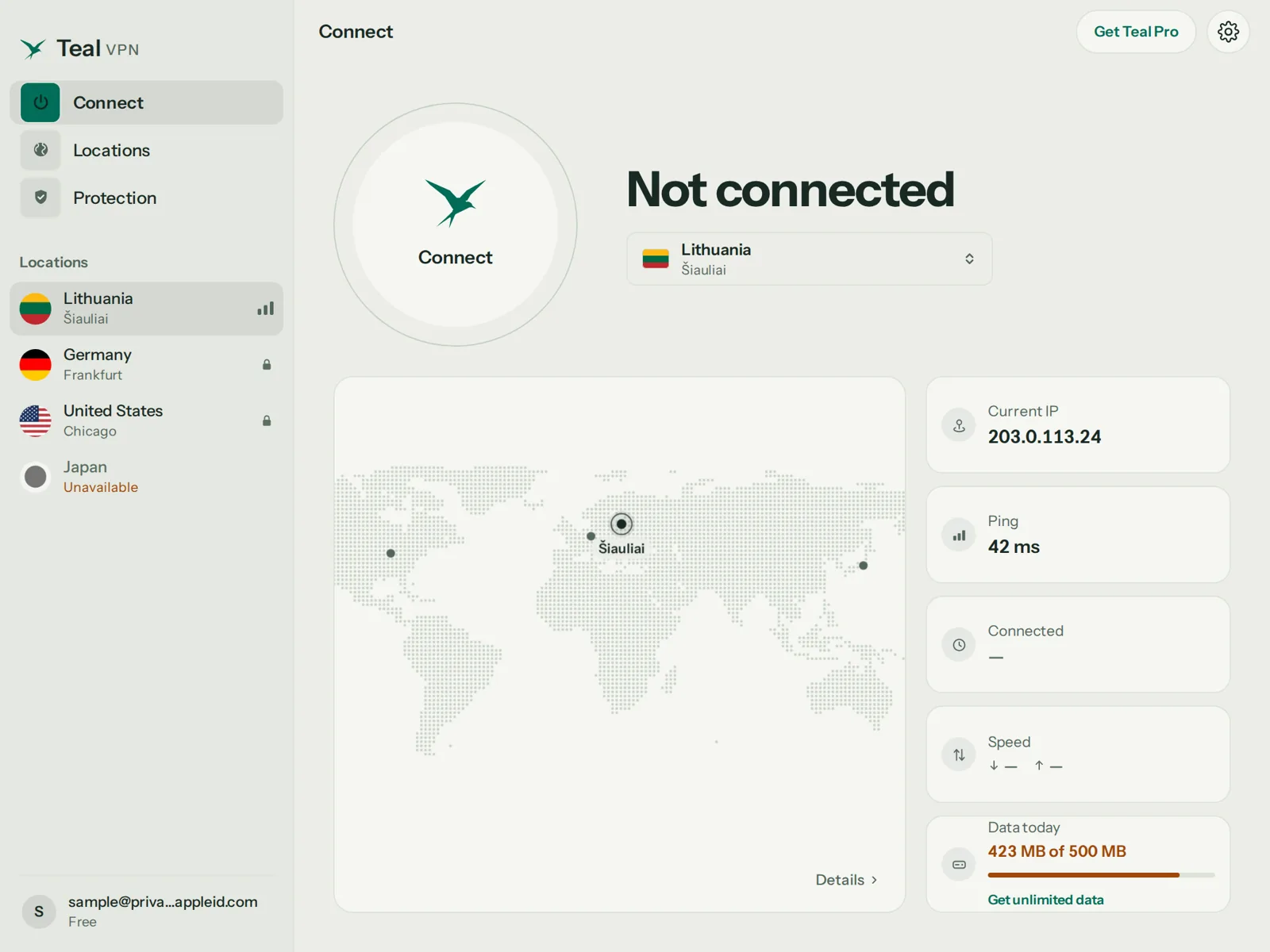
If you only want to see what a VPN does before spending anything, Teal Free gives you 500 MB a day on 2 devices with nothing more than an email. It is enough to run the leak test and try a strict network, not enough for video.
Keep reading
References
Need help with Teal? Contact support.
Questions
Can I buy a VPN with crypto?
Yes. Teal's checkout at account.tealvpn.com takes crypto alongside card, Apple Pay, Google Pay and PayPal, and the plan price is the same whichever you use.
Can I buy a VPN with PayPal?
Yes, PayPal is accepted on every Teal Pro plan. It is the payment method with the simplest dispute process if something goes wrong, on top of Teal's own 30-day money-back.
Should I buy a VPN at all?
Buy one if you use public Wi-Fi often, travel to countries with strict networks, or do not want your internet provider seeing which sites you visit. If none of those apply, Teal Free at 500 MB a day may be all you need.
Can I buy a VPN with a gift card?
Not from Teal; we take card, Apple Pay, Google Pay, PayPal and crypto. Gift-card listings on marketplaces are usually resold shared accounts, which can be closed without refund.
Is a cheap VPN worth buying?
Price alone tells you little. Teal Pro is $3 a month on the yearly plan and includes obfuscation on every connection; a cheap plan without that stops working the moment a network gets strict.
Can I get an IP address in Asia after I buy?
Yes. Teal has servers in 13 countries including Japan, Singapore, South Korea, Germany, the United Kingdom and the United States, as of November 2026.
Should I buy a VPN before going to China?
Yes, buy and install before you leave, because app stores and provider sites are often unreachable there. Choose a VPN with obfuscation, keep a second device ready, and check the local rules before you travel.