Getting a VPN is four steps and about five minutes
Getting a VPN means picking a provider, installing its app, signing in and pressing Connect. There is no hardware to buy and nothing to configure by hand on a phone or computer.
Most people spend too long on step one. We think the gap between any two decent providers is far smaller than the gap between using a VPN on a hotel network and not using one at all.
Pick a provider
Check price after the first term, a no-logs policy, how many devices you own, and whether the app keeps connecting on strict networks. The table further down shows how we weigh each one.
Create an account and pay, or start on a plan that costs nothing
Teal Free needs only an email and gives 500 MB a day on 2 devices. Teal Pro is $7.99 a month, $24 for six months or $36 a year ($3 a month), with 30 days money-back on every paid plan, as of 20 October 2026.
Install the app from the official store or the provider's own site
On Android use Google Play. On Windows and Mac download from the provider's site, never from a third-party download portal. On Chromebook use the Play app or the Chrome extension.
Sign in, pick a location, connect
The first connection asks for permission to add a VPN configuration. Allow it. Without that permission the app cannot route anything, and the key icon in your status bar will never appear.
You want a personal VPN app, not the kind your employer hands out
A personal VPN, the thing people mean when they search for how to get a VPN, routes all of your traffic through the provider's server, so the Wi-Fi owner and your internet provider see only one encrypted link.
The Windows built-in 'Add VPN' screen that Microsoft's support page walks through is for remote-access VPNs, where an employer gives you a server address and sign-in details. For a personal VPN you skip that screen entirely and use the provider's app, which fills those fields for you.
| Type of VPN | Who it is for | How you get it |
|---|---|---|
| Personal VPN app | Public Wi-Fi, travel, keeping browsing away from the network owner | Install the provider's app, sign in, press Connect |
| Remote-access (work) VPN | Employees reaching an office network | Your IT team gives you a profile; on Windows it goes in Settings > Network & internet > VPN |
| Site-to-site VPN | Two offices joined permanently | Business routers; not something you install on a phone |
| Browser extension | Only browser traffic needs routing | Chrome, Edge or Firefox extension; other apps are untouched |
| Router or gateway VPN | Consoles, TVs, every device in the house | Set up once on a router or a small always-on PC; see the console section below |
Five things to check before you pay for a VPN
Check logs, jurisdiction, the price after the first term, the device count and whether the VPN still connects on strict networks. Speed matters less than reviews suggest, because any decent provider is fast enough for video calls and HD video.
CNET's list, updated 20 October 2026, put Windscribe first overall and Mullvad first for privacy, and its 'factors to consider' section names privacy, speed, price, streaming and device compatibility. We agree on most of that and would add one more: what happens on a network that restricts VPNs. Most apps simply fail there. Teal Secure obfuscates every connection on every plan, and the app tries other routes by itself when a network closes one.
Ask what the second year costs. CNET flags renewal price rises as a con for NordVPN and a lack of them as a pro for Windscribe, and that difference is worth more over three years than a few megabits of speed.
| What to check | Why it matters | Teal VPN, as of 20 October 2026 |
|---|---|---|
| Logs | A provider that keeps browsing logs can hand them over or lose them | No browsing logs, no ads |
| Jurisdiction | Where the company answers to law and to requests | Fxolio LLC, United States |
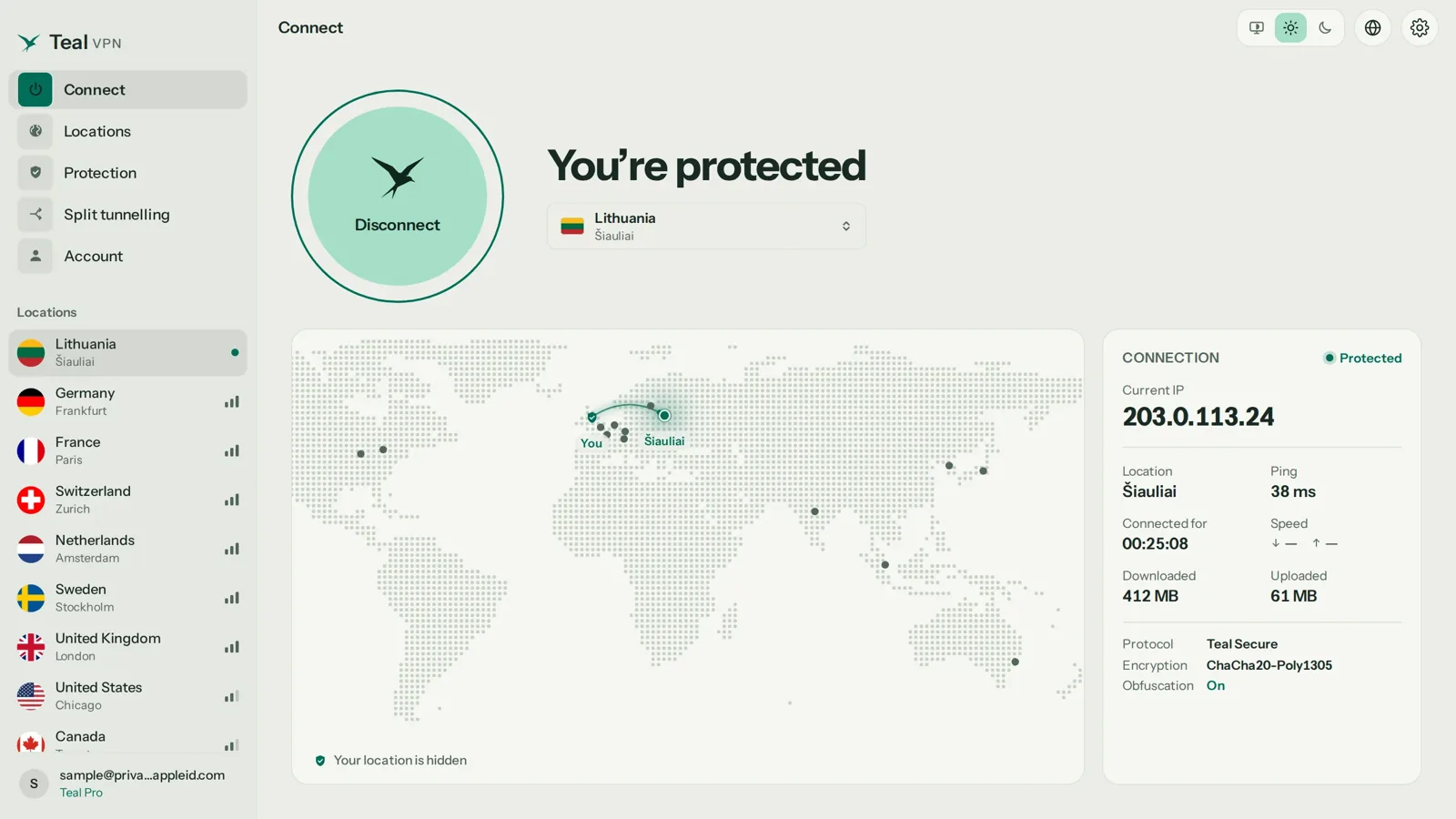
| Devices | Phone, laptop and TV should fit on one plan | 5 on yearly, 3 on monthly and six-month |
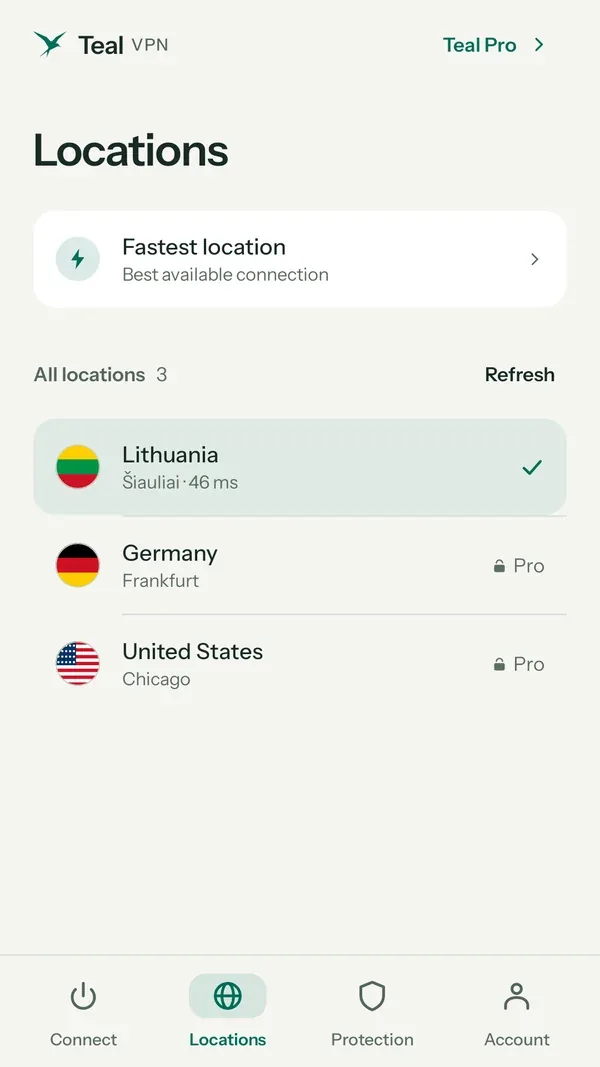
| Locations | You need a server near you and one in the country you want | 14 countries including the US, UK, Germany, Japan, Singapore and Australia |
| Strict networks | Hotels, campuses and some countries drop plain VPN traffic | Teal Secure obfuscation on every connection, every plan |
| Money-back | Lets you test on your own networks first | 30 days on paid plans |
How to get a VPN on iPhone, Android, Windows, Mac and Chromebook
On every platform the route is the same: official store or official download, sign in, allow the VPN permission once, connect. The details below are where people get stuck.
iPhone
Open the App Store, install the provider's app, sign in and tap Connect. iOS asks to allow the app to add VPN configurations; tap Allow and confirm with Face ID or your passcode. Teal VPN has no iPhone app as of 20 October 2026, so on iOS you need another provider. We would rather say that than send you in circles.
Android
Install from Google Play, open, sign in, tap Connect. Android shows a connection request dialog once; tap OK. A key icon appears in the status bar when traffic is routed.
Windows PC or laptop
Download the installer from the provider's site, run it, sign in, connect. Ignore the Windows 'Add a VPN connection' screen; the app handles that. If Windows SmartScreen warns about an installer from a download portal, that is a reason to go back to the official site.
Mac
Download the app from the provider's site or the Mac App Store. macOS asks you to allow a VPN configuration, sometimes in System Settings under Privacy & Security. Approve it once; the menu-bar icon then gives you quick connect.
Chromebook
Install the Play Store app if your Chromebook supports Play, otherwise add the Chrome extension. On a managed Chromebook issued by a school or employer, the administrator decides what installs; if Play and extensions are off, no VPN will install, and we do not suggest working around a device you do not own.
Xbox, PS5, Roku and most TVs have no VPN app, so route them through a router or hotspot
Game consoles and most TV sticks cannot run a VPN app. The fix is to put the VPN upstream: on a router, on a small always-on PC acting as a gateway, or on a laptop sharing its VPN connection as a hotspot.
A gateway is a PC or single-board computer that connects to the VPN and hands that connection out on your home network. The YouTube tutorial in the sources walks through one build. It is the most work of the three options but it covers every device you own, including ones that will never get an app.
The laptop-hotspot route is the quick version: connect the laptop to the VPN, then share its connection to the console over Wi-Fi or an Ethernet cable. On Windows that is Settings > Network & internet > Mobile hotspot. Android TV and Google TV are the exception. Teal VPN has an Android TV app, so install it from Play on the TV itself. We have not tested Fire TV or Roku and will not guess.
Connected is not the same as working: run a leak test
After the first connect, open Teal VPN's leak test at tealvpn.com/ip-leak-test. It shows your public IP and the DNS servers answering your lookups, needs no sign-in, and works with any VPN, not only Teal.
Two lines matter. The IP should belong to the VPN server, in the country you picked. The DNS servers should belong to the VPN, not to your internet provider. If the DNS line still names your home provider, the VPN is leaking lookups and the network owner can still see which sites you resolve.
For a second opinion, ipleak.net or dnsleaktest.com show the same data from a different vantage point. Run the test again whenever you change networks; hotels and airports sometimes force their own DNS.
Note your IP before connecting
Open tealvpn.com/what-is-my-ip with the VPN off and write the address down.
Connect and pick a location
Choose a country, wait for the app to say Connected and for the key icon to appear.
Open the leak test
Go to tealvpn.com/ip-leak-test. The IP must differ from the one you wrote down and the DNS servers must not be your provider's.
Repeat on each new network
If a line looks wrong, disconnect, reconnect, and test again before you trust the connection.
What a VPN costs, how to pay, and why to install it before you travel
A VPN costs between nothing and about $8 a month. Teal Pro is $7.99 monthly, $24 for six months or $36 a year, which works out to $3 a month, with 30 days money-back, as of 20 October 2026.
Teal Free is 500 MB a day on 2 devices for an email address: enough for maps, messaging and email on a trip, not enough for a film. Other providers offer plans that cost nothing with their own limits; we compare them one by one in the related guides below.
Pay by card, Apple Pay, Google Pay, PayPal, or USDT, USDC and BTC. If you are heading to China, Russia, Iran, Turkey or the UAE, install and sign in before you leave, because provider websites and app stores are often unreachable from inside. No VPN works everywhere, Teal included, and you should check the local rules before you travel.
| Teal plan | Price (USD) | Devices | Money-back |
|---|---|---|---|
| Teal Free | $0, 500 MB a day | 2 | Not needed |
| Monthly | $7.99 | 3 | 30 days |
| Six months | $24 | 3 | 30 days |
| Yearly | $36 ($3 a month) | 5 | 30 days |
Keep reading
References
- Connect to a VPN in Windows, Microsoft Support
- Best VPN of 2026, CNET
- Run ANY Device You Own Through A VPN: VPN Gateway Tutorial 2026, YouTube
Need help with Teal? Contact support.
Questions
How do I get a VPN on iPhone?
Install the provider's app from the App Store, sign in, tap Connect, and tap Allow when iOS asks to add a VPN configuration. Teal VPN has no iPhone app as of 20 October 2026, so on iOS pick another provider.
How do I get a VPN on Xbox or PS5?
Consoles have no VPN app. Run the VPN on a router, a gateway PC, or a laptop and share that connection to the console over Wi-Fi or Ethernet.
Can I get a VPN without paying?
Yes. Teal Free gives 500 MB a day on 2 devices for an email address, as of 20 October 2026, and other providers have their own no-cost plans with limits. Be wary of unknown apps that cost nothing and show ads; the ads pay the bill and some of those apps log everything.
Are VPNs legal where I am going?
Rules differ by country and change, and we do not give legal advice. Check the local rules before you travel, and install before you go to China, Russia, Iran, Turkey or the UAE, because provider sites are often unreachable there.
Can a VPN get me cheaper flights?
Sometimes a booking site shows different prices depending on the country it thinks you are in, so people compare with and without a VPN. We have not measured it ourselves and would not buy a VPN for that alone.
Should I get a VPN for Warzone?
A VPN changes which region the game thinks you are in and adds some latency. We make no promises about matchmaking; use the 30-day money-back to test on your own connection.
How do I know my VPN is working?
Open tealvpn.com/ip-leak-test after connecting. The IP should be the VPN server's and the DNS servers should not be your internet provider's; ipleak.net gives a second opinion.