Ping is the round trip to the server, measured in milliseconds
Ping is how long, in milliseconds, it takes your device to send a packet to a server and get the reply back. Under 30 ms feels instant; above 150 ms a shooter feels like you are playing underwater.
Ping and download speed are different things. A fast line can still have a bad ping if the route to the server is long or congested, which is why people with expensive plans still ask why their ping is high.
Gamers also watch jitter, the wobble in ping from one second to the next. A steady ping is usually nicer to play on than a lower one that jumps around, because your aim and movement stay predictable.
| Ping | What it feels like in a game |
|---|---|
| Under 30 ms | Excellent, nothing to fix |
| 30 to 70 ms | Very good, most people will not notice |
| 70 to 150 ms | Playable, but shots and dodges land late |
| 150 ms and up | Laggy, rubber-banding, worth fixing now |
High ping comes from distance, congestion or your own Wi-Fi
High ping has four usual causes: the game server is far away, the route to it is busy at peak hours, your Wi-Fi is weak or crowded, or something on your own network is hogging the line.
Cable and DSL lines share capacity with the neighbourhood, so ping climbs in the evening when everyone streams at once. Fiber tends to hold a flat ping because the bandwidth is not shared the same way.
Old routers and modems add delay too. If the router is several years old and a reboot fixes things for a day, the hardware itself is a suspect.
- Ping is fine in the morning and bad in the evening: congestion on the line.
- Ping drops when you sit next to the router: Wi-Fi signal or interference.
- A laptop on Ethernet is fine while the console on Wi-Fi lags: Wi-Fi again.
- Ping spikes when someone starts a download or a video call: a device on your network.
- Only one game is bad and others are fine: that game's server choice.
A cable beats every software trick
An Ethernet cable from the router to the PC or console is the single biggest ping fix most people can make, because Wi-Fi adds delay and random spikes every time a wall, a microwave or a neighbour's network gets in the way.
If a cable cannot reach, the home-networking crowd's next choices are powerline adapters, MoCA adapters that run over existing coax, or a mesh node that is wired back to the main router. The faster band on a dual-band router is the fallback when all of those are out.
Move the router out of the cupboard and closer to where you play, and keep it away from the TV, the microwave and the fish tank. We think most people over-worry about DNS and under-worry about where their router sits.
Do
- Run a flat Ethernet cable under the carpet if that is what it takes
- Put the router up high, in the open, near the gaming spot
- Use the faster band for the gaming device and leave the slower one for everything else
Don't
- Game over a Wi-Fi extender that repeats the signal; each hop adds delay
- Leave the router behind the TV or inside a metal cabinet
- Trust a speed test as a ping test; it measures throughput, not delay
How to lower ping on PC in five steps
On a PC the quickest wins are closing what you are not using, updating the network driver and resetting the Windows network stack; a stuck network stack is a common reason one PC gets much worse ping than another on the same line.
Measure before you start. Open the game's network overlay or run the ping command against a server, write the number down, then change one thing at a time so you know which step did the work.
Close the bandwidth hogs
Quit downloads, cloud sync, game-launcher updates and any browser tab playing video. On Windows, open Task Manager and sort by Network to see what is talking.
Update the network driver
Get the driver from the PC maker's or the chipset maker's site rather than letting Windows guess. A bad driver can turn a 9 ms line into a 54 ms one, which is the exact complaint in the Microsoft Q&A thread we read.
Reset the Windows network stack
Open Command Prompt as administrator and run these one at a time, pressing Enter after each: netsh winsock reset, netsh int ip reset, ipconfig /release, ipconfig /renew, ipconfig /flushdns. Restart the PC afterwards.
Pause the other devices
A phone backing up photos or a smart TV pulling an update will spike your ping even if the PC is clean. Pause them or set the router's QoS to put the gaming PC first.
Measure again
Check the same overlay or ping command you used in step one. If nothing moved, the delay is outside your home, and server choice is the next lever.
How to lower ping in games: play on the nearest server
The fastest way to lower ping in games is to play on the server region closest to you; distance sets a floor that no setting on your PC can go below.
Most games show ping in a network stats overlay or next to each region name. Pick the region with the lowest number, not the one your friends chose, unless playing together matters more than the extra milliseconds.
Where a game picks the server for you, as Roblox does, every ping fix is on your side of the line: cable, router placement and stopping other traffic.
| Game | Where ping shows | What lowers it most |
|---|---|---|
| Fortnite | Matchmaking region in settings, with a ms number per region | Pick the region with the lowest ms, then Ethernet |
| Roblox | The in-experience stats overlay | No region picker; fix Wi-Fi and background traffic at home |
| CS2 | Net graph and the matchmaking ping limit setting | Set the maximum acceptable ping so you are not matched to far servers |
| Valorant | Server list in the queue screen | Tick only the nearest servers as preferred |
| League of Legends | Ping display in the client and in match | Your account region sets the servers; a cable and a quiet network do the rest |
| Marvel Rivals | Network stats in settings | Choose the nearest region, then Ethernet |
How to lower ping on Xbox, PS5 and PS4
On Xbox, PS5 and PS4 the fixes are the same as on PC minus the driver work: cable in, stop downloads, restart the console and router, and keep the console close to the router.
Consoles pull big patches in the background, and a console in rest mode can still be downloading. Open the download queue and let it finish or pause it before a ranked session.
The console's built-in connection test reports speed, not ping; use the game's network overlay for the real number. If the overlay is bad only in the evening, the cause is congestion on the line, and the only real fix is a different connection type or a different time.
Does a VPN lower ping? Usually no, sometimes yes
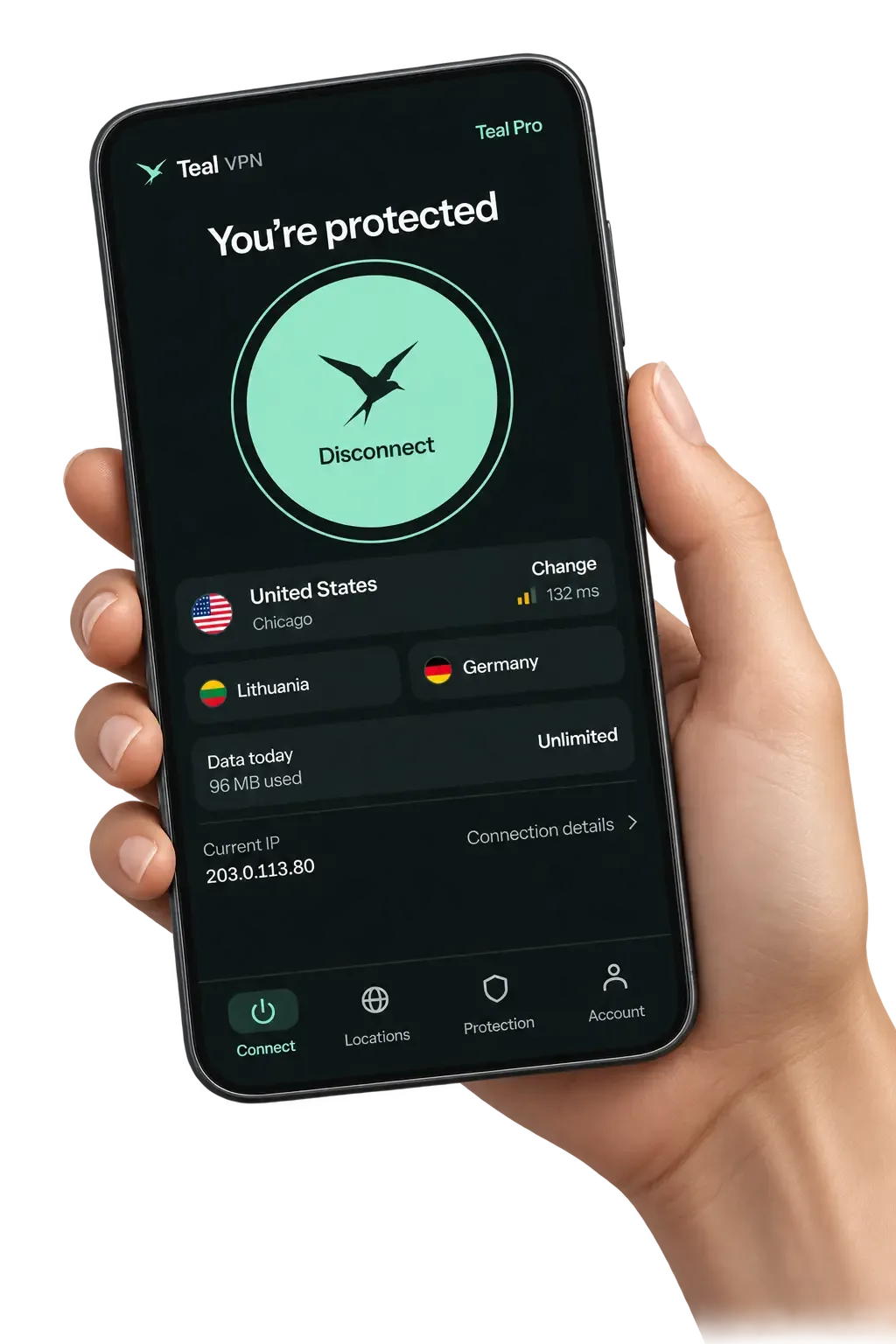
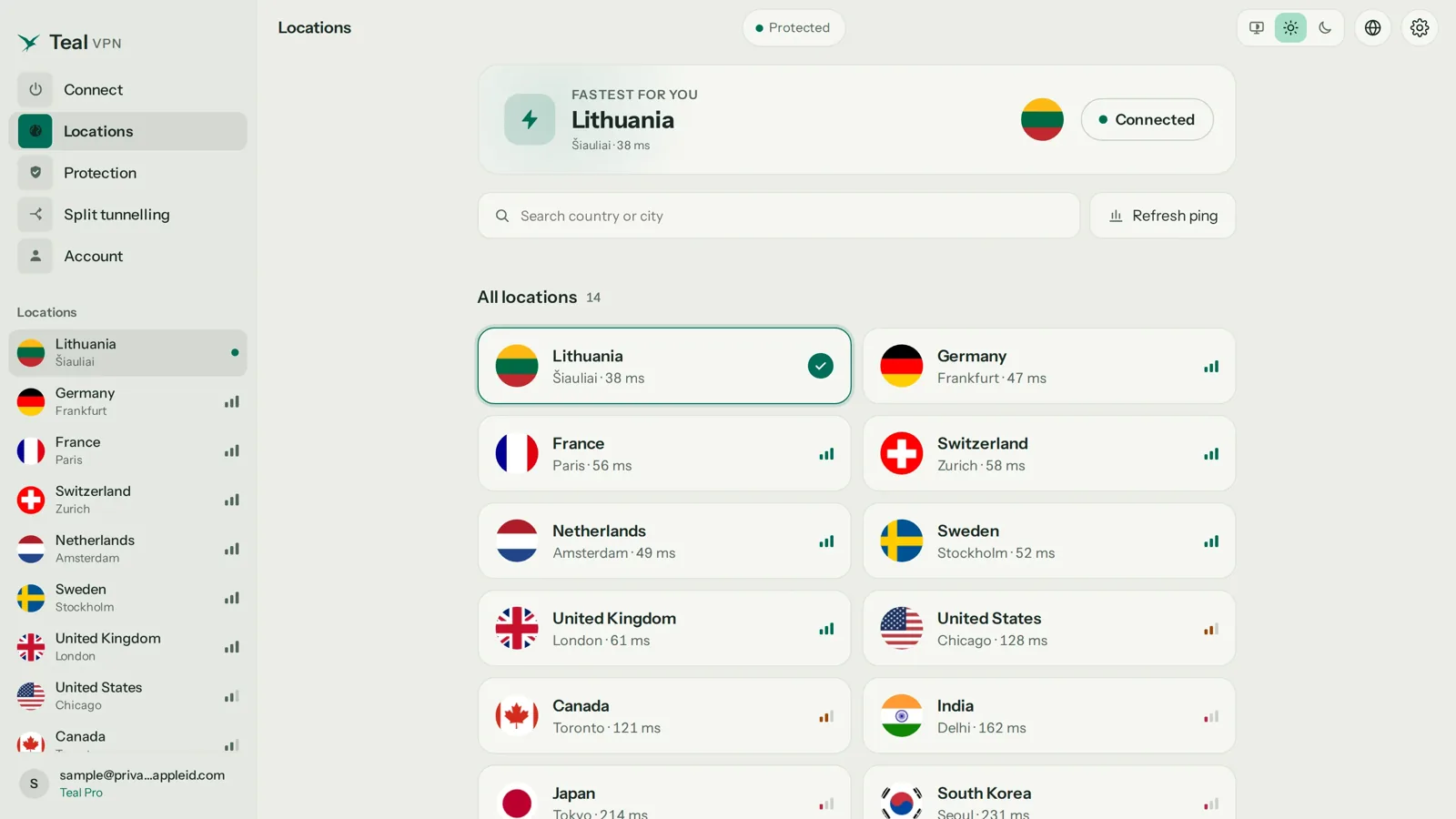
A VPN usually adds a few milliseconds, because your traffic takes a detour through the VPN server before it reaches the game; it lowers ping only when your provider's normal route to the game is worse than that detour.
Teal VPN, made by Fxolio LLC, has a Free plan (500 MB a day, 2 devices) and a Pro plan, with apps for Android, Windows, Mac, Linux, Android TV and Chromebook. To be plain about limits: we have not run ping measurements with Teal on a console, and no VPN is guaranteed to lower ping or to connect on every network.
Where it can help is a provider that routes your game traffic the long way round, or a strict network that slows game traffic. Teal Secure obfuscates every connection on every plan so the traffic looks like ordinary web traffic, and the automatic route switch tries other routes by itself when a network closes one. Test with the game overlay on and off, confirm the VPN is actually on with Teal VPN's leak test at tealvpn.com/ip-leak-test, and keep whichever number is lower.
- 14
- server countriesas of 28 October 2026, same on Teal Free and Pro
- $3
- a month on the yearly plan$36 a year; $7.99 monthly; $24 for six months
- 30 days
- money back on Procard, Apple Pay, Google Pay, PayPal or crypto
Keep reading
References
- What Exactly Is Ping, And How Do You Fix It? (IQ Fiber)
- How do I get better ping? (Microsoft Q&A)
- How to get lowest possible ping without direct Ethernet (r/HomeNetworking)
Need help with Teal? Contact support.
Questions
How do I lower my ping fast?
Plug in an Ethernet cable, stop every download on the network, and restart the router. Those three take ten minutes and fix most high-ping cases we hear about.
Why is my ping high when my internet speed is good?
Speed and ping measure different things. A fast line can still have a long or congested route to the game server, or a Wi-Fi link that adds delay even though a speed test looks fine.
What is a good ping for gaming?
Under 30 ms is excellent and 30 to 70 ms is very good. Between 70 and 150 ms is playable, and anything above 150 ms is where people start losing fights to lag.
Can ping be 0?
No. Even a server in the same city takes a few milliseconds to answer, and a game overlay showing 0 is rounding or showing a local value. Single digits are the realistic best.
How do I lower ping on Fortnite?
Open the matchmaking region setting, pick the region with the lowest ms number shown, then put the PC or console on Ethernet. On PS5, pause any background download first.
Does a VPN lower ping in Roblox or CS2?
Usually it adds a few milliseconds. It can lower ping only when your provider routes game traffic badly or a strict network slows it, so test with the in-game overlay on and off and keep the better number.
Does changing DNS lower ping?
Rarely for the match itself, because the game talks to the server by IP after the first connect. A faster DNS can shorten login and matchmaking, so it is worth doing, just not the first thing.