Your device reports location in two ways, and spoofing means changing both
Spoofing location is making a device report a place it is not in, and a phone reports its place through at least two separate signals: the GPS fix from the chip and the country tied to the IP address of your connection.
A mock-location app moves the GPS pin. A VPN moves the IP country. Neither touches the other, which is why most failed spoofs come from changing one signal and forgetting the second.
Apps that care about location, from games to banking, read whichever signals they can and compare them. The table shows what each signal is, who reads it, and what changes it.
An app may compare GPS, proxy IP, SIM, time zone, language and account history. Conflicting signals can still produce a location error or additional verification.
DuoPlus, geolocation spoofing glossary, updated 3 September 2026
| Signal | Who reads it | What changes it |
|---|---|---|
| GPS fix | Maps, Find My, Life360, Pokémon Go, Snapchat Map | Mock-location app (Android), computer tool (iPhone), DevTools override (browser) |
| IP address country | Websites, streaming apps, app stores, ad networks | A VPN or proxy; Teal VPN offers 14 countries as of 3 November 2026 |
| Wi-Fi and cell towers | Phone OS location service when GPS is weak | Hard to change; airplane mode with Wi-Fi off removes it |
| Time zone and language | Apps checking consistency | Device settings, set by hand |
| SIM country | Some banking and telecom apps | Only a different SIM |
A VPN changes the IP location in one tap but never moves the GPS pin
A VPN sends your traffic out through a server in another country, so every website and app that reads your IP address sees that country instead of yours; your GPS chip keeps reporting where you really stand.
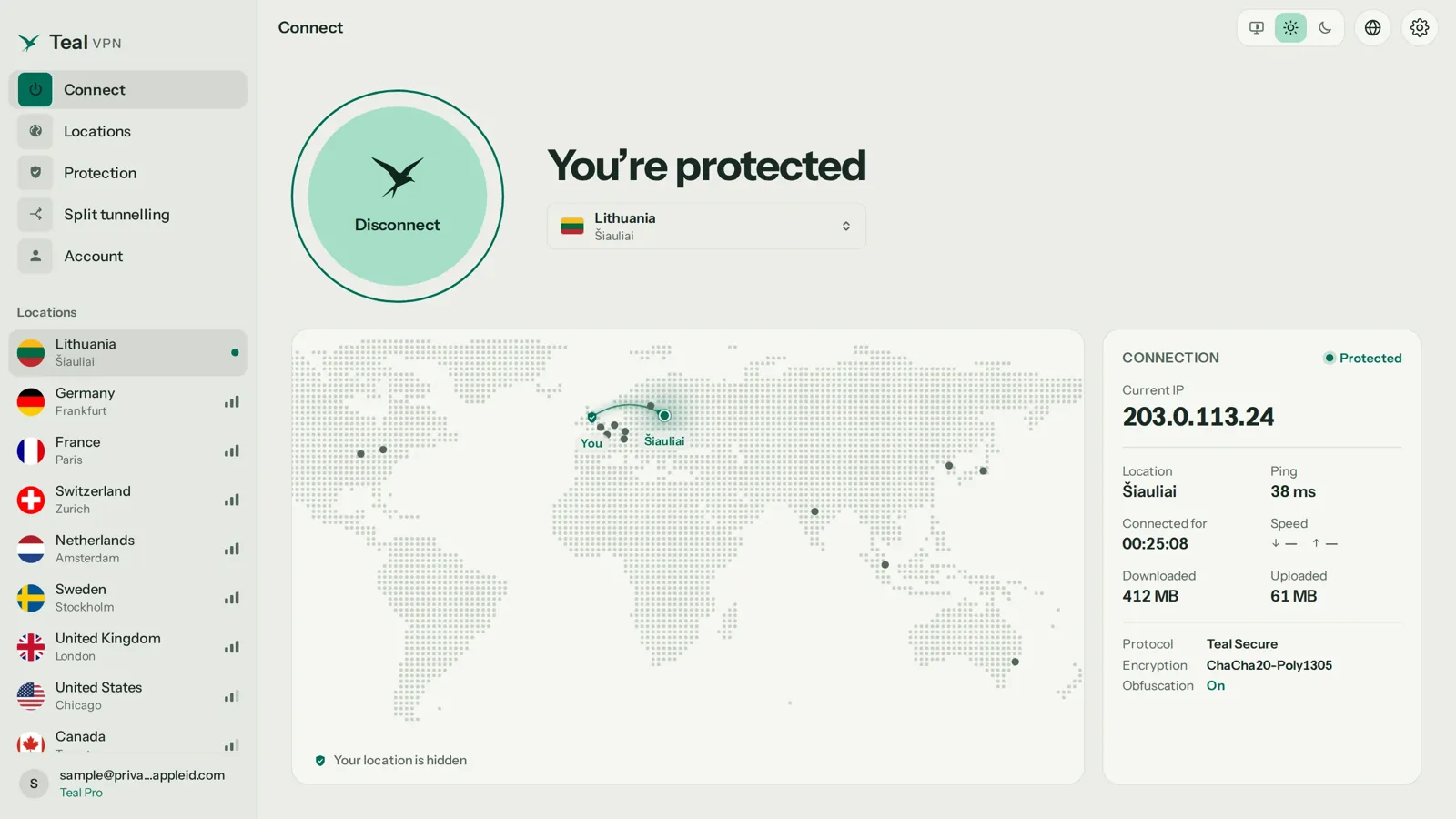
Teal VPN, made by Fxolio LLC, has a Free plan (500 MB a day, 2 devices) and a Pro plan, with apps for Android, Android TV, Windows, Mac, Linux and Chromebook plus Chrome, Edge and Firefox extensions. Every connection uses Teal Secure, which disguises VPN traffic as ordinary traffic, and the app tries other routes by itself when a network closes one. No VPN is guaranteed to connect on every network.
Our opinion: for most people who search for spoof location, the IP side is the only side they actually need, because they want a website or app store to treat them as being in another country, not a map to draw a wrong pin.
- 14
- server countriessame list on Teal Free and Pro, as of 3 November 2026
- $3.00
- a month on the yearly plan$36 a year; $7.99 monthly; $24 for six months
- 30 days
- money-back on Pro
Install the Teal VPN app for your device
Android, Windows, Mac, Linux, Chromebook or a browser extension. Teal Free needs only an email; the Pro plan adds more data and up to 10 devices on the yearly plan.
Pick the country you want to appear in
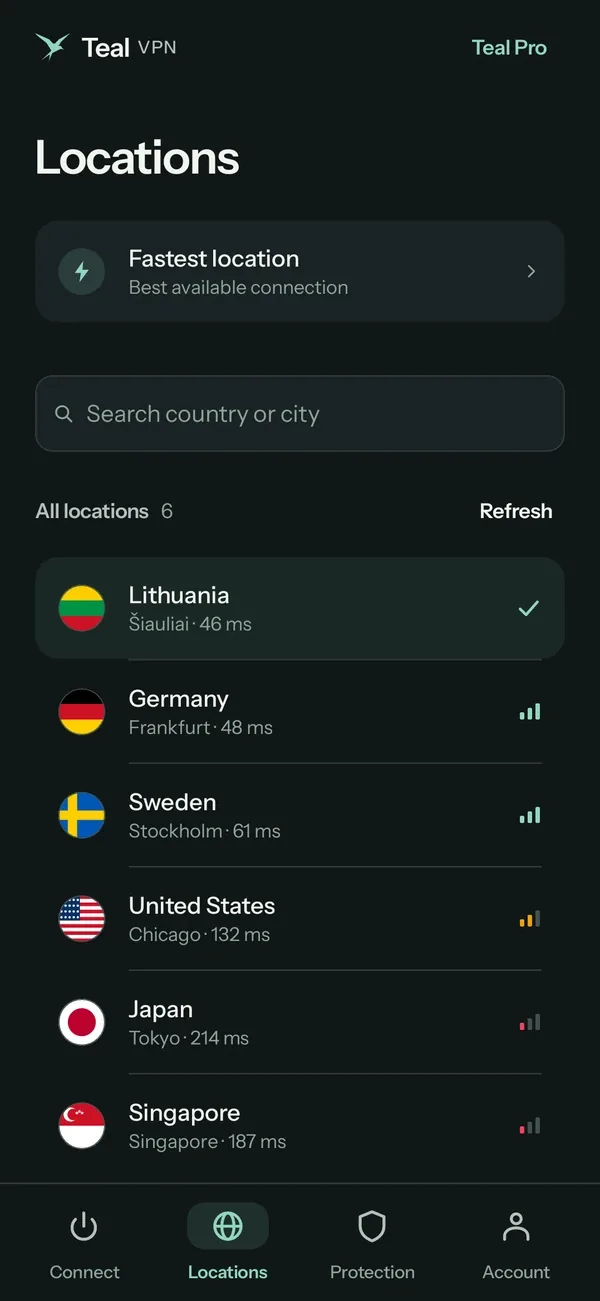
Choose from the 14 countries in the list (United States, United Kingdom, Germany, Japan and others) and tap connect.
Check what the world now sees
Open tealvpn.com/ip-leak-test. The public IP and the DNS servers answering your lookups should both show the chosen country. If DNS still shows your home country, reconnect before you rely on it.
Spoof location on Android with a mock-location app and Developer options
Android has a built-in switch for fake GPS: in Developer options you pick one app as the mock-location provider, and from then on that app's pin is what the location service hands to every other app.
Fake GPS Location (Google Play, by the mock.fakegps developer) and Fake GPS: Fake Location Mock are the two Play Store apps people reach for; both work the same way. Pair one with a VPN set to the same country or the GPS and IP will disagree.
Turn on Developer options
Settings → About phone → tap Build number repeatedly until the phone says you are a developer. Developer options then appears under System.
Install a mock-location app from Google Play
Fake GPS Location is the one most searched for. Open it once so Android lists it as a provider.
Select it as the mock location app
Developer options → Select mock location app → choose the app you installed.
Drop the pin and start
Search the map for the place, press play, then open Google Maps to confirm the blue dot moved.
Match the IP with Teal VPN
Connect Teal VPN to the same country, then check tealvpn.com/ip-leak-test so GPS country and IP country agree.
Spoofing location on iPhone needs a computer; without one you can only change the IP side
iOS has no mock-location switch, so changing an iPhone's GPS means plugging it into a computer and running a tool such as iMyFone AnyTo or 3uTools, or using Xcode's simulate-location feature, which is why "spoof location iPhone no computer" is a dead end for GPS.
Honest limit: Teal VPN has no iOS app as of 3 November 2026, and we have not tested iPhone GPS tools ourselves. On an iPhone the IP side needs a different VPN; on a Mac, Teal VPN's app covers it.
Location-sharing in Find My and in Messages comes from the same Find My service, so a GPS tool that moves the pin moves what family members see too. Think before you do that to people who trust the pin.
With a computer
- iMyFone AnyTo or 3uTools: connect by cable, pick a spot on the map, apply
- Xcode (Mac): Debug → Simulate Location, for developers
- Pin moves in Maps, Find My, Snapchat Map and games until you reset it
- Some tools need re-applying after a reboot
Without a computer
- No supported way to change GPS on a stock iPhone
- A VPN changes only the IP country
- Turning Location Services off for one app removes the pin rather than moving it
- Sharing a chosen address in Messages is not spoofing, just a sent address
On a PC the fastest spoof is the browser's own location override plus a VPN
Windows and Mac have no GPS chip in most models, so a website locates a laptop from the IP address and from nearby Wi-Fi names; a VPN changes the first, and the browser's developer tools can override the second.
security.org's PC guide reaches the same conclusion: on a computer, a VPN is the practical way to change location, with the browser override as the fine-tuning step for sites that ask for precise coordinates.
Connect the VPN to the target country
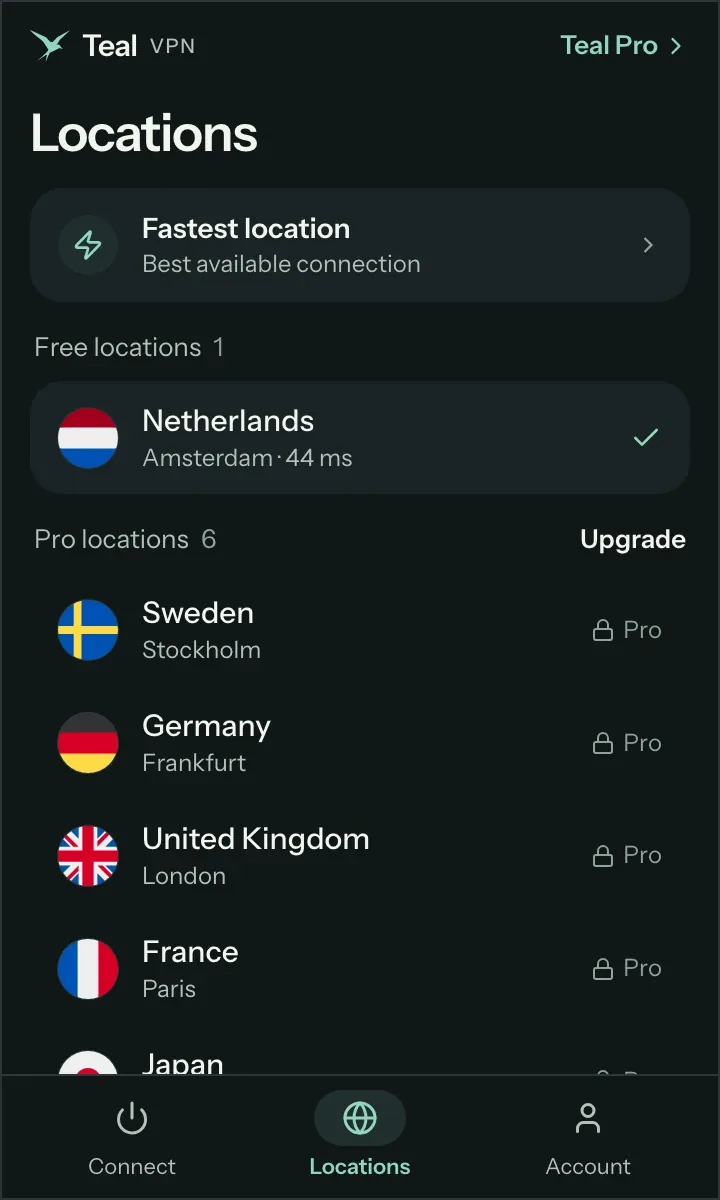
Teal VPN on Windows, Mac, Linux or Chromebook; pick the country and connect.
Override coordinates in Chrome or Edge
Press F12, open the three-dot menu → More tools → Sensors, then set Location to a preset city or enter latitude and longitude. Firefox has the same under about:config geo settings.
Confirm both signals
tealvpn.com/ip-leak-test shows the IP and DNS country; a maps site shows the overridden pin. Close DevTools and the override ends.
Find My, Life360, Snapchat and Pokémon Go read GPS, so a VPN alone changes nothing there
Family trackers and location games take their position from the GPS chip, not from the IP address, which is why connecting a VPN and opening Life360 still shows your real street.
Changing those pins means the Android mock-location route or an iPhone computer tool, and each app treats that differently. Pokémon Go's rules forbid it and accounts get suspended; Life360 and Find My simply show the fake pin, which is a trust problem with the people watching it rather than a technical one.
| App | Signal it reads | Does a VPN change it? | Risk of a fake GPS pin |
|---|---|---|---|
| Pokémon Go | GPS, mock flag, movement speed | No | Account suspension under the game's rules |
| Life360 | GPS, plus battery and drive data | No | Circle members see a wrong pin; sudden jumps look odd |
| Find My / iMessage sharing | GPS via Find My | No | Family sees the fake pin until the tool is reset |
| Snapchat Map | GPS, or Ghost Mode to show nothing | No | Snapchat may flag mock-location apps |
| Websites and app stores | IP address, sometimes browser location | Yes | Low; a mismatch may trigger a verification step |
Check the spoof before you trust it: IP, DNS, GPS and time zone should tell one story
A spoof that passes is one where every signal an app can read says the same country, so run through the list below before you open the app that matters.
Start with Teal VPN's leak test at tealvpn.com/ip-leak-test, which shows your public IP and the DNS servers answering your lookups without a sign-in and works with any VPN; a second independent IP lookup site should agree with it. Then open a maps app for the GPS pin and glance at the clock for the time zone.
- IP country at tealvpn.com/ip-leak-test matches the target
- DNS servers on the same page sit in the target country, not your home one
- GPS pin in Google Maps or Apple Maps sits in the target city
- Device time zone and language fit the target country
- The app you are testing is force-closed and reopened after the change
- You have checked the app's own rules and the local rules before you travel
Keep reading
References
- DuoPlus: Geolocation Spoofing (glossary)
- security.org: How To Change Location on a PC
- Google Play: Fake GPS Location - Change GPS
Need help with Teal? Contact support.
Questions
How do I spoof location on iPhone?
Connect the iPhone to a computer and use a tool such as iMyFone AnyTo or 3uTools to set a map pin, or Xcode's simulate-location on a Mac. A VPN changes only the IP country on iPhone; Teal VPN has no iOS app as of 3 November 2026.
Can I spoof location on iPhone with no computer?
Not the GPS pin on a stock iPhone; iOS has no mock-location setting. Without a computer you can change the IP-based country with a VPN, which is enough for websites and app stores but not for Find My or games.
Does a VPN spoof my GPS location?
No. A VPN changes the country tied to your IP address, so websites see the VPN server's country. The GPS chip keeps reporting your real position to Maps, Find My and games.
How do I spoof location on Android?
Enable Developer options, install Fake GPS Location from Google Play, choose it under Select mock location app, drop a pin and start. Add a VPN set to the same country so the IP agrees with the GPS.
Can I spoof my Pokémon Go location?
Technically the Android mock-location route or an iPhone computer tool moves the pin, but the game reads the mock flag and movement speed and suspends accounts under its rules. We do not recommend it.
How do I spoof location on a Firestick?
A VPN on the device changes the IP country, which is what streaming apps read. Teal VPN has an Android TV app as of 3 November 2026; Fire TV is not on its app list, so check your model before you buy.
Is spoofing location legal?
It depends on where you are and what app you do it in, and app rules differ from local law. Check the local rules before you travel and the terms of the app you are changing the pin in.