An IP changer swaps the public IP that websites see, and there are four ways to do it
An IP changer is any app, setting or trick that makes websites see a different public IP address from the one your internet provider gave your router. Your router has one public IP shared by every device at home, and each device also has a private IP that only matters inside your own network.
Most people searching for an IP changer want the public one changed, because that is the number websites, apps and ad networks log. The private one only matters when two devices on your home network clash or a printer stops answering.
These are the four methods we compare on this page, as of October 2026.
| Method | What it changes | Covers | What it costs |
|---|---|---|---|
| VPN app (Teal VPN and others) | Public IP and DNS, with a choice of country | Every app on the device | Teal Free at 500 MB a day; Teal Pro from $3.00 a month on the yearly plan |
| Browser extension | Public IP for that browser | One browser only | Usually included with a VPN plan |
| Proxy server | Public IP for the apps you point at it | One app or browser | Varies; many public proxies are run by strangers |
| Router reset | Public IP, if your provider hands out a new one | Every device at home | Nothing, but not guaranteed and no choice of country |
| Manual private IP in device settings | Private IP only | One device on your local network | Nothing; websites see no difference |
A VPN is the simplest IP changer because it switches every app on the device at once
A VPN app is the IP changer we would point a friend to first: you pick a country, tap connect, and every app on the device goes out through that country's IP.
Teal VPN, made by Fxolio LLC, has a Free plan (Teal Free: 500 MB a day, 2 devices, nothing more than an email to sign up) and a Pro plan, with apps for Android, Android TV, Windows, Mac, Linux and Chromebook, plus extensions for Chrome, Edge and Firefox. Both plans pick from the same 14 server countries, as of 27 October 2026.
Every Teal connection uses Teal Secure, which wraps the VPN traffic so it looks like ordinary web traffic on networks that restrict VPNs, and the app tries other routes by itself when a network closes one. No VPN is guaranteed to connect on every network, so keep a second method in mind.
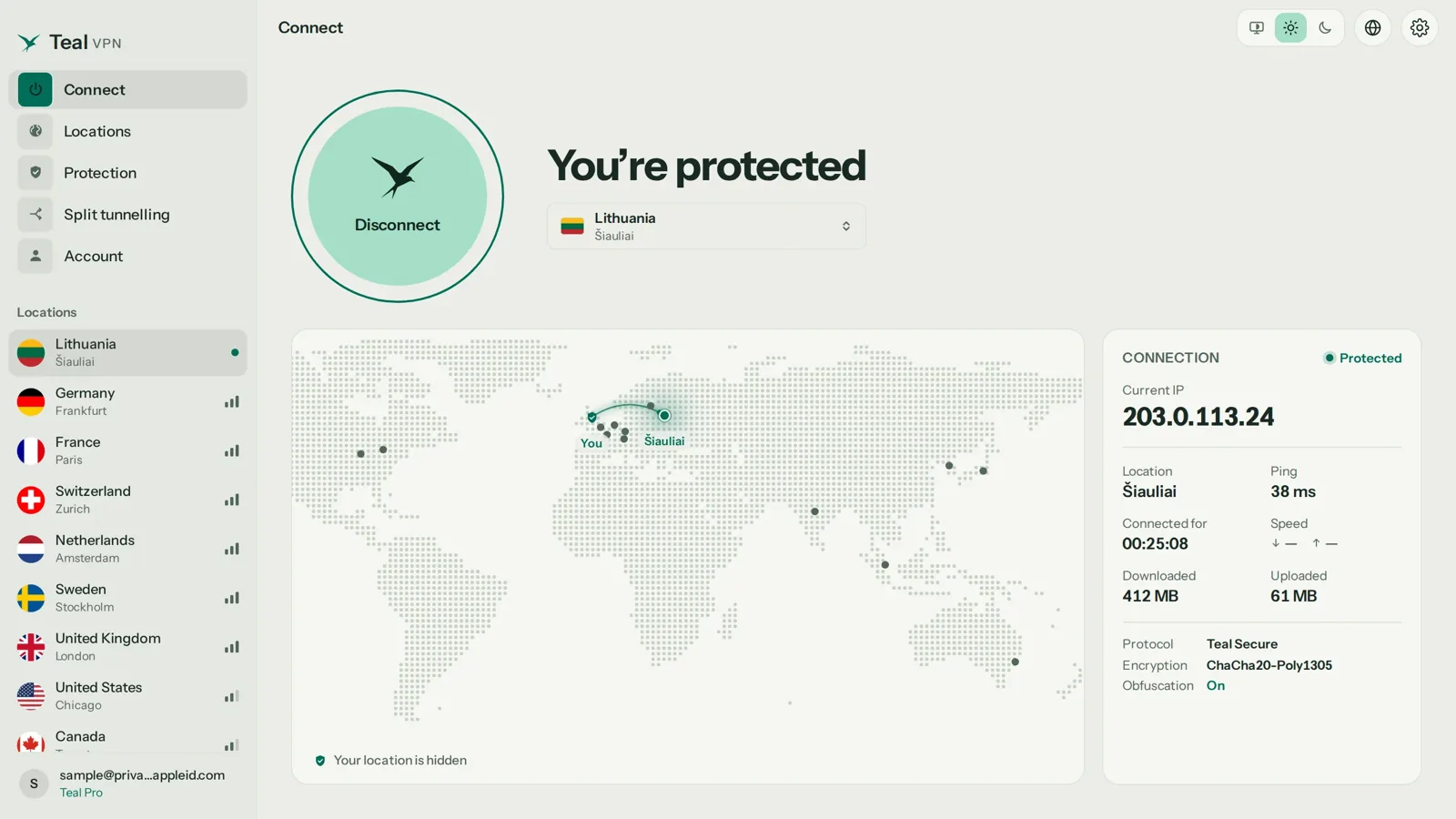
Install the app for your device
Get Teal VPN from tealvpn.com or your app store for Android, Windows, Mac, Linux or Chromebook. Teal Free needs only an email address.
Pick the country you want to appear in
Choose one of the 14 countries, for example the United States, the United Kingdom, Germany or Japan. The IP you receive belongs to that country.
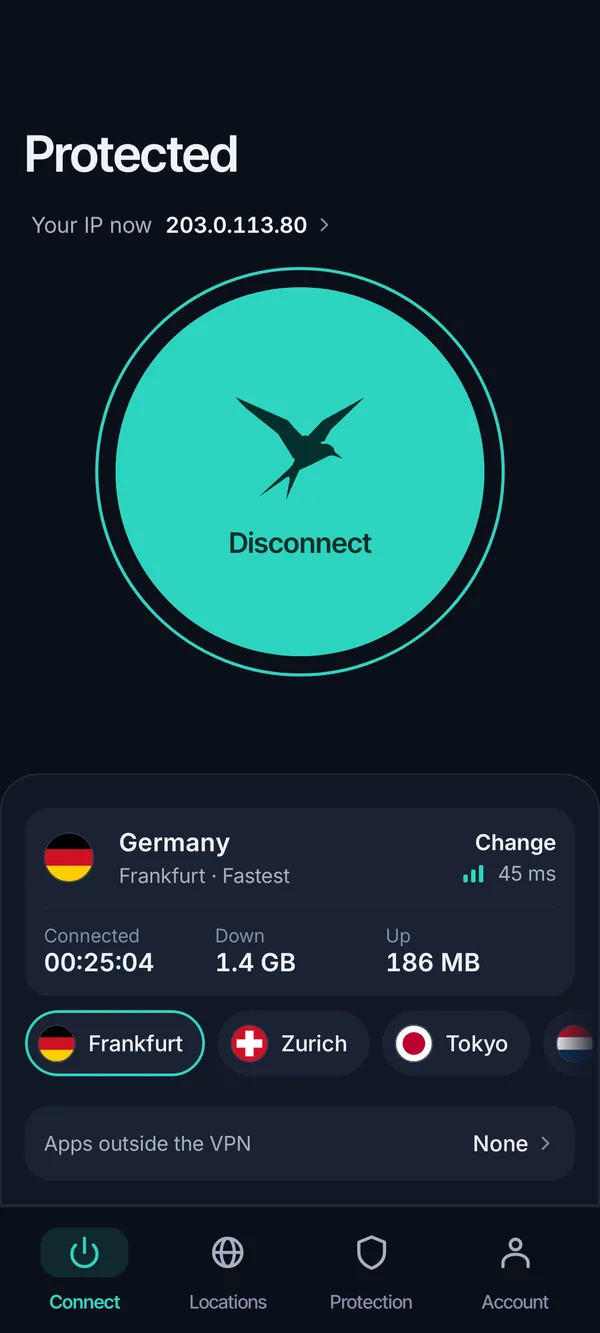
Connect and wait for the status to say connected
This takes a few seconds. On a strict network the automatic route switch tries another path on its own; if it still fails, try a different country.
Check the result
Open tealvpn.com/ip-leak-test. The IP and country should match the server you chose, and the DNS lines should not name your home provider.
An online IP changer, Chrome extension or proxy changes one browser, not the whole device
An 'online IP changer' is almost always a proxy or a browser extension, and it only changes the IP for the browser or app that is set to use it; your email client, games and system updates keep your real IP.
A proxy relays your traffic through another server without adding its own encryption. Sites that use HTTPS are still encrypted end to end, but the proxy operator sees which sites you visit, and many proxy lists online are run by people you know nothing about, so we would not sign in to a bank through one.
Teal VPN's Chrome, Edge and Firefox extensions work at the browser level too: the extension changes the IP for that browser only, which is handy on a Chromebook or a shared computer where you cannot install an app. For the whole device, use the app.
Use an extension or proxy when
- Only one browser needs to show a different country
- You cannot install software on the computer
- You want a quick check before setting up an app
Use the VPN app when
- Every app should use the new IP, including email and games
- You are on a network that restricts VPNs and need Teal Secure
- You want DNS to change along with the IP
Changing the IP in Windows, Mac, Linux, Android or iPhone settings only changes the private one
The IP address you can edit in your device's network settings is the private one, so changing it gives you a new number on your home network and does nothing to what websites see.
That setting is still useful: it fixes two devices fighting over the same address, lets a printer keep a fixed number, and sometimes clears a 'no internet' error after a router swap. Mac users searching for a 'mac ip address changer' usually want the public IP, which means a VPN app, not the TCP/IP tab below.
Here is where the setting lives on each system.
| System | Where the setting lives | What to do |
|---|---|---|
| Windows | Settings → Network & internet → your connection → IP assignment | Switch from Automatic (DHCP) to Manual and enter an address in your router's range, or toggle Wi-Fi off and on to be handed a fresh one |
| Mac | System Settings → Network → your connection → Details → TCP/IP | Click Renew DHCP Lease for a new automatic address, or choose Manually |
| Linux | Network settings in GNOME or KDE, or the terminal | Set IPv4 to Manual, or release and renew the lease |
| Android | Wi-Fi → the network's gear icon → IP settings | Change DHCP to Static and enter an address |
| iPhone and iPad | Settings → Wi-Fi → the (i) next to your network → Configure IP | Tap Renew Lease, or switch to Manual |
A router reset sometimes gives you a new public IP, but your provider decides
Turning your router off and leaving it off can get you a fresh public IP from your internet provider, but only if your provider assigns addresses dynamically and the old lease has expired by the time you plug back in.
In practice some providers give the same address back after a short power cycle and a different one after a longer gap, and a few assign a fixed address that never changes without a phone call. You will not know which until you try, so note your current IP at tealvpn.com/what-is-my-ip first, unplug, wait, and compare.
This method changes the IP for every device in the home at once and costs nothing, but it gives you no choice of country; the new address is still your provider's and still points to your town.
Check that the IP changer actually worked at tealvpn.com/ip-leak-test
After any method, open Teal VPN's leak test at tealvpn.com/ip-leak-test: it shows the public IP websites see and the DNS servers answering your lookups, needs no sign-in, and works with any VPN, proxy or extension.
We think most people over-worry about whether the IP changed and under-check whether DNS changed with it. If the IP shows Germany but the DNS line still names your home provider, sites can still work out roughly where you are, and some will serve the local version anyway.
For a second opinion, WhatIsMyIPAddress shows the same public IP and region, and Teal VPN's lookup at tealvpn.com/ip-lookup tells you which provider and country any address belongs to.
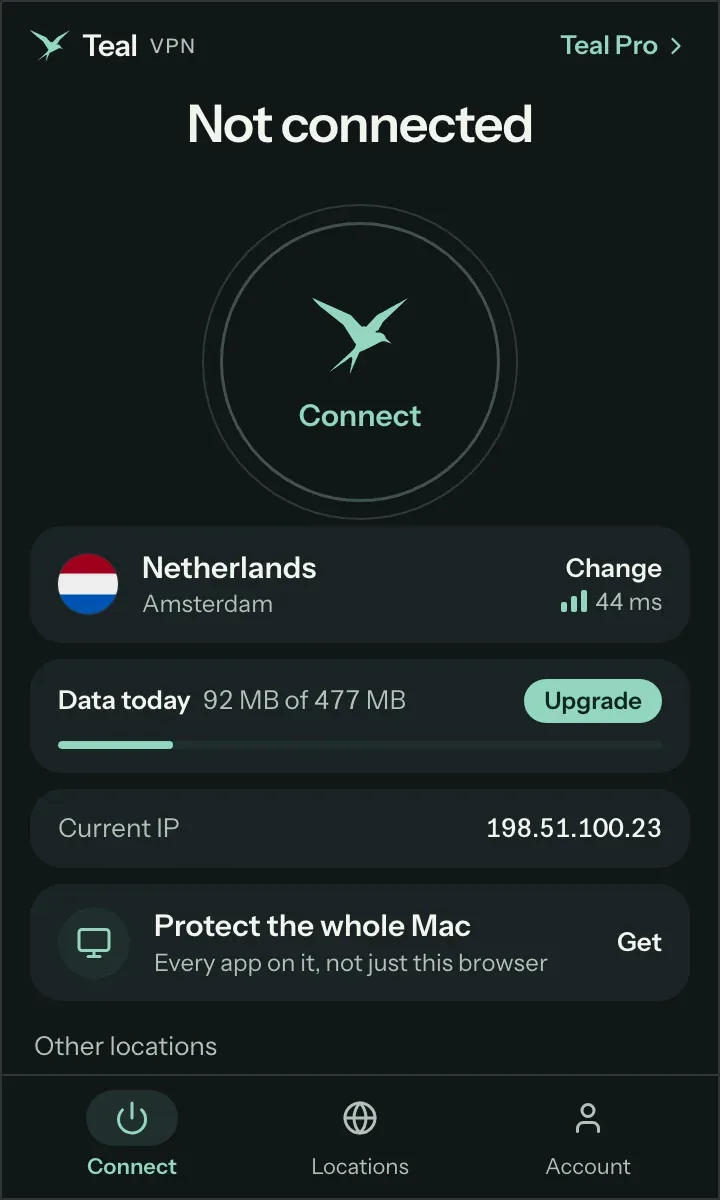
- The IP and country match the server or proxy you picked
- The DNS servers listed are not your home provider's
- A private window and your usual browser show the same result
- Apps that were open before you connected have been reopened, so they pick up the new route
An IP changer costs nothing with Teal Free and $3.00 a month on Teal Pro's yearly plan
You can change your IP without paying: Teal Free gives 500 MB a day on 2 devices with the full choice of 14 countries, and a router reset costs nothing but offers no country choice.
Teal Pro removes the daily cap: $7.99 a month, $24.00 for six months, or $36.00 a year, which works out to $3.00 a month. The yearly plan covers up to 10 devices; monthly and six-month plans cover 5. Every plan has a 30-day money-back window, and you can pay by card, Apple Pay, Google Pay, PayPal or crypto. Prices checked 27 October 2026.
Teal keeps no browsing logs and shows no ads on either plan. We could not run a timed speed test for this page this week, so we are not quoting one; what we can say is that the country list and Teal Secure are the same on the Free plan and on Teal Pro.
- $3.00
- a month on the yearly plan$36.00 billed once
- 30 days
- money-back window
- 14
- server countriessame list on Teal Free and Teal Pro
- 500 MB
- a day on Teal Free
Keep reading
References
- CNET: How to Easily Change Your IP Address Using a VPN and Other Techniques
- Control D: How to Change Your IP Address
- Tom's Hardware forum: Is there software that changes my IP address?
Need help with Teal? Contact support.
Questions
What is the best IP changer?
For most people a VPN app, because it changes the IP for every app on the device and lets you choose the country. Teal VPN does this on both plans with 14 countries as of October 2026; a browser extension is the better pick when you cannot install software.
Is there an IP changer for Chrome?
Yes. Teal VPN has a Chrome extension (also Edge and Firefox) that changes the IP for that browser only. Other browsers and your desktop apps keep your real IP.
Can I change my IP address without paying?
Yes. Teal Free gives 500 MB a day on 2 devices with the full 14-country list, and a router reset can get you a new address from your provider at no cost, though with no choice of country.
Does an IP changer change my location?
A VPN or proxy makes sites see the country of the server, so most location checks follow it. GPS on a phone and the address saved on your account do not change, so a maps app may still know where you are.
Is it legal to change my IP address?
We cannot give legal advice for every country. Check the local rules before you travel, and remember that a new IP never excuses breaking a site's terms or the law.
Why does my IP look the same after I connected?
Usually the app you are checking in was opened before the VPN connected and kept its old route, or the test page was cached. Reopen the app, reload tealvpn.com/ip-leak-test, and if the DNS line still shows your provider, reconnect and check again.
How often can I change my IP?
As often as you like with a VPN: disconnect, pick another country, reconnect. A router reset is slower and your provider may hand the same address back.