A VPN service runs the encrypted servers so you only install an app
A VPN service is a company that operates servers in many countries and sells you an app that sends your internet traffic to one of them through an encrypted tunnel. The network you are on, and your internet provider, see one connection to the VPN server instead of every site you visit.
Three things happen when you tap Connect. The app proves who you are to the server (authentication), wraps each packet in encryption, and sends everything down a single tunnel to the server, which passes it on to the website. The website sees the server's IP address, not yours.
Teal VPN, made by Fxolio LLC in the United States, is one such service: it has a Free plan (500 MB a day, 2 devices) and a Pro plan, with apps for Android, Windows, Mac, Linux, Android TV and Chromebook plus Chrome, Edge and Firefox extensions. There is no iOS app as of October 2026, which we mention up front because it rules Teal out for iPhone users.
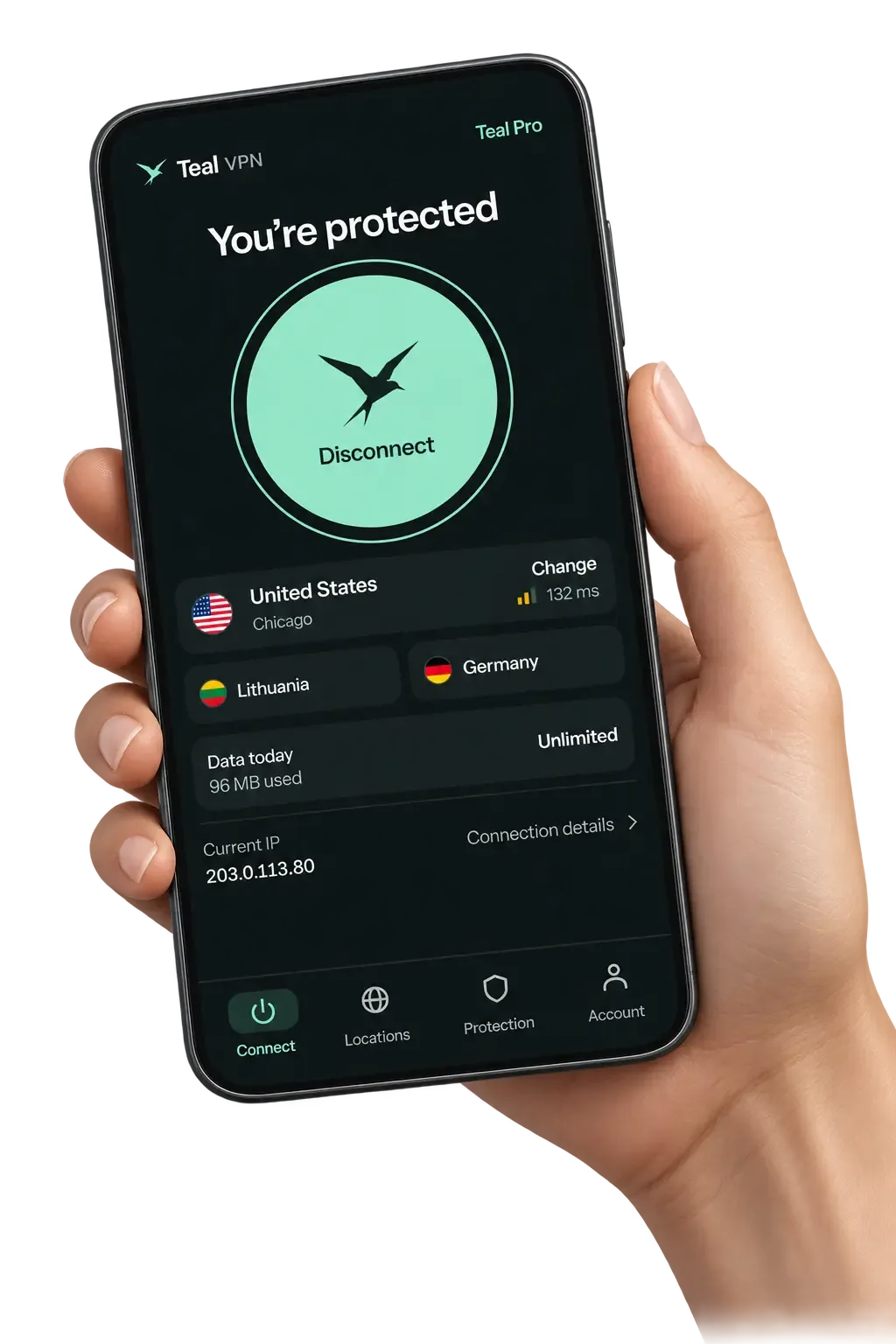
Public Wi-Fi, your internet provider and travel are the three real reasons to use one
Most people use a VPN service for three jobs: stopping a café, airport or hotel network from reading or tampering with their traffic, keeping their browsing history out of the internet provider's hands, and getting a steady connection on unfamiliar networks while travelling.
A VPN does not protect you from everything. It does not stop phishing, malware already on the device, or a website tracking you once you log in. It also cannot promise that a streaming service will play while you are abroad, because the large platforms detect VPN addresses and the picture changes week to week; we do not test or promise streaming at Teal VPN.
We think most people over-worry about encryption strength and under-worry about the boring part: whether the app actually connects on the network in front of them. That is the thing to test first.
What a VPN service does
- Encrypts traffic between your device and the VPN server
- Shows websites the server's IP address instead of yours
- Keeps your browsing out of the Wi-Fi owner's and internet provider's view
- Gives you a consistent route on networks you do not control
What it does not do
- Stop phishing emails or malware already installed
- Keep a logged-in site from tracking you
- Guarantee any streaming platform will play
- Connect on every network in the world
The best VPN service in 2026 depends on countries, devices and where it connects
As of October 2026 the leading VPN services all give you 30 days to get your money back, so the real differences are server countries, how many devices one account covers, who owns the company and whether it connects on strict networks.
Teal VPN is the small row in that table: 14 countries, not 100-plus. Its case is price and the fact that Teal Secure obfuscation is on for every connection and every plan, so there is no separate stealth setting to find. No VPN, Teal included, is guaranteed to connect on every network.
Proton VPN's own comparison, last updated April 2026, points out that its no-logs audit is published openly while ExpressVPN, NordVPN and Surfshark require a sign-in or an agreement to read theirs. We cannot verify every claim on that page, but it is a useful list of questions to ask before you pay.
| Service | Server countries | Devices per account | Money-back | Based / owner | What stands out (October 2026) |
|---|---|---|---|---|---|
| Proton VPN | 140+ (20,000+ servers) | Not shown on its homepage | 30 days | Switzerland / Proton AG | Open-source apps, openly published no-logs audit, a no-cost tier |
| Surfshark | 100 (4,500+ servers) | Unlimited | 30 days | Netherlands / Nord Security | RAM-only servers, no-logs policy checked by Deloitte |
| ExpressVPN | 113 | Up to 14 | 30 days, first-time users | British Virgin Islands / Kape | 24-hour live chat support |
| NordVPN | Not shown on the pages we checked | 10 on the Basic plan listings | Not shown on the pages we checked | Panama / Nord Security | Basic plan leaves out ad and malware filtering, per Proton's comparison |
| Teal VPN | 14 | 10 on yearly, 5 on monthly and six-month | 30 days | United States / Fxolio LLC | Teal Secure obfuscation on every plan, $36.00 a year, no iOS app |
A plan that costs nothing is fine for a few hundred megabytes, not for a household
A no-cost VPN plan is worth having for occasional use on hotel Wi-Fi, but every honest one caps something, and the dishonest ones pay their bills with your browsing data or by injecting ads.
Teal Free gives 500 MB a day on 2 devices and asks for nothing beyond an email address. It uses the same 14 countries and the same Teal Secure obfuscation as Pro, so it is a fair test of whether Teal connects where you need it. 500 MB covers a day of email and browsing, not video calls or streaming. Proton VPN also offers a no-cost tier, so you can run both on the same network and keep whichever behaves.
Paid plans remove the data cap, raise the device count and, at the reputable services, fund the audits and the support staff. If a no-cost app has no paid plan at all, ask yourself where the money comes from.
- The company name and country are on the website, not just an app-store listing
- There is a paid plan, so the service has a way to earn money that is not you
- The privacy policy says what is logged in plain words
- The app does not ask for contacts, location or call permissions it has no use for
- A leak test at tealvpn.com/ip-leak-test shows the VPN's DNS servers while connected
A VPN service costs about $3 to $8 a month, and the yearly price is where the savings are
Teal VPN Pro costs $7.99 a month, $24.00 for six months or $36.00 a year ($3.00 a month), as of 29 October 2026, and all three come with a 30-day money-back guarantee.
Most larger services advertise an introductory price that rises at renewal, sometimes to several times the banner figure. Read the renewal line at checkout, not the banner, and set a calendar reminder a week before the term ends.
The yearly Teal plan covers up to 10 devices at once; the monthly and six-month plans cover 5. You can pay by card, Apple Pay, Google Pay, PayPal or crypto. The Free plan needs only an email, and Pro does not ask for more than the payment itself.
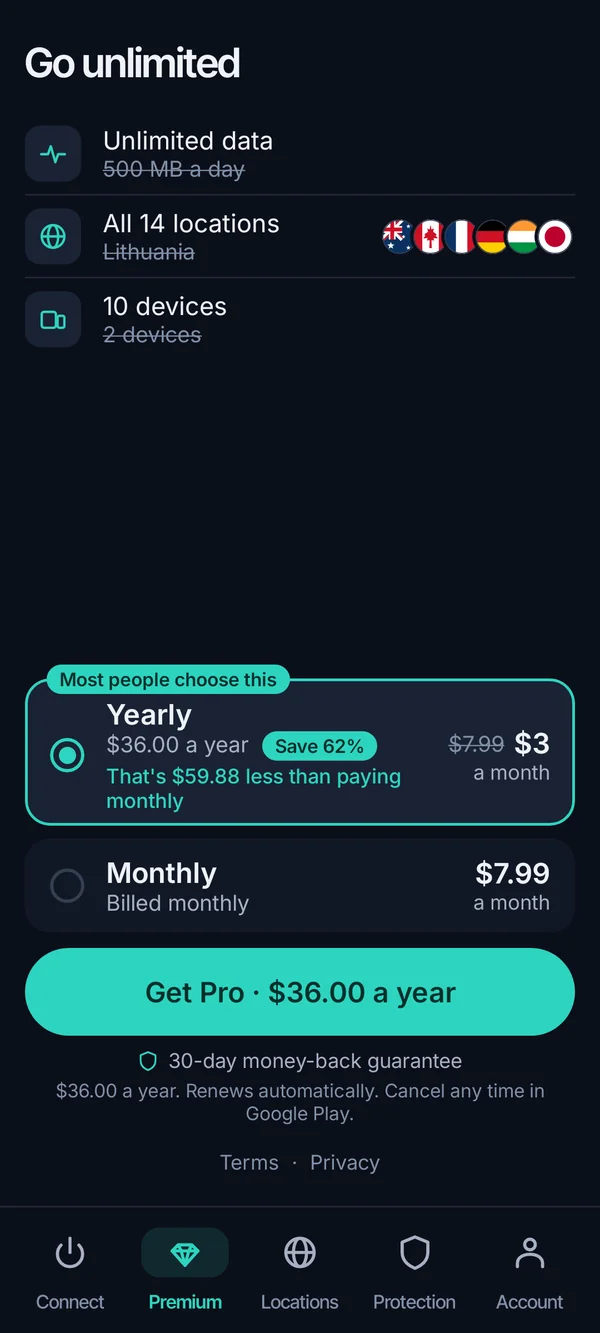
- $3.00
- a month on the yearly plan$36.00 billed once
- 10
- devices at onceyearly plan; 5 on monthly and six-month
- 30 days
- money-back windowall Pro plans
- 14
- server countriessame on Teal Free and Pro
On strict networks, obfuscation decides whether the VPN connects at all
In China, Iran and other countries with strict networks, and on some hotel and campus networks closer to home, a connection that looks like a VPN gets dropped; the services that still connect disguise the tunnel as ordinary web traffic, which is what obfuscation means.
Teal Secure is Teal VPN's obfuscation. It is on for every connection on every plan, and the automatic route switch tries other routes by itself when a network closes the first one, so there is nothing to toggle. We have not been able to test it from inside China ourselves this month, and no VPN is guaranteed to connect on every network.
Install the app and sign in before you travel, because app stores and VPN websites are often unreachable once you arrive, and keep a second service on your phone as a fallback.
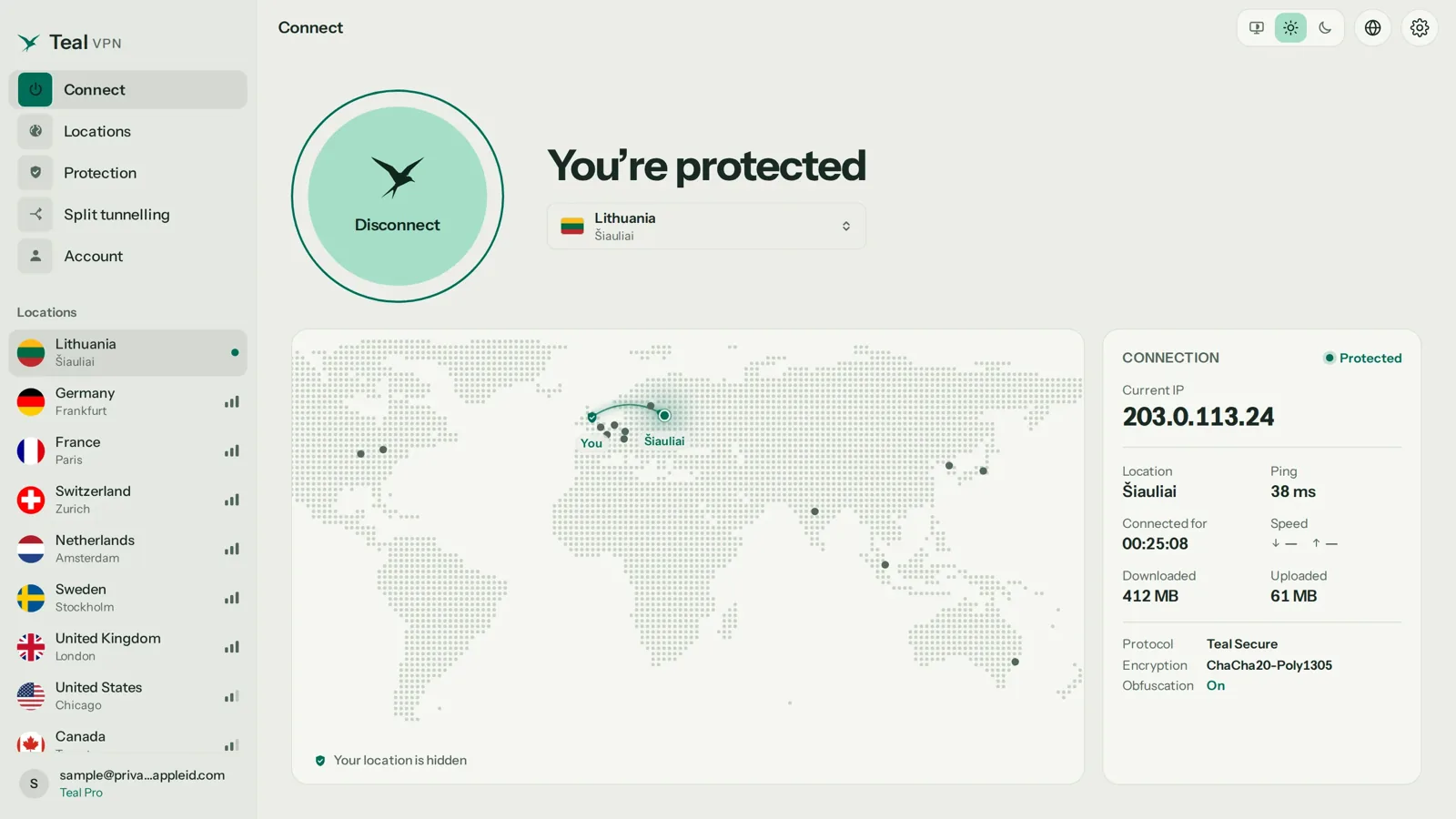
Test a VPN service inside the 30-day window instead of trusting a review
The 30-day money-back window is a test period: install the app, connect, run a leak test, measure speed and try the network that worried you, then ask for a refund if it fails any of them.
We have not run speed numbers for this page, so we will not quote any. In our experience the distance to the server and the quality of the Wi-Fi itself change the result far more than which brand you picked, which is why your own test beats anyone's chart.
Install on the device you use most
Phone first, laptop second. If the service has no app for your platform (Teal VPN has none for iOS as of October 2026), stop here and pick another.
Connect to the nearest server
Speed falls with distance. A server in your own country or a neighbouring one is the fair baseline; a server on another continent will always feel slower.
Run a leak test while connected
Open tealvpn.com/ip-leak-test; it works with any VPN and needs no sign-in. The IP shown should be the server's, and the DNS line should name the VPN's servers, not your internet provider's. ipleak.net is a good second opinion.
Measure speed with and without the VPN
Run the same speed test twice on the same Wi-Fi within a few minutes. Some loss is normal; a drop of more than half on a nearby server is worth a support ticket or a refund.
Try the network that worried you
The hotel, the campus, the café with the login page. Connect there, not just at home. If it fails, this is the moment the money-back window exists for.
Note the purchase date
Refund windows are counted from payment, not from first use. Ask in writing before day 30.
Keep reading
References
- Proton VPN: the best VPN for speed and security
- Surfshark VPN service page
- ExpressVPN homepage
- Wikipedia: VPN service
Need help with Teal? Contact support.
Questions
What is the best VPN service?
There is no single best one. As of October 2026 Proton VPN (140+ countries), ExpressVPN (113) and Surfshark (100, unlimited devices) lead on size; Teal VPN leads on price at $36.00 a year with Teal Secure obfuscation on every plan but covers only 14 countries. Pick by the network you actually use and test it within the 30-day refund window.
What is the cheapest VPN service?
Teal VPN Pro costs $36.00 a year ($3.00 a month) as of 29 October 2026, with a 30-day money-back guarantee. Most larger services show a low introductory rate that rises at renewal, so compare the renewal line, not the banner.
What is the fastest VPN service?
The one with a server near you on the network you are using; brand matters less than distance and the Wi-Fi itself. Run a speed test with and without the VPN on the same connection during the refund window rather than trusting a published number.
Is Teal Free enough for everyday use?
Teal Free gives 500 MB a day on 2 devices with the same 14 countries and Teal Secure obfuscation as Pro. That covers email and browsing for a day, not video; for a household or any streaming you need a paid plan.
Does a VPN service keep logs?
It depends on the service and you have to take its word or its audit. Teal VPN keeps no browsing logs and shows no ads; Surfshark publishes a Deloitte assurance report to customers and Proton VPN publishes its no-logs audit openly, per their own pages in October 2026.
Can I get a VPN service with a static IP?
Some providers sell a dedicated IP as a paid add-on, useful for remote access to a home server or a site that keeps challenging shared addresses. Teal VPN does not offer one; for most people the shared address is the privacy point, since many users share it.
Do VPN services have a customer service phone number?
Rarely. Most handle support by live chat or email; ExpressVPN, for example, advertises 24-hour live chat. Check the support page before you buy if a phone line matters to you.