Using a VPN takes four steps: get a plan, install the app, sign in, connect
Using a VPN means installing one app, signing in once and pressing Connect; everything after that happens in the background. The app wraps your traffic in encryption and sends it through a server you choose, so websites see that server's address instead of your own.
Teal VPN, made by Fxolio LLC, has a Free plan (500 MB a day) and a Pro plan, with apps for Android, Windows, Mac, Linux, Android TV and Chromebook, plus Chrome, Edge and Firefox extensions. We use it below as the worked example, but the four steps are the same for any provider with an app.
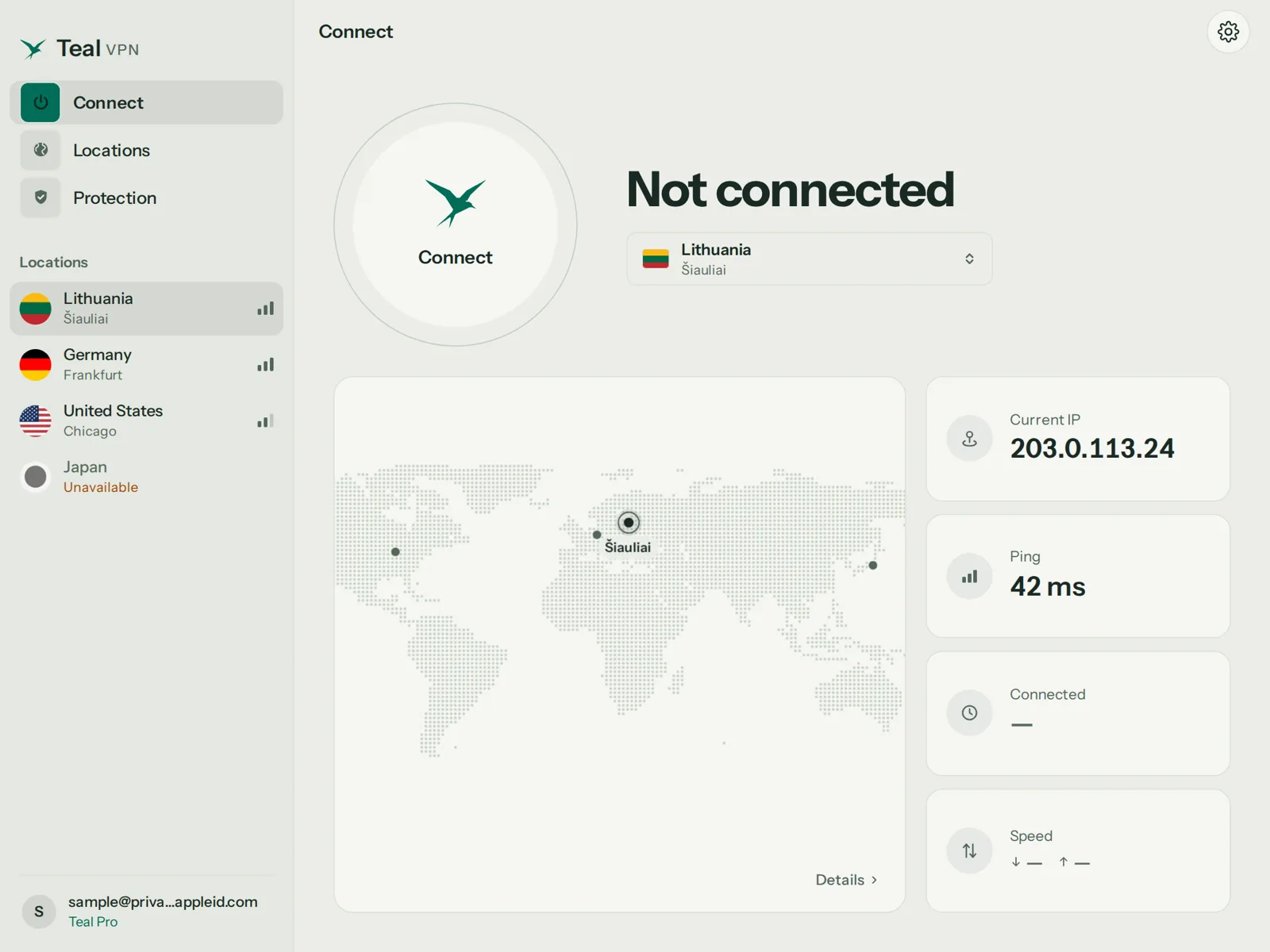
Pick a plan
Decide what you need before you pay. For checking email at an airport, Teal Free (500 MB a day, 2 devices, an email address and nothing more) is enough. For video or daily use, a paid plan with a money-back period lets you test it on your own network first.
Install the app from the official source
Download from the provider's website or the official app store, never from a third-party download site. On Windows and Mac the install takes about a minute; on Android it is a normal Play Store install.
Sign in
Open the app and enter the email and password you set up. Teal Free asks only for an email, so there is no payment step on that plan.
Press Connect, then check
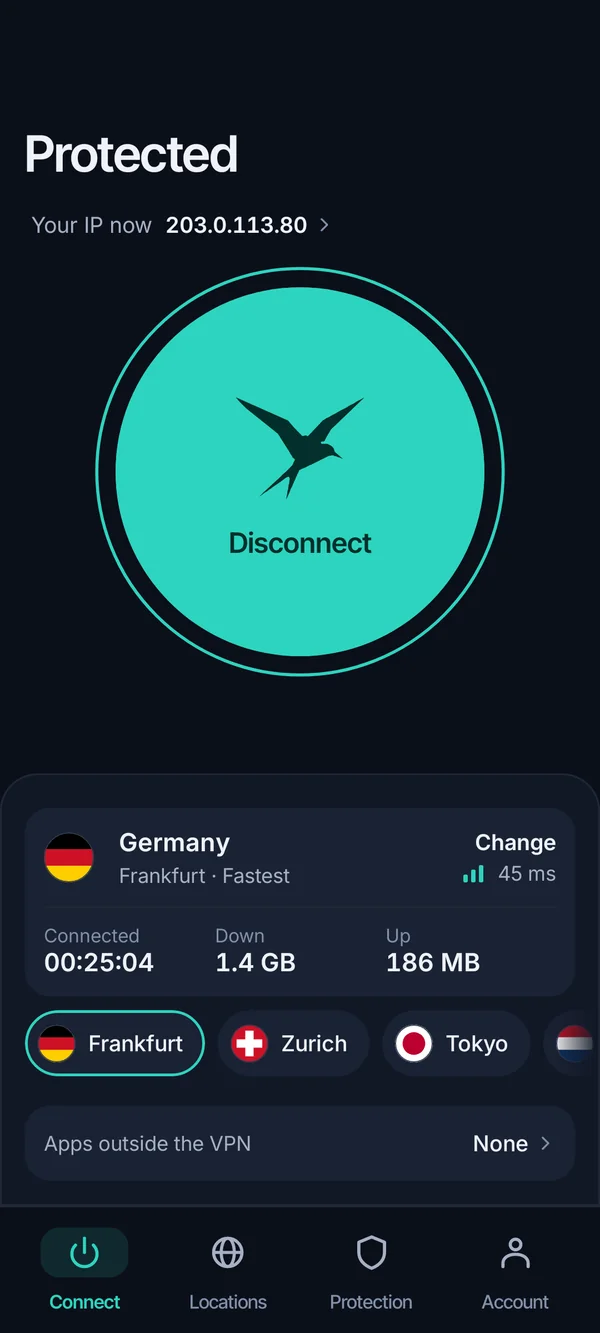
The default server is usually the nearest one. Press Connect, wait for the status to say connected, then open tealvpn.com/ip-leak-test to confirm the IP shown is the server's, not yours.
Check the VPN is actually working before you trust it
Open tealvpn.com/ip-leak-test with the VPN connected; if both the public IP and the DNS servers shown belong to the VPN's location, it is working. The page needs no sign-in and works with any VPN, not only Teal.
The DNS line matters as much as the IP. A VPN can say connected while your device keeps asking your home internet provider's DNS servers which sites you visit, and only a leak test shows that. For a second opinion, ipleak.net and dnsleaktest.com show the same two things from different servers.
We have not published a fresh run of this check for this page, so we will not quote numbers here; run it yourself before and after connecting and compare the two screens.
- Signs the VPN is not really on: the IP still resolves to your own city
- The DNS servers listed belong to your home internet provider
- The app says connected but a speed test shows no change at all
- Sites still show prices and language for your real location
Pick the server by what you want from it: nearest for speed, another country to change location
Choose the nearest server when you want privacy with the least slowdown, and a server in another country when you want sites to treat you as if you were there. Every extra kilometre between you and the server adds a little delay.
To use a VPN to change your location, open the server list, pick the country, connect, and reload the site; it reads the server's address and adjusts. As of October 2026 Teal VPN has servers in 14 countries: Australia, Canada, France, Germany, India, Japan, Lithuania, the Netherlands, Singapore, South Korea, Sweden, Switzerland, the United Kingdom and the United States.
Two honest limits. Streaming services actively detect VPN addresses and we do not promise that any particular service plays through Teal VPN. Apps such as betting or daily-fantasy services also read your phone's GPS and check their own terms, so a VPN alone rarely changes what they allow; check the local rules before you rely on it.
The app does the work on phones and computers; TVs and consoles need a workaround
On Windows, Mac, Android, Linux and Chromebook you install the app and press Connect; on Xbox, PlayStation, Roku, Fire TV and Apple TV there is no Teal VPN app, so you route the device through a laptop or a router instead. The table shows the practical path for each, as of October 2026.
The simplest console or Roku workaround is a shared connection: connect the VPN on a Windows or Mac laptop, turn on its Wi-Fi hotspot, and join the console to that hotspot. Every device on the hotspot then uses the laptop's VPN tunnel. The other option is a router that runs a VPN client, which covers the whole house but needs a compatible router and a manual setup.
| Device | How you use a VPN on it | Teal VPN as of October 2026 |
|---|---|---|
| Windows PC | Install the app, sign in, Connect; or add a manual profile in Settings > VPN | Windows app |
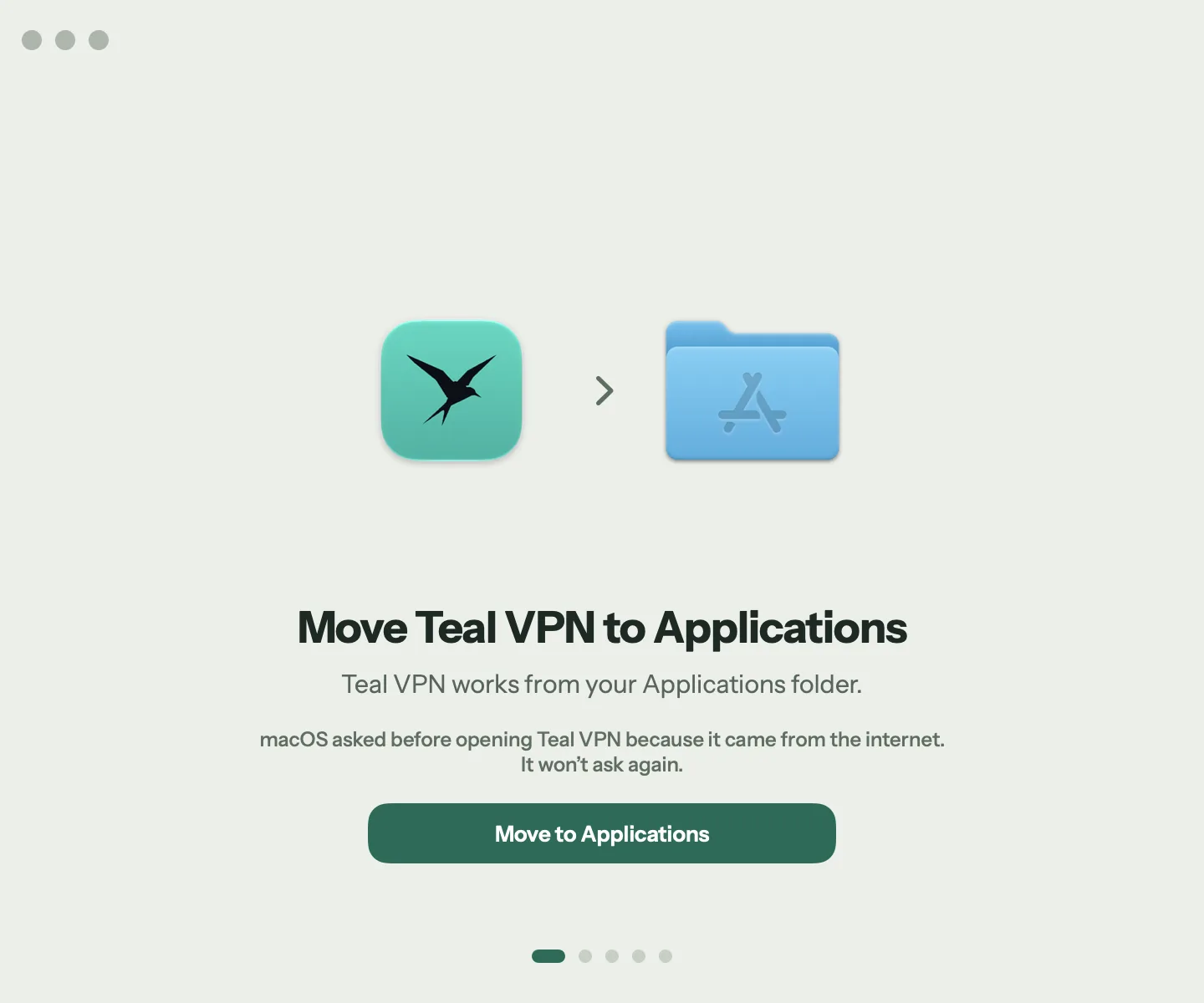
| Mac | Install the app, allow the system extension when macOS asks, Connect | Mac app |
| Android phone | Install from Google Play, accept the VPN connection prompt once, Connect | Android app; Teal Free works here |
| iPhone and iPad | Install a provider's iOS app, or add a manual profile in Settings > VPN | No iOS app yet; use another provider on iPhone |
| Linux | Install the client package, sign in, Connect | Linux app |
| Chromebook | Install the Play app or the Chrome extension | Play app or Chrome extension |
| Android TV / Google TV | Install the TV app from the Play Store on the TV, sign in with the code, Connect | Android TV app |
| Xbox, PS5, Roku, Fire TV, Apple TV | Share a VPN-connected laptop's hotspot, or run the VPN on the router | No app; hotspot or router |
When common VPN apps stop connecting while traveling, use one that disguises VPN traffic by default
On networks that restrict VPNs, the apps that keep working are the ones whose traffic looks like ordinary web browsing, a technique called obfuscation. Teal Secure, Teal VPN's connection mode, is obfuscated on every connection and every plan including Teal Free, and the app tries other routes by itself when a network closes one. No VPN is guaranteed to connect on every network.
Hotel, airport, campus and some national networks are the usual places this matters. China is the common example travellers ask about; connections there are unpredictable for every provider, so install and test the app before you leave and check the local rules before you travel.
The table lists three options with what each actually offers. Teal VPN is one row; the Windows built-in profile is there because it costs nothing extra but gives you no disguise layer at all.
Sign in to the network's own page first
Many hotel and airport networks show a sign-in page that must load before anything else works. Turn the VPN off, open a browser, accept the terms, then turn the VPN on.
Make sure the disguise mode is on
In Teal VPN there is nothing to switch because Teal Secure is always on. In other apps look for a setting named obfuscation, stealth or similar and enable it.
Try another country
If the first server will not connect in 30 seconds, pick a different country. Teal VPN's app does this switching by itself; in other apps do it by hand.
Use your phone's hotspot as the last resort
Mobile data usually restricts less than a venue's Wi-Fi. Share your phone's connection to the laptop and connect the VPN over it.
| Option | What it offers on strict networks | Checked |
|---|---|---|
| Teal VPN | Teal Secure obfuscation on every connection and every plan; automatic route switch when a network closes one; 14 server countries | October 2026, tealvpn.com |
| Surfshark | A 'No Borders' mode listed on its site; 4,500+ servers in 100 countries per its own page | September 2026, surfshark.com |
| Windows built-in VPN profile | Manual connection to a server address your provider gives you; no obfuscation layer | Microsoft Support page, 2025 |
A good VPN costs a few dollars a month; choose on ease of use, countries and a money-back period
Pay for a VPN that has an app for every device you own, servers in the countries you care about, and a money-back period long enough to test it on your own networks. Those three things matter more than server counts in the thousands.
Teal VPN Pro costs $7.99 a month, $24 for six months or $36 a year, which works out to $3 a month, with 30 days to ask for your money back; the yearly plan covers up to 10 devices, the monthly and six-month plans 5. You can pay by card, Apple Pay, Google Pay, PayPal or crypto. A common pattern elsewhere is an intro price that rises at renewal, so read the renewal line before you pay.
- $3
- a month on Teal VPN's yearly plan$36 billed once, as of October 2026
- 30 days
- money-back periodall paid plans
- 10
- devices on the yearly plan5 on monthly and six-month
- 500 MB
- a day on Teal Free2 devices, email only
Reliable VPNs typically cost around $2–3/mo with long-term plans.
Surfshark, How to use a VPN: 2026 beginner's guide
A VPN slows the connection a little and does not replace antivirus
A VPN protects traffic on public Wi-Fi, stops your internet provider from seeing which sites you visit and lets you appear in another country; it does not remove viruses, does not stop a site tracking you once you log in, and always costs some speed. Expect a small loss on a nearby server and more on a distant one.
Two settings are worth knowing. A kill switch cuts your internet if the VPN drops so nothing leaks in between; split tunneling lets chosen apps skip the VPN, useful for a banking app that refuses foreign addresses. We think most people over-worry about protocol choices; leave the default and only change it if the connection fails.
Leave the VPN on whenever you are on a network you do not control. At home on your own router, turning it off for speed-hungry tasks is a reasonable trade.
A VPN does
- Encrypt traffic between your device and the server
- Replace your public IP with the server's
- Keep your internet provider from seeing sites you visit
- Help on networks that restrict VPNs, when obfuscated
A VPN does not
- Remove malware or stop phishing
- Stop tracking after you sign in to an account
- Promise any streaming service will play
- Make your connection faster than your line allows
Keep reading
References
- Connect to a VPN in Windows, Microsoft Support
- How to use a VPN: 2026 beginner's guide, Surfshark
- A VPN Expert's Guide to Setting Up Your VPN, CNET
Need help with Teal? Contact support.
Questions
Is it legal to use a VPN?
Rules differ by country and change, so check the local rules before you travel. Teal VPN cannot promise to connect on every network, so test the app before a trip rather than on arrival.
Is there a VPN plan I can use at the airport without entering card details?
Teal Free gives 500 MB a day on 2 devices and asks only for an email address, with no payment step. Teal Secure obfuscation is included, which matters on airport networks; 500 MB covers email, maps and messaging for a day, not video.
Which VPN is easiest to use while traveling across different countries?
The easiest is an app with one Connect button that picks the route by itself, because you will be on a new network every few days. Teal VPN's app does this with the automatic route switch and Teal Secure always on; most major apps also have a quick-connect button, though some make you enable the stealth setting by hand.
How do I use a VPN on iPhone?
Install a provider's app from the App Store, approve the VPN configuration prompt once and press Connect. As of October 2026 Teal VPN has no iOS app, so on iPhone use another provider or add a manual profile under Settings > VPN.
How do I use a VPN for Mobile Legends or Warzone?
Connect to a server in the country of the game region you want, then open the game. Expect higher ping than without a VPN, and the game's own rules decide what region you may play in; we make no promise about either title.
Should I leave a VPN on all the time?
Leave it on whenever you are on a network you do not control, such as hotels, cafés and airports. At home you can turn it off for tasks where every bit of speed matters.