A VPN protects the whole device; a proxy only the app you point at it
The core difference is simple: a VPN encrypts every packet leaving your device and sends it through one tunnel, while a proxy relays requests from one app and leaves the data readable.
That single fact drives everything else. A proxy is set per app (a browser, a torrent client, a script), so anything you forget to configure goes out on your real IP. A VPN app takes over the device's network route, so email, system updates and background apps all go through it without you doing anything.
Neither one is 'better' in the abstract. They solve different problems, and the table below is the fastest way to see which problem is yours.
proxies strictly act as a gateway between the internet and users. On the other hand, VPN traffic runs through an encrypted tunnel
Fortinet, Proxy vs VPN: What Is the Difference?
| Proxy | VPN | |
|---|---|---|
| Encryption | None by itself (HTTPS sites still encrypt page content) | All traffic encrypted between your device and the VPN server |
| What it covers | One app you configure | The whole device |
| IP the website sees | The proxy's IP | The VPN server's IP |
| Who can read your traffic | The local network, your ISP, the proxy owner | Only the VPN provider, after the server |
| Setup | Type an address and port into app settings | Install an app, press connect |
| DNS lookups | Usually still go to your ISP | Go through the provider's resolver (worth checking) |
| Speed cost | Small | Small to moderate: encryption plus server distance |
| Price | Public lists at no charge, paid pools per GB or per IP | Flat subscription; Teal Pro is $3 a month on the yearly plan |
Proxies come in several kinds, and most were never built for privacy
A proxy is a server that accepts your request, sends it on under its own IP address, and passes the reply back; the kind you meet depends on who set it up and why.
A forward proxy sits in front of users and is what most people mean by 'proxy': you type its address into your browser, and sites see its IP instead of yours. A reverse proxy is the opposite. It sits in front of a website (Cloudflare is the common example) and protects the server, not you. Searching 'reverse proxy vs VPN' is comparing two tools that face opposite directions.
Then there are flavours of forward proxy. A transparent proxy is one you don't configure, often placed on an office or campus network to filter and log. Data center proxies use IPs from hosting companies; residential proxies use IPs from home connections, which look more like ordinary visitors to websites. SOCKS5 is a protocol that can relay any app's traffic, not just web pages, and is popular with torrent clients. A web proxy is just a website that loads other pages for you.
| Type | What it does | Who usually uses it |
|---|---|---|
| Forward proxy | Relays one app's requests under its own IP | Individuals, offices |
| Reverse proxy | Sits in front of a website to filter and spread incoming traffic | Site owners |
| Transparent proxy | Intercepts traffic with no setup on your side | Office and campus networks |
| Residential proxy | Uses home-connection IPs that look like normal visitors | Scraping, ad checks, price checks |
| Data center proxy | Uses hosting-company IPs; cheap and fast, easy for sites to spot | Bulk tasks |
| SOCKS5 proxy | Relays any TCP/UDP app, still no encryption | Torrent clients, some gaming |
A VPN wraps your traffic in encryption before it leaves the device
A client-based VPN works like this: the app on your phone or laptop encrypts everything, sends it to a VPN server, the server decrypts it and forwards it to the website, and the reply comes back the same way. The website sees the server's IP; your ISP and the Wi-Fi owner see only a scrambled stream going to one address.
There is a second kind, the site-to-site VPN, which joins two office networks over the internet so they behave like one. AWS and Fortinet spend a lot of their pages on it. If you are an individual reading this, you can ignore it; it is a business networking tool, not something you install on a phone.
A VPN does not make you a different person. Once you log in to a site, that site knows who you are. And the VPN company now sits where your ISP used to sit, so its logging policy is the thing to read before you pay.
A proxy is usually lighter, but the gap is smaller than people think
A proxy skips encryption, so on paper it costs less speed than a VPN; in practice the server's location and load matter far more than the encryption work.
Modern phones and laptops encrypt at line speed, so the VPN overhead on a home connection is rarely the thing you notice. What you notice is distance: a server on another continent adds latency whichever tool you use. A public proxy pulled from a list is often slower than a paid VPN simply because hundreds of people are sharing one overloaded box.
We think most people over-worry about encryption overhead and under-worry about server choice. Teal VPN runs servers in 14 countries as of October 2026, from Australia to the United States; picking the nearest one does more for speed than dropping encryption ever would.
Pick a proxy when one app needs a different IP and the data is not sensitive
A proxy is the right tool when the task is narrow: one program, one IP, nothing private in the traffic.
The classic cases are technical. Scraping or price-checking from many IPs needs a residential proxy pool, which VPNs are not built for. An office that wants to filter and log browsing uses a transparent proxy. A site owner wanting to shield a web server uses a reverse proxy. And a quick 'how does this page look from Germany' check in one browser tab is fine over a proxy.
The rule we give friends: never send a login, a card number or a work document through a public proxy. The owner can read it, and you have no idea who the owner is.
- Only one app needs the other IP
- Nothing in the traffic is private (no logins, no payments)
- You need many rotating IPs, not one stable tunnel
- You run it on a server or script, not a phone on café Wi-Fi
- You know who operates the proxy
Pick a VPN when the data itself needs protecting or the network is strict
A VPN is the right tool whenever someone between you and the website could read or interfere with your traffic: public Wi-Fi, a strict office or campus network, a hotel, or a country that restricts VPN traffic.
Two cases catch people out. First, torrent clients: a SOCKS5 proxy changes the IP the swarm sees but sends the data in the clear, and tracker lookups can still leak your real address, while a VPN covers the client and every lookup. Second, strict networks: a plain VPN connection is easy to recognise and stop, which is why Teal Secure obfuscation is on for every connection and every plan, and why the Teal app tries other routes by itself when a network closes one. Check the local rules before you travel.
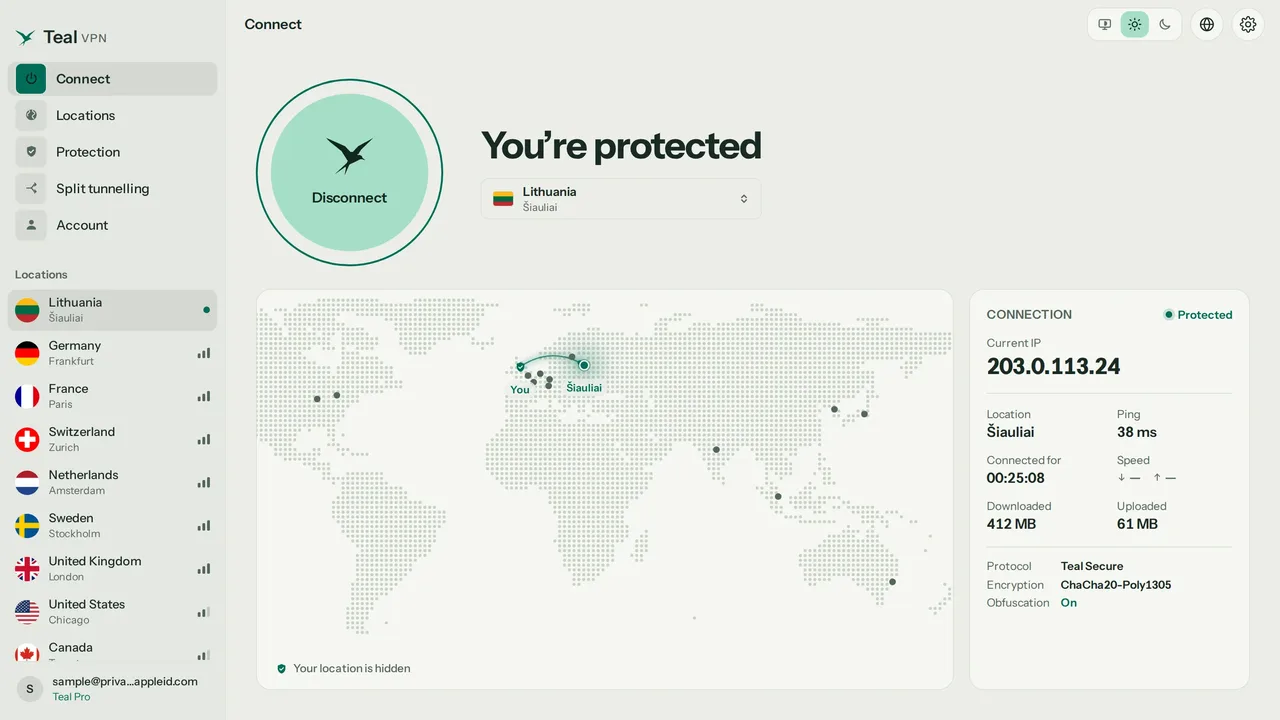
The fastest way to settle the question for your own setup is to test what each one actually covers. Our leak test at tealvpn.com/ip-leak-test shows your public IP and the DNS servers answering your lookups, with no sign-in, and it works with any VPN or proxy. For a second opinion, dnsleaktest.com or browserleaks.com show the same lines.
Record your baseline
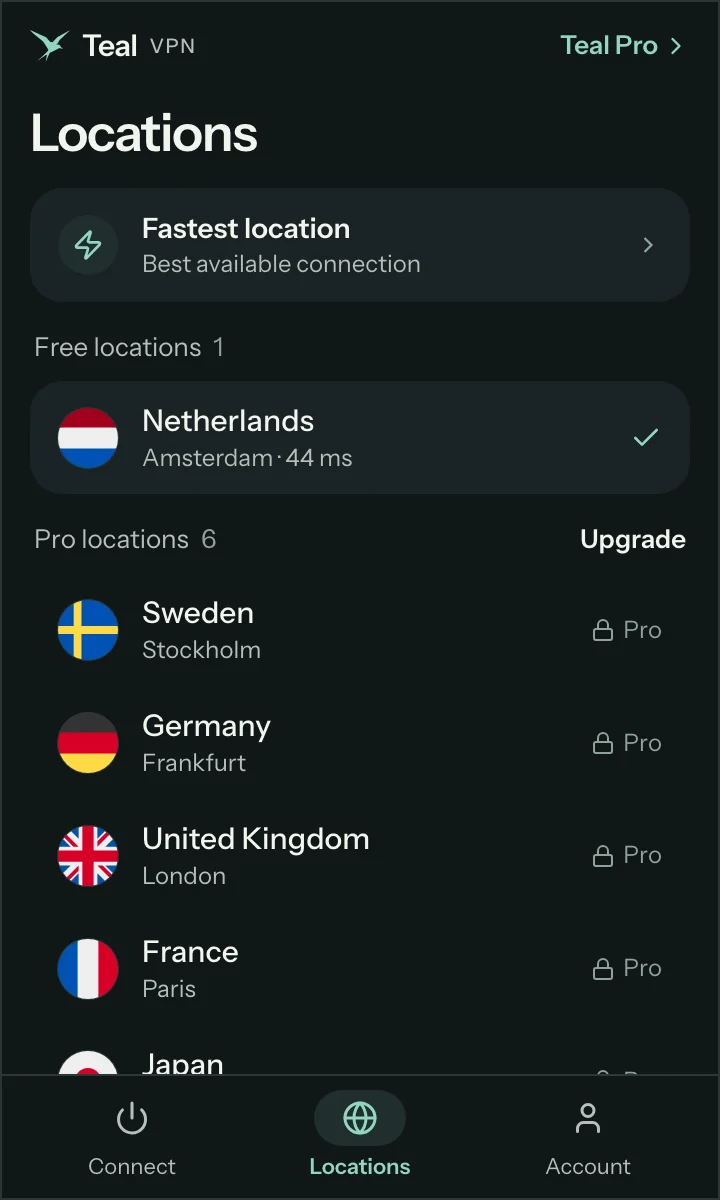
With nothing switched on, open tealvpn.com/ip-leak-test and note the IP and the DNS server names.
Turn on the proxy in one browser
Reload the page. The IP line should change to the proxy's IP. In most setups the DNS line still shows your ISP, because the browser proxy does not carry lookups.
Open a second app
Check mail or run a speed test in another program. It goes out on your real IP, because the proxy only covers the browser you configured.
Connect the VPN instead
Reload the leak test. Both the IP and the DNS lines should now show the VPN provider, and the second app is covered too.
Repeat on a strict network
If the VPN fails to connect where other VPNs stop, that is the moment obfuscation earns its keep; the Teal app switches routes on its own.
What each one costs as of October 2026
Public proxies cost nothing in money and a lot in trust; paid residential proxies are billed per gigabyte or per IP; a consumer VPN is a flat subscription.
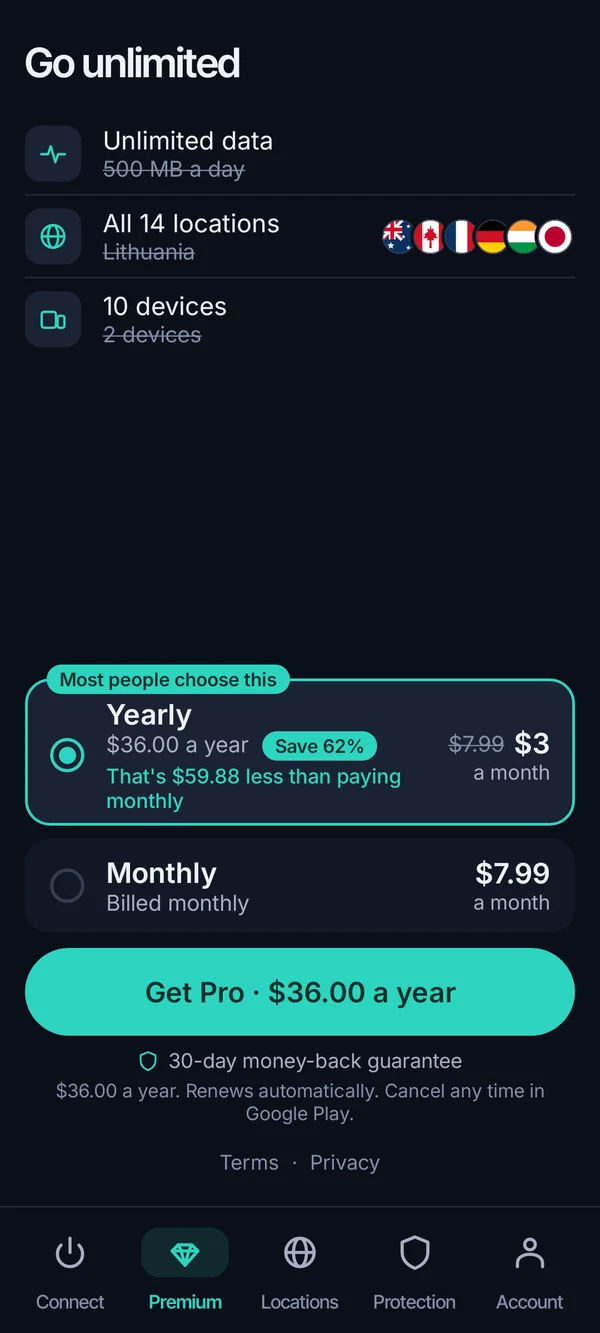
For Teal VPN the numbers are: Teal Pro at $7.99 a month, $24 for six months, or $36 a year, which works out to $3 a month. Every plan has a 30-day money-back window. The yearly plan covers up to 10 devices; monthly and six-month cover 5. Payment is by card, Apple Pay, Google Pay, PayPal or crypto.
If you only want to try the device-wide model, Teal Free gives 500 MB a day on 2 devices and asks for nothing beyond an email. Apps exist for Android, Android TV, Windows, Mac, Linux and Chromebook, plus Chrome, Edge and Firefox extensions. We do not have an iPhone app yet, and we would rather say so than pretend.
- $3/mo
- Teal Pro on the yearly plan$36 billed once a year
- 30 days
- Money-back windowevery paid plan
- 500 MB
- Teal Free, per day2 devices, email only
- 14
- Server countriesas of October 2026
Keep reading
References
- Fortinet: Proxy vs VPN: What Is the Difference?
- AWS: What's the Difference Between a Proxy and a VPN?
- Proton: What is the difference between a proxy and a VPN?
Need help with Teal? Contact support.
Questions
What is a VPN vs a proxy, in one sentence?
A proxy relays one app's traffic through another IP without encrypting it; a VPN encrypts all of a device's traffic and sends it through one server.
Is a VPN more secure than a proxy?
Yes, for the data in transit. A proxy leaves traffic readable to the proxy owner, your ISP and the local network; a VPN encrypts it so only the VPN provider sits in that position. HTTPS still protects page content on both, but not the DNS lookups or the fact of which sites you visit.
SOCKS5 proxy vs VPN for torrenting: what's the difference?
A SOCKS5 proxy changes the IP other peers see but sends data unencrypted, and tracker or DNS lookups can still expose your real address. A VPN covers the client and the lookups together. Check the rules where you live before you download anything.
Residential proxy vs VPN: which looks more like a normal visitor?
A residential proxy, because its IP belongs to a home connection, which is why scrapers pay per gigabyte for them. A VPN server IP belongs to a hosting company and is easy for websites to recognise. If you need many rotating home IPs, a VPN is the wrong tool; if you need one encrypted tunnel, a proxy is.
Reverse proxy (like Cloudflare) vs VPN: are they comparable?
Not really. A reverse proxy sits in front of a website to filter and spread incoming traffic for the site owner. A VPN sits in front of your device for your benefit. They face opposite directions and you can use both at once.
Tor vs VPN vs proxy: where does Tor fit?
Tor routes traffic through several volunteer relays with layered encryption, so no single relay knows both who you are and where you are going. It is far slower than either a proxy or a VPN and many sites treat Tor exit IPs with suspicion. For everyday use a VPN is the practical middle; Tor is for when you need no single party to see the whole path.
Do I need a proxy if I already have a VPN?
For personal use, no. The VPN already replaces your IP and covers every app. A proxy on top only helps for specialised jobs like scraping from many IPs or a site owner's reverse proxy.