A temporary VPN is any plan you can start today and drop within a month
A temporary VPN is not a product anyone sells; it is a normal VPN plan that you can start in minutes and walk away from in a month or less. You get one in four ways: a plan that costs nothing, a short trial, a single paid month, or a yearly plan with a money-back window.
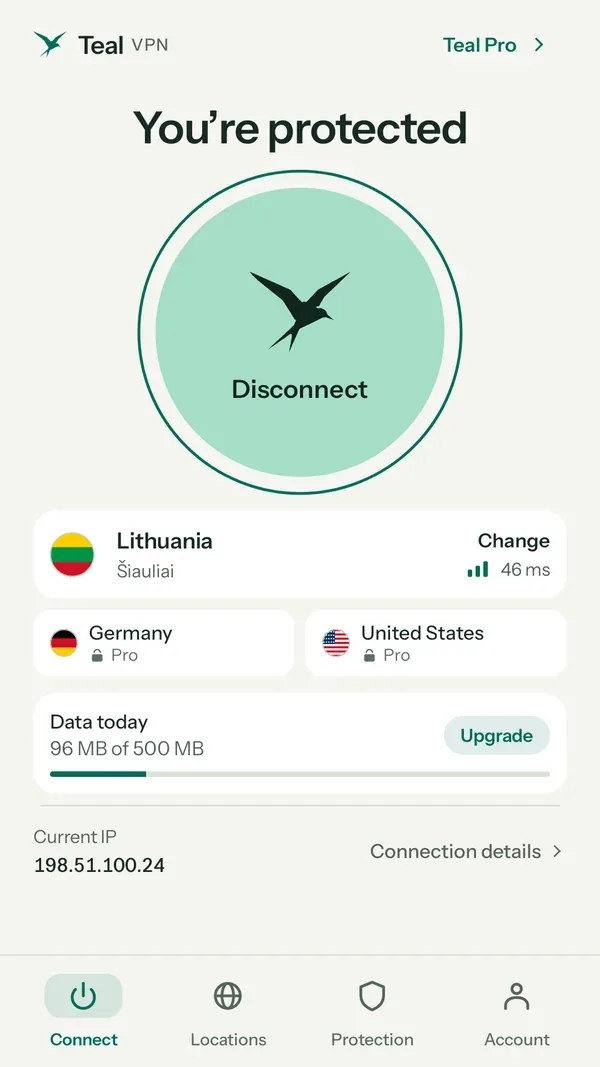
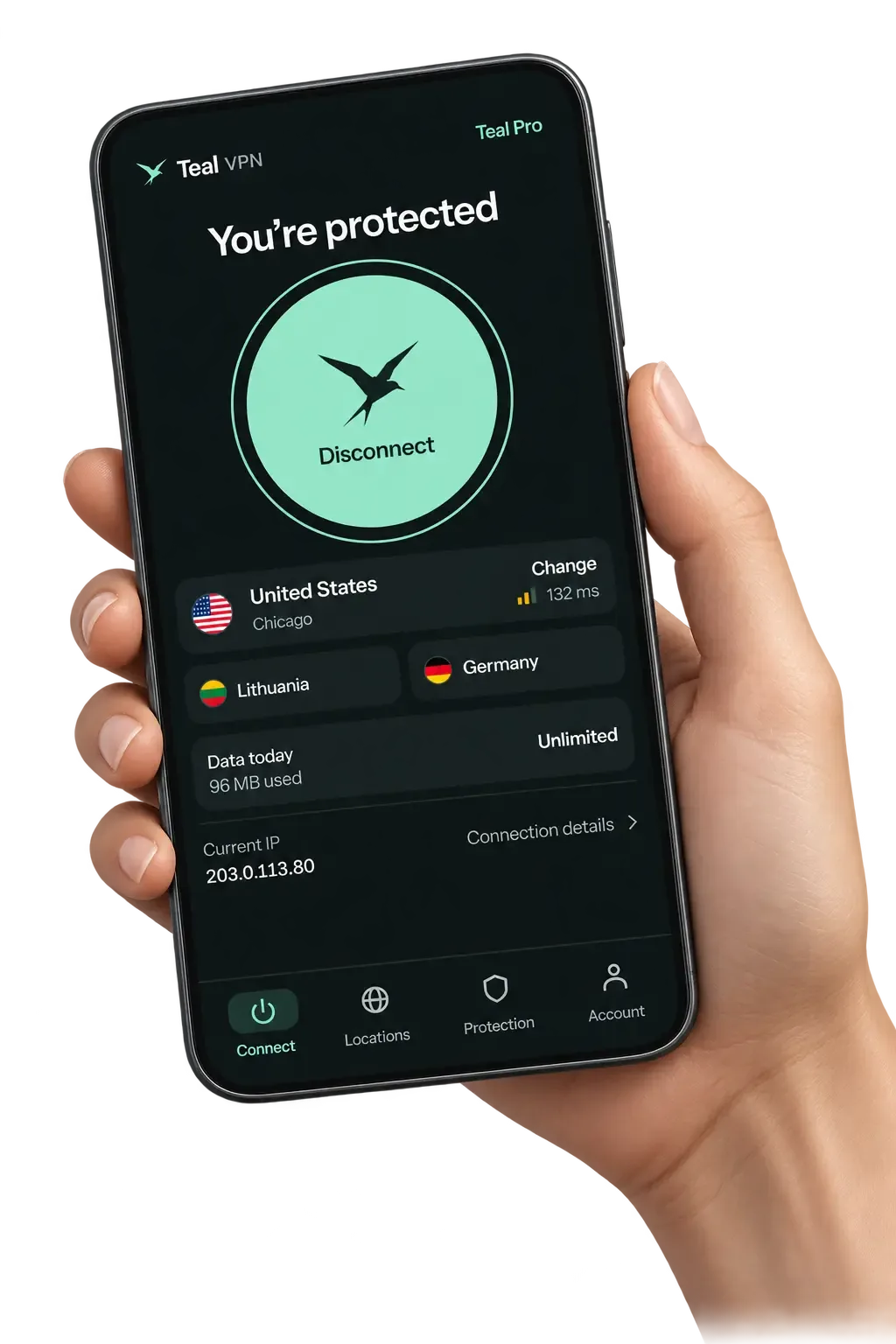
Teal VPN, made by Fxolio LLC in the United States, covers the short-term case two ways. Teal Free gives 500 MB a day on 2 devices with nothing more than an email, and Teal Pro costs $7.99 for one month with a 30-day money-back guarantee (prices checked 6 November 2026). Apps cover Android, Android TV, Windows, Mac, Linux and Chromebook, plus Chrome, Edge and Firefox extensions.
We think most people searching for a temporary VPN need it for one of three things: a trip, a few days on hotel or airport Wi-Fi, or a single task such as loading a site from a US address. Each needs a different pick, so the sections below sort them.
- 500 MB a day
- Teal Free data cap2 devices, email only
- $7.99
- Teal Pro for one monthchecked 6 November 2026
- 30 days
- money-back on Teal Pro
- 14
- server countriessame list on every plan
Four ways to get a VPN for a week or a month
The cheapest temporary VPN is a plan that costs nothing, the most predictable is one paid month, and a yearly plan with a money-back window sits between the two.
Proton VPN, Windscribe and Hotspot Shield all run plans at no cost as well, each with its own cap on data, speed or locations. We did not re-check their limits for this page, so the table lists the pattern rather than numbers we cannot vouch for today.
The option to be careful with is the trial that asks for a payment method on day one and charges the full plan when the trial ends. It is a fine temporary VPN if you set a reminder; it is an expensive one if you forget.
| Option | Cost | How long | The catch |
|---|---|---|---|
| Teal Free | $0 | No end date | 500 MB a day, 2 devices, 14 countries |
| Teal Pro, one month | $7.99 | One month | Refundable within 30 days if it did not suit you |
| Teal Pro, one year | $36 ($3.00 a month) | 12 months, 30-day money-back | Only cheaper if the temporary need keeps coming back |
| Proton VPN, Windscribe, Hotspot Shield no-cost plans | $0 | No end date | Each caps data, speed or locations in its own way |
| A trial that wants a payment method | $0 at first | A few days | Charges the full plan at the end unless you cancel |
For travel, install before you leave and test on the first network you meet
A temporary VPN for travel should be installed and signed in before the flight, because app stores and VPN websites are often slow or unreachable on strict networks once you land.
Teal Secure is Teal VPN's obfuscation: every connection on every plan is disguised as ordinary web traffic, and the app tries other routes by itself when a network closes one. That is the feature that matters in countries with strict networks, China being the clearest example, and on hotel networks that restrict VPNs.
No VPN is guaranteed to connect on every network, and we will not promise Teal VPN connects everywhere either. Rules on VPN use also differ by country, so check the local rules before you travel.
- Install the app and sign in at home, where the download is quick
- Pick a server country near your destination and connect once to confirm it works
- Open tealvpn.com/ip-leak-test and note the IP and DNS lines so you can compare them abroad
- Save the support email somewhere you can reach without the VPN
- Check the local rules for the country you are visiting
A browser extension is the fastest temporary VPN with nothing installed on the system
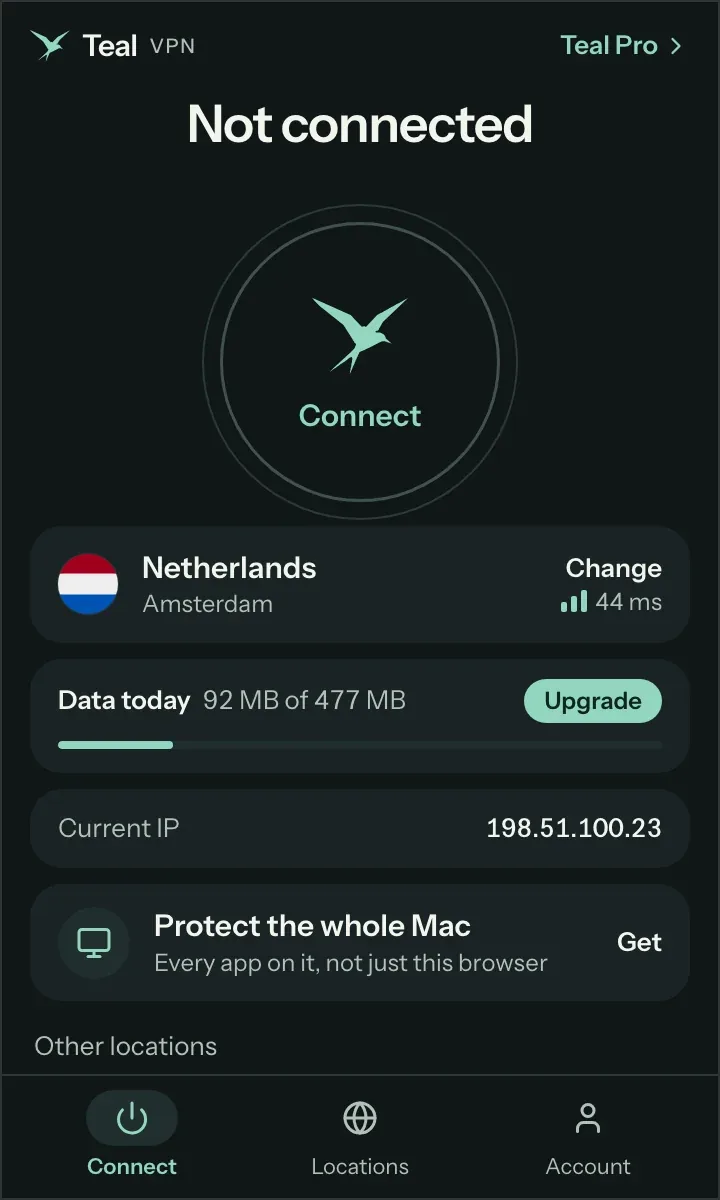
If you only need a VPN for a site or two, the Chrome, Edge or Firefox extension from Teal VPN is the quickest temporary VPN: it adds in under a minute and removes just as fast.
The limit is scope. An extension covers only the browser it lives in; email apps, games and system updates still use your normal connection. For a laptop you are about to put on hotel Wi-Fi, the desktop app is the safer pick.
Add the extension
Install the Teal VPN extension in Chrome, Edge or Firefox from the browser's extension store.
Sign in with an email
Teal Free asks for an email and nothing else; a Teal Pro login works in the same box.
Pick a country
Choose one of the 14 server countries. The United States is on the list for anyone searching for a temporary VPN with a US address.
Check it from the outside
Open tealvpn.com/ip-leak-test in the same browser. The public IP should show the country you picked and the DNS servers should not belong to your home provider. For a second opinion, dnsleaktest.com runs the same check.
Trials usually want a payment method; a money-back window is the version you can actually cancel
Most VPN trials ask for a payment method before they start, and a money-back guarantee is the same idea run backwards: you pay first and claim the money back within a set window. The practical difference is who has to remember a date.
Teal Pro has a 30-day money-back guarantee on every paid plan, and the checkout takes card, Apple Pay, Google Pay, PayPal or crypto. If one month turns out to be all you needed, ask for the refund inside those 30 days and the temporary VPN cost you nothing in the end.
Teal Free has no clock at all. The 500 MB a day cap is the only limit, so a plan that quietly carries on after your trip costs you nothing and needs no cancelling.
Count your devices before you choose the plan
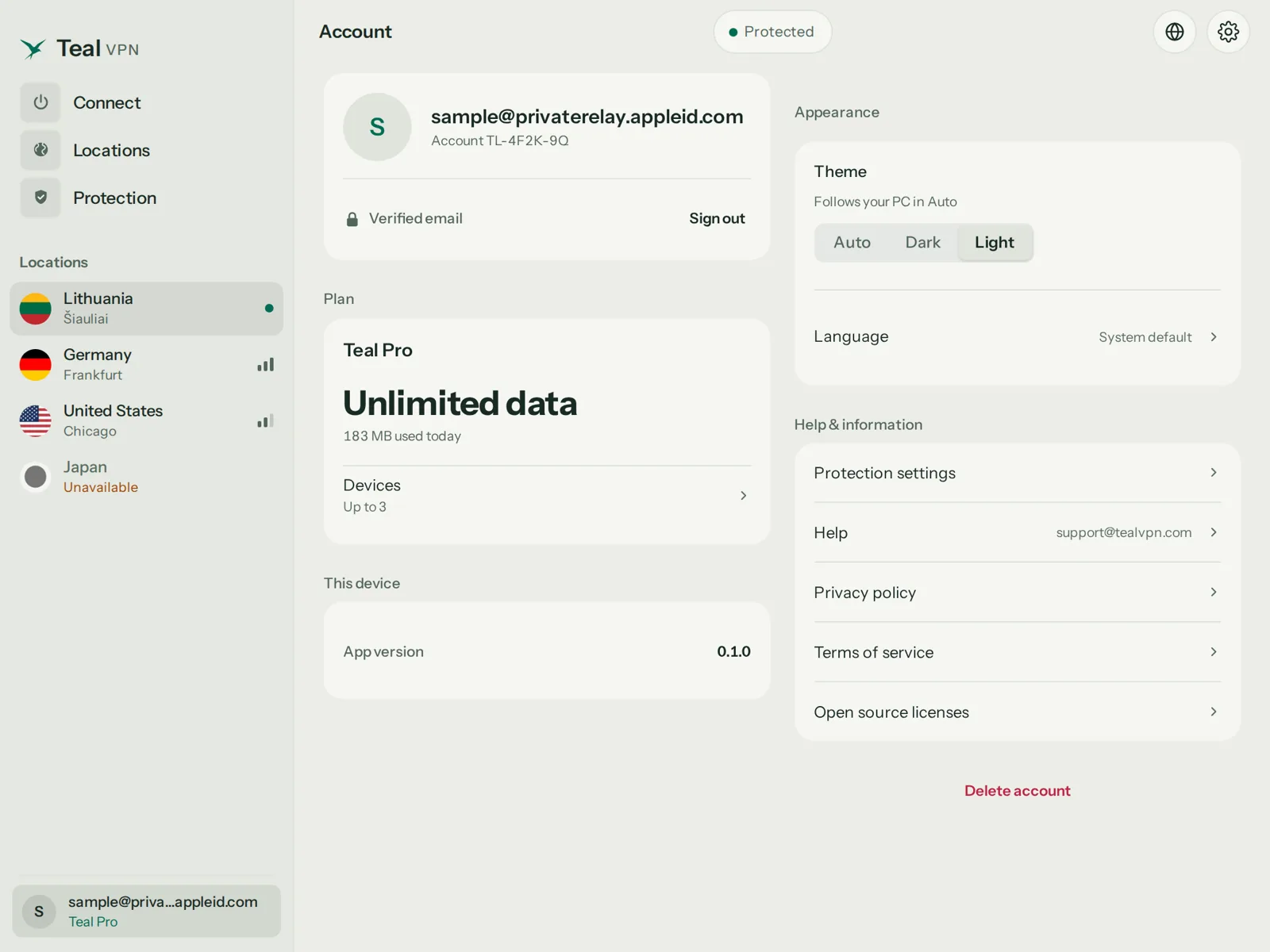
Teal Free covers 2 devices, Teal Pro covers 5 on the monthly and 6-month plans and up to 10 on the yearly plan, checked 6 November 2026. A phone plus a laptop fits any plan; a family's worth of gear needs Pro.
One email runs the whole account, and the same sign-in works in the Android, Android TV, Windows, Mac, Linux and Chromebook apps and the browser extensions. There is no iPhone or iPad app in Teal VPN's line-up as of 6 November 2026, so an iPhone-only traveller needs another provider for that device.
Server countries are the same on every plan: Australia, Canada, France, Germany, Japan, Lithuania, Netherlands, Poland, Singapore, South Korea, Sweden, Switzerland, the United Kingdom and the United States.
| Plan | Devices | Price | Money-back |
|---|---|---|---|
| Teal Free | 2 | $0 | Not needed |
| Teal Pro, monthly | 5 | $7.99 | 30 days |
| Teal Pro, 6 months | 5 | $24 | 30 days |
| Teal Pro, yearly | 10 | $36 ($3.00 a month) | 30 days |
'Temporary' in an error message is a different problem from a temporary VPN
Two searches that land on temporary VPN pages are really error messages: Discord's 'temporary network error' and WSL2's 'temporary failure in name resolution'. Both can show up with a VPN on, and neither is fixed by buying anything.
Discord shows its temporary network error when its link to Discord's servers drops mid-session, which with a VPN usually means the route changed or the server you picked is far away. Disconnect, pick a country closer to you, and reconnect before reopening Discord.
WSL2 writes its own /etc/resolv.conf pointing at the Windows host, and some VPN clients change Windows DNS in a way WSL cannot follow. The usual fix is to set a nameserver yourself in /etc/resolv.conf and turn off generateResolvConf in /etc/wsl.conf. We have not run this with Teal VPN on WSL2 this week, so treat it as the general fix rather than a tested one.
Discord: temporary network error
- Disconnect the VPN, reconnect to a nearer country
- Reopen Discord only after the VPN shows connected
- If it repeats, try the desktop app instead of the browser extension
WSL2: temporary failure in name resolution
- Add generateResolvConf = false under [network] in /etc/wsl.conf
- Write a nameserver line in /etc/resolv.conf
- Run wsl --shutdown from Windows and reopen the distro
Keep reading
References
- Top 7 Safe Options (Proton VPN, Windscribe, Hotspot Shield and more), YouTube
- The 5 fastest no-cost VPNs in 2025, tested for speed and security, YouTube
Need help with Teal? Contact support.
Questions
Is there a temporary VPN I can use for just one day?
Yes. Teal Free runs on 500 MB a day with only an email, so a single day costs nothing and needs no cancelling. If one day needs more than 500 MB, Teal Pro is $7.99 for a month with a 30-day money-back guarantee.
What is the best temporary VPN for travel?
The one you install and test before you leave. For countries with strict networks we would pick a service with obfuscation on every connection, which is what Teal Secure does, while remembering that no VPN is guaranteed to connect everywhere.
Can I get a temporary VPN with a US location?
Yes. The United States is one of Teal VPN's 14 server countries on every plan, including Teal Free, as of 6 November 2026.
Does a temporary VPN need an account?
Teal Free needs an email and nothing else. Trials from other providers often ask for a payment method up front, which is where the 'temporary' plan can turn into a yearly charge.
Can I use a temporary VPN online without installing an app?
A browser extension is the closest thing. Teal VPN has Chrome, Edge and Firefox extensions, but they cover only that browser, not the rest of the device.
How do I check a temporary VPN is actually working?
Open tealvpn.com/ip-leak-test with the VPN on. The public IP should match the country you picked and the DNS servers should not be your home provider's; dnsleaktest.com gives a second opinion.
Why does Discord say temporary network error when my VPN is on?
Discord lost its link to its servers, usually because the VPN route changed or the server is far away. Reconnect to a nearer country and reopen Discord.