A VPN for a MacBook is just a Mac VPN app
Any VPN with a Mac app runs on a MacBook Air, a MacBook Pro or a desktop Mac; nobody sells a separate product called a MacBook VPN. Apple silicon and older Intel Macs both run the same apps, usually from one download that picks the right build for the chip.
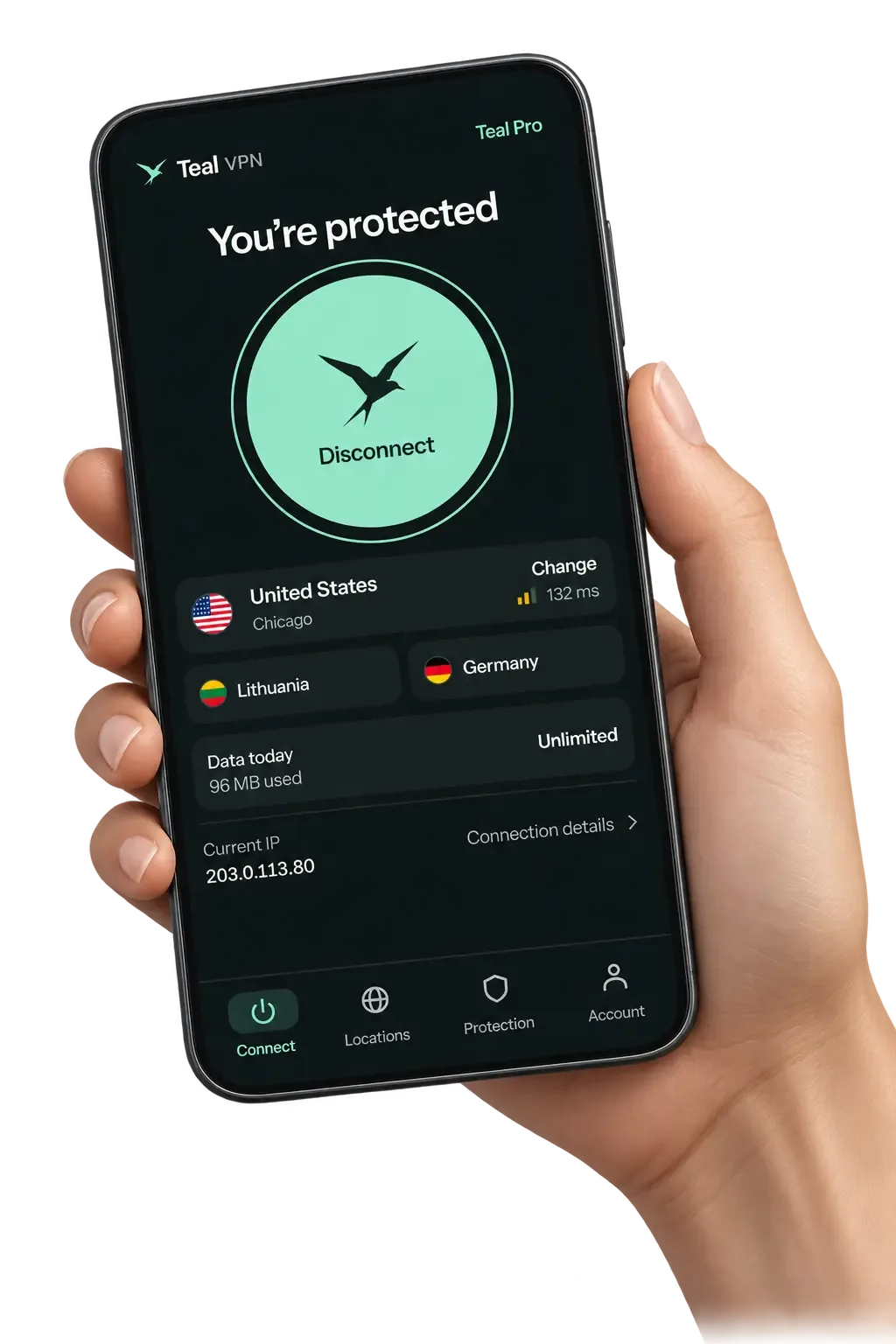
Teal VPN, made by Fxolio LLC in the United States, has a Free plan (500 MB a day) and a Pro plan, with apps for Mac, Windows, Linux, Android, Android TV and Chromebook, plus Chrome, Edge and Firefox extensions. We are a small team, and this page is what we tell friends who ask which VPN to put on a new MacBook.
The one thing macOS does differently from Windows is permission: the first time a VPN app connects, macOS asks you to allow it to add VPN configurations. Click Allow once, type your Mac password if asked, and it never asks again. We think most people over-worry about everything after that prompt.
Which VPN to use on a MacBook: four honest options
For most people the best VPN for a MacBook is a paid app with a Mac build and a money-back window, because you can test it on your own network and walk away; the built-in macOS client only helps if someone hands you server details.
Here is how the usual options compare as of October 2026. Teal VPN is our own product, so read that row with that in mind; Proton VPN and Windscribe are in the table because people ask about them next to Teal, and we have not measured their limits ourselves.
One honest limit applies to every row: no VPN is guaranteed to connect on every network, including Teal VPN. Pick one you can cancel inside 30 days and test it where you actually open the MacBook.
| Option | What you get on a Mac | Cost (October 2026) | Watch out for |
|---|---|---|---|
| macOS built-in client (System Settings > VPN) | Standard protocols, nothing to install | No charge | Needs a server address and login from whoever runs the VPN; no country list to pick from |
| Teal VPN Mac app | Teal Secure obfuscation on every connection, 14 server countries, automatic route switch | Free plan: 500 MB a day. Pro: $7.99 a month, $24 for six months, $36 a year; 30-day money-back | 14 countries only; no streaming guarantees |
| Proton VPN Mac app | Mac app with a Free plan and paid tiers | Free plan; paid prices on protonvpn.com | Free plan limits change; check them before relying on it |
| Windscribe Mac app | Mac app with a Free plan and paid tiers | Free plan; paid prices on windscribe.com | Same caution: check the current Free plan limits |
Which VPN has a Free plan for a MacBook Air
Teal Free gives a MacBook Air 500 MB a day on up to 2 devices and asks for nothing beyond an email address, as of October 2026; Proton VPN and Windscribe also ship Mac apps with a Free plan.
Our rough rule for 500 MB a day: email, banking and an hour or so of ordinary browsing on a café network, yes; video, no. We have not run a timed test of how far the cap stretches on a MacBook Air for this page, so treat that as a rule of thumb rather than a measurement.
The Free plan includes Teal Secure, the same obfuscation the Pro plan uses, so a MacBook Air on a strict network takes the same connection path as a paying user. The 14 server countries are the same list on Teal Free and on Pro.
- 500 MB a day
- Teal Free data allowanceas of October 2026
- 2
- devices on Teal Free
- 14
- server countriessame list on Teal Free and on Pro
How to get a VPN on a MacBook in five steps
Installing a VPN on a MacBook takes about five minutes: download the Mac app from the provider's own site, allow the single macOS permission prompt, sign in and connect.
The steps below use Teal VPN's Mac app from tealvpn.com, but the macOS permission dialog and the menu bar icon behave the same way for any VPN app.
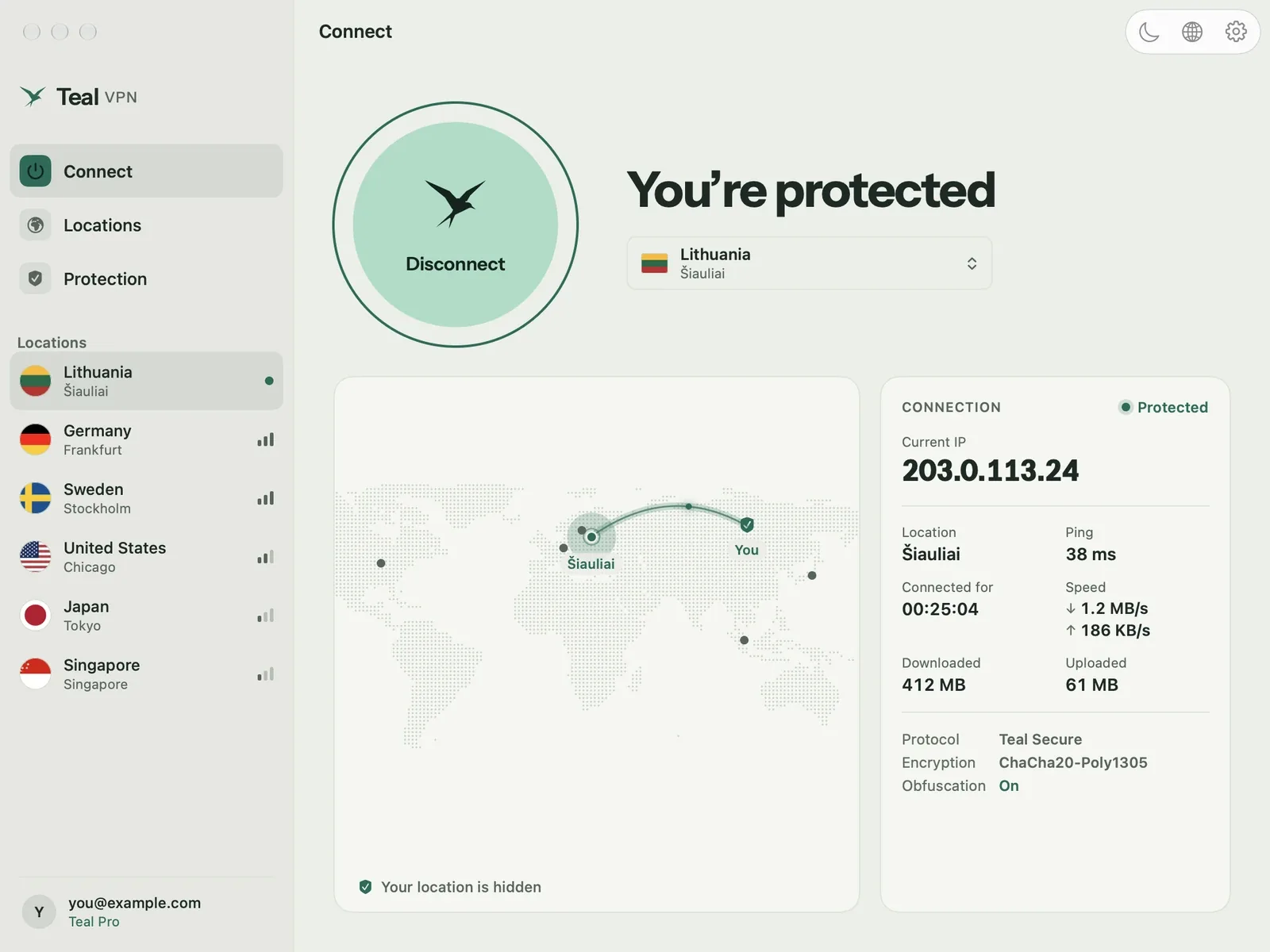
Download the Mac app from the provider's site
Get it from tealvpn.com (or the maker's own site for another VPN), never from a third-party download portal. The download is a .dmg disk image.
Open the .dmg and drag the app to Applications
Double-click the image, drag the Teal VPN icon onto the Applications folder, then eject the image from the Finder sidebar.
Allow the VPN configuration
On first connect macOS shows a dialog asking to add VPN configurations. Click Allow and enter your Mac password if it asks. This is the step people skip and then wonder why nothing connects.
Sign in
Teal Free needs only an email address. Pro users sign in with the same account they bought with.
Pick a country and connect
Choose one of the 14 countries and click Connect. The menu bar icon shows the connected state; close the window and it keeps running.
How to turn off or change the VPN on a MacBook
To turn off a VPN on a MacBook, click Disconnect in the VPN app or flip the toggle under System Settings > VPN; to change the VPN server, pick a different country in the app and reconnect.
System Settings > VPN lists every configuration apps have added to your Mac. The toggle there disconnects it; the minus button removes a profile you no longer want, which is the cleanest way to clear out an old VPN after you delete its app.
If the toggle turns itself back on, some apps have an always-on or kill-switch setting that re-connects on purpose. Turn that setting off inside the app first, then disconnect.
Turn it off
- Click Disconnect in the app
- Or System Settings > VPN, flip the toggle
- Quit the app from the menu bar if it keeps reconnecting
- Delete the profile with the minus button to remove it for good
Change it
- Open the app and pick another country
- Reconnect; the menu bar icon updates
- To switch apps, remove the old profile under System Settings > VPN first
- Run the leak test again after switching
What a VPN on a MacBook costs
A VPN for a MacBook costs anywhere from nothing on a Free plan to about $8 a month; Teal VPN Pro is $7.99 monthly, $24 for six months or $36 a year ($3 a month), with 30 days money-back, as of October 2026.
The pattern to watch across the market is an intro price that rises at renewal. Read the renewal line in the checkout, not the banner, before you commit to a long plan.
Teal VPN Pro covers 10 devices on the yearly plan and 5 on the monthly and six-month plans, so one plan covers a MacBook, a phone and a TV. You can pay by card, Apple Pay, Google Pay, PayPal or crypto.
- $3
- a month on the yearly plan$36 billed yearly
- $7.99
- monthly plan
- 30 days
- money-back window
- 10
- devices on the yearly plan5 on monthly and six-month
Check the VPN is really working on your Mac
The connected tick in the menu bar is not proof; open Teal VPN's leak test at tealvpn.com/ip-leak-test and confirm that both the public IP and the DNS servers belong to the VPN country, not your home internet provider.
The test needs no sign-in and works with any VPN, not only Teal VPN. For a second opinion, dnsleaktest.com runs the same kind of check from another company's servers.
On strict networks that restrict VPNs, Teal Secure keeps every connection obfuscated and the automatic route switch tries other routes by itself when a network closes one. Even so, no VPN connects on every network; a hotel or campus router can drop everything it does not recognise, and a phone hotspot is the last resort.
- Public IP on tealvpn.com/ip-leak-test shows the VPN country
- DNS servers on the same page are not your home provider's
- The menu bar icon stays connected after you close the app window
- Result is the same on the network you actually use, not only at home
Keep reading
References
- Virtual private network (VPN) security - Apple Platform Security
- VPN overview for Apple device deployment - Apple Support
- How to Install Best VPN for Mac to Protect Yourself Online - Troypoint
Need help with Teal? Contact support.
Questions
Is a VPN for a MacBook Air different from one for a MacBook Pro?
No. Both run the same macOS apps; the difference is only the chip and the screen. Any VPN with a Mac app works on either.
What is the best Free plan VPN for a MacBook Air?
Teal Free gives 500 MB a day on 2 devices with only an email address, and includes Teal Secure obfuscation, as of October 2026. Proton VPN and Windscribe also have Mac apps with a Free plan; check their current limits on their own sites.
Does a MacBook have a built-in VPN?
macOS has a built-in VPN client under System Settings > VPN for standard protocols, but it needs a server address and login from whoever runs the VPN. It is not a service with countries to pick from.
How do I turn off the VPN on my MacBook?
Click Disconnect in the VPN app, or open System Settings > VPN and flip the toggle. To remove a VPN completely, delete its profile there with the minus button after deleting the app.
How do I change the VPN on my MacBook?
To change server, pick another country in the app and reconnect. To change provider, remove the old profile under System Settings > VPN, install the new app and allow its configuration prompt.
Does Proton VPN work on a MacBook?
Yes, Proton VPN has a Mac app, including on its Free plan. We have not measured its limits ourselves, so check protonvpn.com for the current figures.
Will a VPN slow down my MacBook?
A little, because traffic takes a longer path and gets encrypted. We have not run a timed speed test on Apple silicon for this page, so we will not quote a number; try the 30-day money-back window and measure on your own connection.