Ping is the round trip to a server, measured in milliseconds
Ping is the time a small packet takes to travel from your device to a server and back, measured in milliseconds (ms).
Latency is the delay itself; a ping test is how you measure it. People use the two words for the same thing, and for gaming, calls and streaming that is fine: you want both low.
Distance sets the floor. A packet to a server across an ocean cannot come back as fast as one to a server in the next state, no matter how fast your plan is. Devolo's guide puts the base latency on a normal cable or DSL line at 20 to 30 ms and satellite internet at around 700 ms, because the signal goes to space and back.
- 20–30 ms
- base latency on a cable or DSL lineDevolo guide, as of November 2026
- ~700 ms
- typical satellite internet latencythe packet goes to orbit and back
- 100–150 ms
- one human blinka 100 ms ping is a blink of delay on every action
What counts as a good ping
Under 50 ms is good for almost everything online; under 20 to 30 ms is ideal for competitive games.
The three provider guides we read for this page draw the lines a little differently, so treat the table as a range, not a rulebook. Ezee Fiber calls 10 to 25 ms ideal, Devolo says under 20 ms, and IQ Fiber says under 30 ms is excellent.
Our opinion: most people over-worry about a ping of 30 to 50 ms and under-worry about Wi-Fi jitter. A steady 45 ms feels better than a number that bounces between 20 and 90.
| Ping | Gaming | Video calls and streaming |
|---|---|---|
| Under 30 ms | Ideal; shooters and fighting games feel instant | No noticeable delay |
| 30–50 ms | Good; most players will not notice | Smooth |
| 50–100 ms | Playable; fast shooters start to feel off | Fine for calls; live streams show a small delay |
| 100–150 ms | Noticeable delay in every game | Pauses and talking over each other on calls |
| 150 ms and above | Laggy and frustrating | Calls and live video stutter |
Check your ping before you change anything
Measure first, because the fix depends on where the delay comes from.
The quickest readout is the in-game counter: Valorant, League of Legends, Roblox, CS2 and most shooters show ms in the settings or on the scoreboard. For a second opinion, use the ping command built into Windows, Mac and Linux.
Read the in-game number
Turn on the network stats overlay in the game settings. Note the ping while the house is quiet and again while someone else is streaming; the difference is how much of your problem is congestion.
Ping your own router
Open a terminal and ping the router address printed on its label or shown in its app. A high or jumpy number here means the problem is inside your home (Wi-Fi, cable or router), not the internet.
Ping the game server region
Many games list the ms per region in the server picker. Compare two regions. If both are high, the problem is on your side; if only one is high, that region's route is congested.
Check which DNS servers answer you
Teal VPN's leak test at tealvpn.com/ip-leak-test shows your public IP and the DNS servers answering your lookups, with no sign-in. DNS does not change your ping inside a match, but a slow resolver makes every page load and server list feel laggy.
Why your ping is high
High ping almost always comes from one of five things: Wi-Fi interference, a busy home network, distance to the server, old hardware, or a congested provider line.
Cable and DSL lines share capacity with the neighbourhood, so ping climbs in the evening when everyone streams. IQ Fiber makes this point to sell fiber, and the point is still true: fiber lines are not shared the same way, which is why they hold a steadier ping at peak hours.
Security software that scans every packet adds a few ms of its own. So does a router that is years old and running out of memory.
- Ping jumps the moment someone in the house starts a video or a download
- The number is fine on a cable and bad on Wi-Fi
- Every server region shows a high number, not just one
- Ping is fine in the afternoon and climbs in the evening
- The router has not been restarted in weeks
Ways to lower ping, in the order we would try them
Start with a cable, then the server choice, then the router; those three fix most high-ping cases in minutes.
Test after each change. If you do all seven at once you will never know which one mattered, and the next time it happens you start from zero.
Do
- Test after each change so you know which one worked
- Keep the cable even if the Wi-Fi seems fine today
- Play on the region the game reports as lowest, not the one that looks closest
Don't
- Buy a faster plan expecting lower ping; bandwidth and latency are different things
- Turn security software fully off
- Stack several ping-boosting apps; each one adds its own hop
Plug in an Ethernet cable
Wi-Fi adds delay and jitter from walls, microwaves and the neighbours' networks. A cable from the router to the PC or console removes all of that at once. Every guide we read lists this first, and we agree.
Move closer or change the band if you must stay wireless
Put the console or laptop in the open, within sight of the router, away from the TV and other electronics. On a dual-band router, pick the faster, shorter-range band when the device is in the same room.
Stop the other traffic
Pause downloads, cloud backups and updates on every device, and ask the household to hold the big stream during ranked matches. Disconnecting unused phones and TVs from the Wi-Fi helps too.
Pick the closest server region
Choose the region nearest to you in the game's server menu. If the nearest one is crowded at peak time, a slightly farther region with less traffic can show a lower number; trust the ms the game reports, not the map.
Restart the router, then turn on QoS
Power the router off for a minute and back on. Then look for Quality of Service in its settings and give the console or gaming PC priority, so a backup on another laptop cannot push your packets to the back of the queue.
Add the game as an exception in security software
Antivirus and packet-scanning tools inspect traffic as it leaves. Add the game to their exception list instead of turning protection off.
Replace old gear or change line type
If every region is high at every hour, the router, modem or the line itself is the limit. A newer router is the cheap fix; a fiber line is the expensive one, and it is the only one that changes the floor.
How to improve ping on PS5, Xbox, PC and inside specific games
The fixes are the same on every platform; what differs is where the ping shows and which setting to touch first.
We build Teal VPN's apps for PCs, Android and Chromebook, not consoles, and we did not have a PS5 or Xbox to test with for this page, so the console rows describe the common fixes rather than our own timing runs.
| Platform or game | Where the ping shows | First thing to change |
|---|---|---|
| PC (Windows, Mac, Linux) | In-game overlay or the ping command | Ethernet cable, then close background updaters |
| PS5 and PS4 | Connection test in the network settings | Wired LAN port, then the nearest region in the game |
| Xbox | Network statistics in the settings | Wired port, then QoS priority on the router |
| Valorant, CS2, League of Legends | Scoreboard or network stats overlay | Region selection; these games punish 100 ms and above |
| Roblox | Network stats in the in-game menu | Join a different server for the same experience |
| Minecraft servers | Ping bars in the server list | Pick a server hosted on your continent |
Does a VPN improve ping?
A VPN usually adds a few milliseconds, because your traffic takes a detour through the VPN server before it reaches the game.
Teal VPN, made by Fxolio LLC, has a Free plan (500 MB a day) and a Pro plan, with apps for Android, Windows, Mac, Linux, Android TV and Chromebook. Teal Secure makes every connection obfuscated on every plan, and the app tries other routes by itself when a network closes one; that extra wrapping costs a little ping, and we say so plainly.
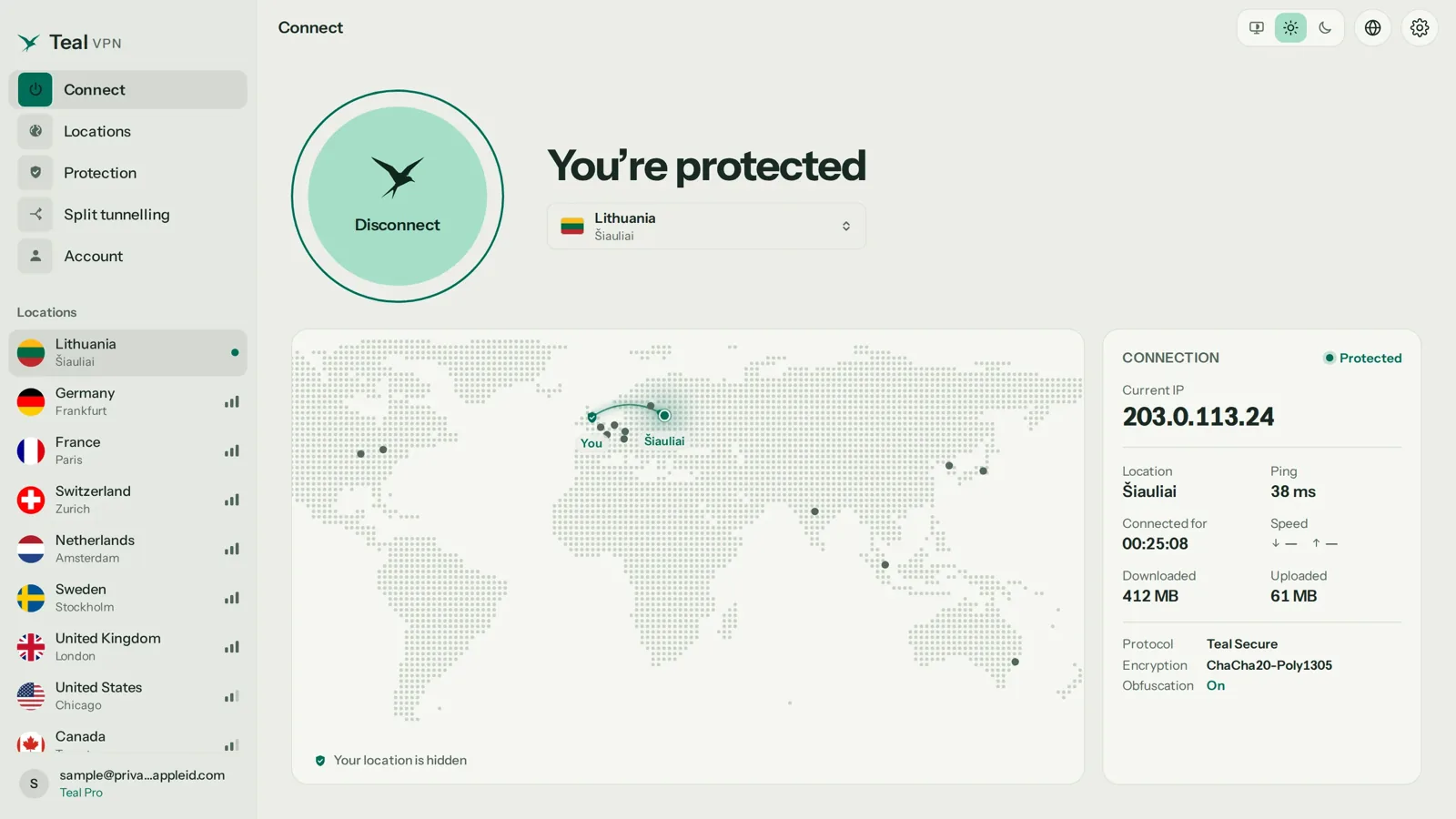
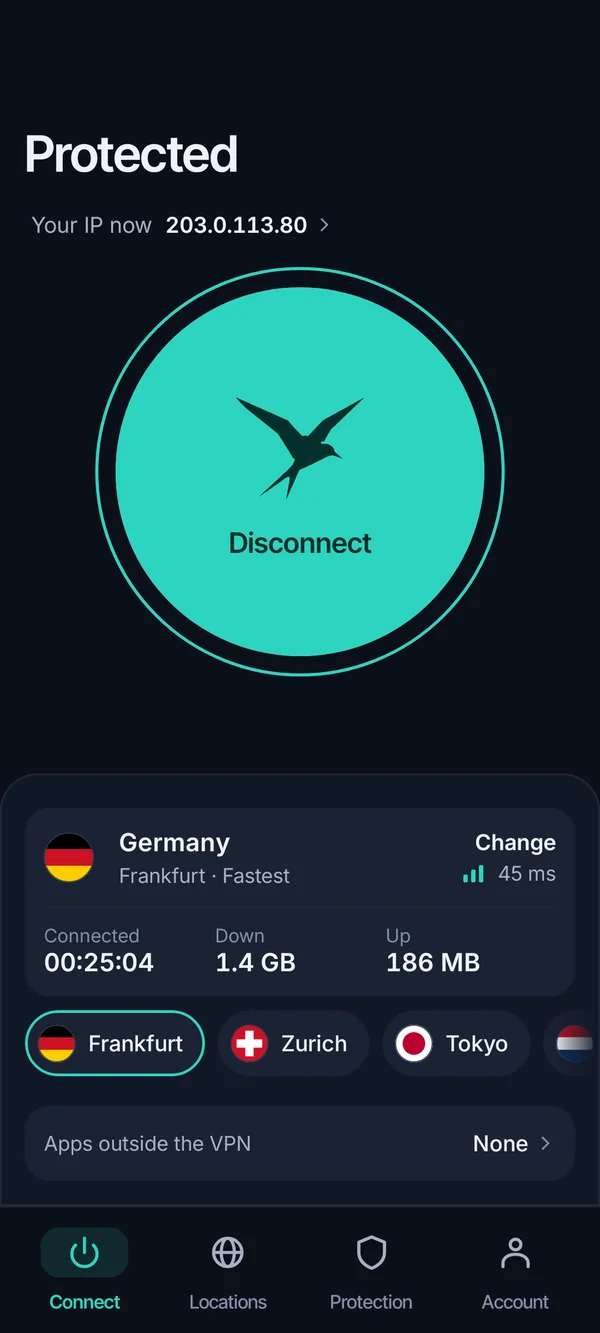
The one case where a VPN lowers ping is a poor provider route: your packets go the long way round to the game's region and the VPN's path is shorter. Test it: note the in-game ms, connect to the Teal server in your own country (the United States for most readers here), and compare. If the number went up, turn the VPN off for gaming and keep it for everything else. No VPN is guaranteed to lower ping, or to connect on every network.
- $3.00 a month
- Teal Pro on the yearly plan ($36 a year)monthly $7.99, six months $24; 30-day money-back; card, Apple Pay, Google Pay, PayPal or crypto
- 500 MB a day
- Teal Free, 2 devices, an email is all it asks
- 14
- server countries on every planas of 1 November 2026
Keep reading
References
- How to Lower Ping in 6 Easy Steps (Ezee Fiber)
- Latency explained simply: How to improve your ping (Devolo)
- What Exactly Is Ping, And How Do You Fix It? (IQ Fiber)
- How to lower ping? (r/HomeNetworking)
Need help with Teal? Contact support.
Questions
How do I improve ping on Wi-Fi?
Move the device within sight of the router, away from other electronics, and disconnect devices you are not using. If the number is still high, a cable to the router beats any Wi-Fi tweak.
Does a faster internet plan lower ping?
Usually not. Bandwidth is how much data moves per second; ping is how long one packet takes to get there and back. A plan upgrade only helps if the line was saturated; switching from cable or DSL to fiber does lower the floor.
How do I improve ping speed?
Ping is a time, not a speed, so lower is better. The same fixes apply: cable, nearest server, fewer devices on the network, router restart.
What ping is good for Valorant or League of Legends?
Under 30 ms feels instant and 30 to 50 ms is fine for ranked. Above 100 ms you will notice every delay, so choose the region the client reports as lowest.
Why does my ping spike at night?
Cable and DSL lines are shared with the neighbourhood, so evening streaming raises everyone's latency. QoS on your router helps inside the house but cannot fix congestion on the provider's line.
Will a VPN lower my ping?
Usually it adds a few ms. It helps only when your provider's route to the game is poor. Test with the Teal VPN server in your own country and compare the in-game number with the VPN on and off.
Does restarting the router actually help?
Yes, often. Routers collect stale connections and memory use over weeks, and a restart clears them. If the ping comes back within a day, the router is the weak part.