The Wi-Fi owner sees which sites your phone talks to, not what you do there
Whoever controls the router can see the domain names your phone contacts (reddit.com, youtube.com, tiktok.com), the time of each connection, how long it lasted and how many bytes it moved. That applies to apps as much as to the browser, because an app talks to a domain the same way a browser does.
What they get depends on the router. A home router usually shows a device list with the phone's name, model and MAC address, plus a basic log. Office and hotel gear often adds per-device traffic reports grouped by site or app category.
On the rare site that still uses plain HTTP, the owner can read everything: the exact page, the words in a form, the content on screen. Almost every site your phone touches in 2026 uses HTTPS, so this case is now the exception.
| Item | Visible to the Wi-Fi owner? | Why |
|---|---|---|
| Domain names (youtube.com, reddit.com) | Yes | DNS lookups and connection records pass through the router |
| Exact pages and articles | No, on HTTPS | The page path travels inside the encrypted connection |
| Search terms | No, on HTTPS | Only the search engine's domain is visible |
| Passwords, card numbers, form data | No, on HTTPS | Encrypted between your phone and the site |
| Messages in end-to-end encrypted apps | No | Encrypted on the phone before they leave it |
| Connection times and session length | Yes | The router keeps timestamps per device |
| Data used per device | Yes | Routers count bytes for every connected device |
| Phone name, model, MAC address | Usually | Shown in the router's device list |
| Everything, including page content | Yes, on plain HTTP | No encryption at all |
Your search terms stay private, but the site you click on does not
A Wi-Fi owner can see that your phone visited google.com or duckduckgo.com, not what you typed, because the search page is served over HTTPS. The query is part of the encrypted request.
The gap is the next tap. The moment you open a result, your phone looks up that site's domain and connects to it, and both steps are visible to the router. A list of domains visited at 11:42 pm often tells the story well enough without the search words.
The same applies to in-app search. Searching inside YouTube or Reddit stays inside an encrypted session; the router only sees youtube.com or reddit.com.
as soon as you actually click on a link that takes you away from the search engine (like a website that's listed in the search results), the WiFi owner can see that you've visited that site.
Proton VPN blog, internet-history-wifi
DNS is how the owner sees domains, and you can check it in a minute
Most of what a Wi-Fi owner learns comes from DNS: every time your phone wants reddit.com, it asks a DNS server for the address, and on a typical network that server is the router itself or one the owner picked. Those lookups are plain text and easy to log.
Teal VPN's leak test at tealvpn.com/ip-leak-test shows which DNS servers are answering your phone's lookups and the public IP you present to websites. It needs no sign-in and works with any VPN or none. As a second opinion, dnsleaktest.com runs a similar check.
Even with encrypted DNS turned on in the phone, the first packet of an HTTPS connection still carries the site's hostname in the clear, so a careful owner can still list domains. Encrypted DNS narrows the view; it does not close it.
Open the leak test on the Wi-Fi in question
On your phone, connected to that network, open tealvpn.com/ip-leak-test and wait for the DNS section to fill in.
Read the DNS line
If the DNS server shown is a private address like 192.168.x.x, or belongs to the network's internet provider, the router is answering your lookups and the owner can read every domain you request.
Turn on a VPN and reload
With a VPN connected, the DNS servers and the public IP should both change to ones run by the VPN. If the old DNS server still appears, the VPN is leaking and the owner still sees your domains.
Incognito mode and deleting history change nothing on the router
Incognito, private tabs and clearing history only affect the copy stored on your phone. The router's log is a separate record written as the traffic went through, and only the router's admin can clear it.
Broadlinc, an internet provider that wrote one of the pages on this topic, puts it well: deleting your history is like deleting your Sent folder. The message already arrived.
Incognito is still useful for one thing: it keeps logins and cookies out of the next person who borrows your phone. It is a device feature, not a network one.
Café, hotel and airport Wi-Fi logs more and may sell it
Public networks are the ones most likely to record and use your browsing. Many run a sign-in gateway that asks for an email or a room number, which ties the domain list to a real person rather than to an unnamed phone.
Proton VPN's guide notes that many public Wi-Fi operators sell this data to advertising and analytics companies, and that the long terms page you accept at sign-in usually grants them permission to do so.
A second risk is that you cannot tell who runs the router. A network named after the café may belong to the café, or to someone at the next table who set up a lookalike. Either one sees the same domain list.

- Before you sign in: does the portal ask for an email, phone number or room number?
- Is the network name the one printed on the café's sign, not a near match?
- Is Wi-Fi auto-join on? Turn it off so the phone does not reconnect without you noticing.
- Can you use mobile data for the sensitive bit instead? Your carrier sees it, the café does not.
- Did the leak test show the VPN's DNS servers after you connected?
Parents, employers and schools see the same list, with better tools
A parent who owns the router can see the same domains and times as any Wi-Fi owner, and parental-control routers and apps present that list as a tidy per-device report with a search box.
An employer's or a school's network usually goes further: a gateway that logs every domain per user account, keeps the logs for months and sometimes installs a certificate on managed devices that lets it read inside HTTPS. That certificate trick only works on devices the organisation manages, not on a personal phone that merely joined the Wi-Fi.
On a personal phone on such a network, the realistic exposure is the domain list, the timestamps and the data volume. Check the acceptable-use policy; it normally says exactly what is kept.
Your carrier, the sites you visit and a hacked router can also see where you go
The Wi-Fi owner is one of several parties with a view of your browsing, and some of them see more. The table below is as of October 2026.
Other ordinary users on the same Wi-Fi are not on the list. As Proton VPN explains, each phone's link to the router is separate, so the person at the next table cannot read your traffic unless they control the router or the network has been set up badly.
| Who | What they can see | Does a VPN change it? |
|---|---|---|
| The Wi-Fi owner or admin | Domains, times, data used, device details; full content on plain HTTP | Yes: they see one encrypted stream to the VPN server |
| Your home ISP or mobile carrier | Domains, times, data used, from any network you use via them | Yes: same single encrypted stream |
| Someone who has taken over the router | Everything the owner sees, plus the ability to alter plain HTTP pages | Yes for reading; HTTPS already stops most tampering |
| The websites and apps you use | Everything you do inside them, tied to your account | No: a VPN only changes the IP address they see |
| The VPN provider | Domains and times, in place of the Wi-Fi owner | Depends on its logging policy; Teal VPN keeps no browsing logs |
| Other people on the same Wi-Fi | Nothing, on a normally configured network | Not needed |
A VPN moves the visibility from the Wi-Fi owner to the VPN provider
With a VPN on, the router sees one encrypted connection to one server and nothing else: no domains, no DNS lookups, no per-site times. The VPN provider is now the party that could see those things, so its logging policy matters more than the Wi-Fi owner's.
Teal VPN, made by Fxolio LLC, has a Free plan (500 MB a day, 2 devices, nothing more than an email to sign up) and a Pro plan, with apps for Android, Android TV, Windows, Mac, Linux and Chromebook plus Chrome, Edge and Firefox extensions. As of 27 October 2026, Pro is $7.99 a month, $24 for six months or $36 a year, with a 30-day money-back period, servers in 14 countries and no browsing logs. Every connection uses Teal Secure, which disguises VPN traffic so it looks like ordinary HTTPS; on networks that restrict VPNs the app tries other routes by itself when one is closed. No VPN is guaranteed to connect on every network.
We think most people over-worry about search terms, which were already safe, and under-worry about the domain list with timestamps, which is the thing a VPN actually removes from the router. We have not yet tested the Teal VPN app on iOS; the leak test page works on any phone browser.
Also helps
- Stay on HTTPS sites; the padlock means pages and forms are encrypted
- Use mobile data for the sensitive part
- Turn off Wi-Fi auto-join
- Turn on encrypted DNS in the phone's network settings
Does not help
- Incognito or private tabs
- Clearing history or cookies on the phone
- Changing the phone's name in Wi-Fi settings
- Trusting a network because its name looks official
Install the app and sign in
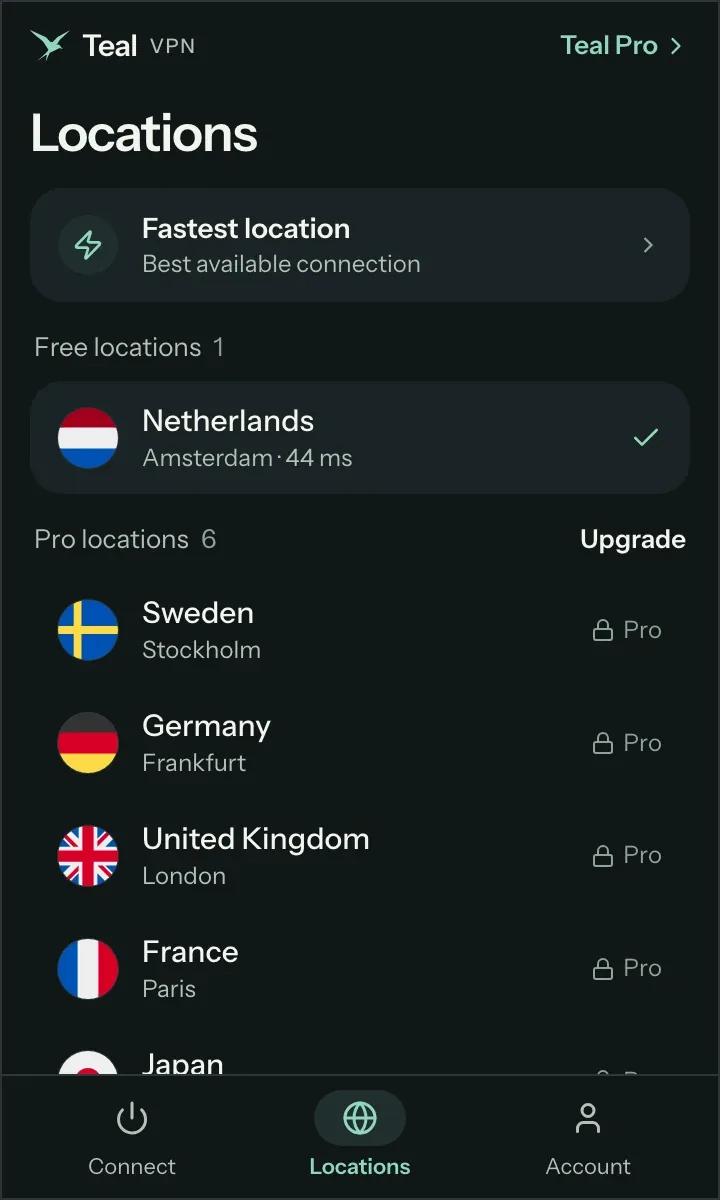
On Android, install Teal VPN from Google Play. Teal Free asks only for an email address.
Connect once, then check
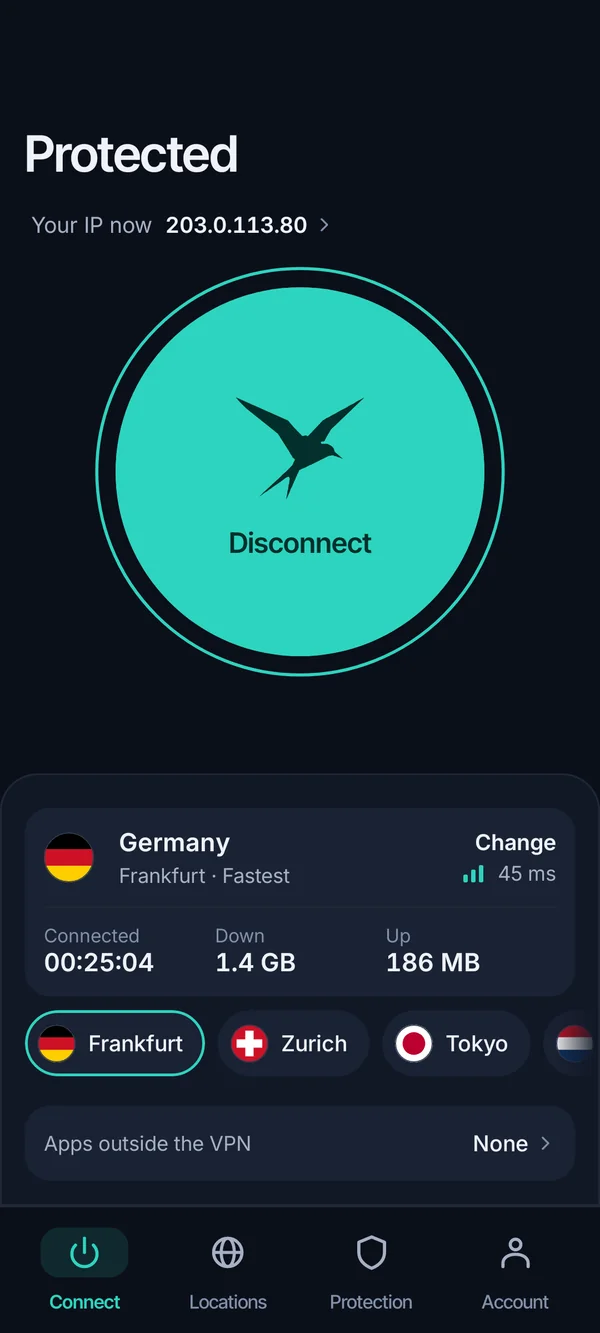
Tap connect, then open tealvpn.com/ip-leak-test. The public IP and DNS servers should now belong to Teal VPN, not the router or the ISP.
Leave it on for the whole session
The router logs every minute the VPN is off. Reconnect before opening anything you would rather keep to yourself.
Keep reading
References
- Proton VPN: Can someone see my internet history if we use the same WiFi?
- Surfshark: Can Wi-Fi owners see what sites you visit on your phone?
- Broadlinc: Can a WiFi owner see what sites I visited in incognito mode?
Need help with Teal? Contact support.
Questions
Can the Wi-Fi owner see what sites I visit on my phone?
Yes, the domain names, when you visited them and how much data moved. On HTTPS sites they cannot see the pages, search terms, passwords or messages.
Can a Wi-Fi owner see my search history?
Not the words you searched; those travel inside the search engine's encrypted connection. They can see that you used the search engine and every site you opened afterwards.
Can the Wi-Fi owner see my deleted history?
Deleting history on the phone does not touch the router's log, which was written as the traffic passed through. Only the router's admin can clear that log.
Does incognito mode stop the Wi-Fi owner from seeing sites I visit?
No. Incognito only keeps the history, cookies and logins off your phone. The router still records the domains and times.
Can someone see my phone activity through Wi-Fi if they are just on the same network?
Normally no. Each phone's link to the router is separate, so another user cannot read your traffic unless they control the router or have tampered with the network.
Does a VPN stop the Wi-Fi owner from seeing my sites?
Yes, as long as it is connected and not leaking DNS. The router then sees one encrypted stream to the VPN server. Check with Teal VPN's leak test at tealvpn.com/ip-leak-test.
Can a Wi-Fi owner see what I do in apps?
They see the domains the app contacts (for example tiktok.com) and the data used, not the content, because mainstream apps encrypt their traffic.